Captions Logo
Captions
Video Editing

This AI video editor turns text to video with simple commands and intuitive AI editing tools.
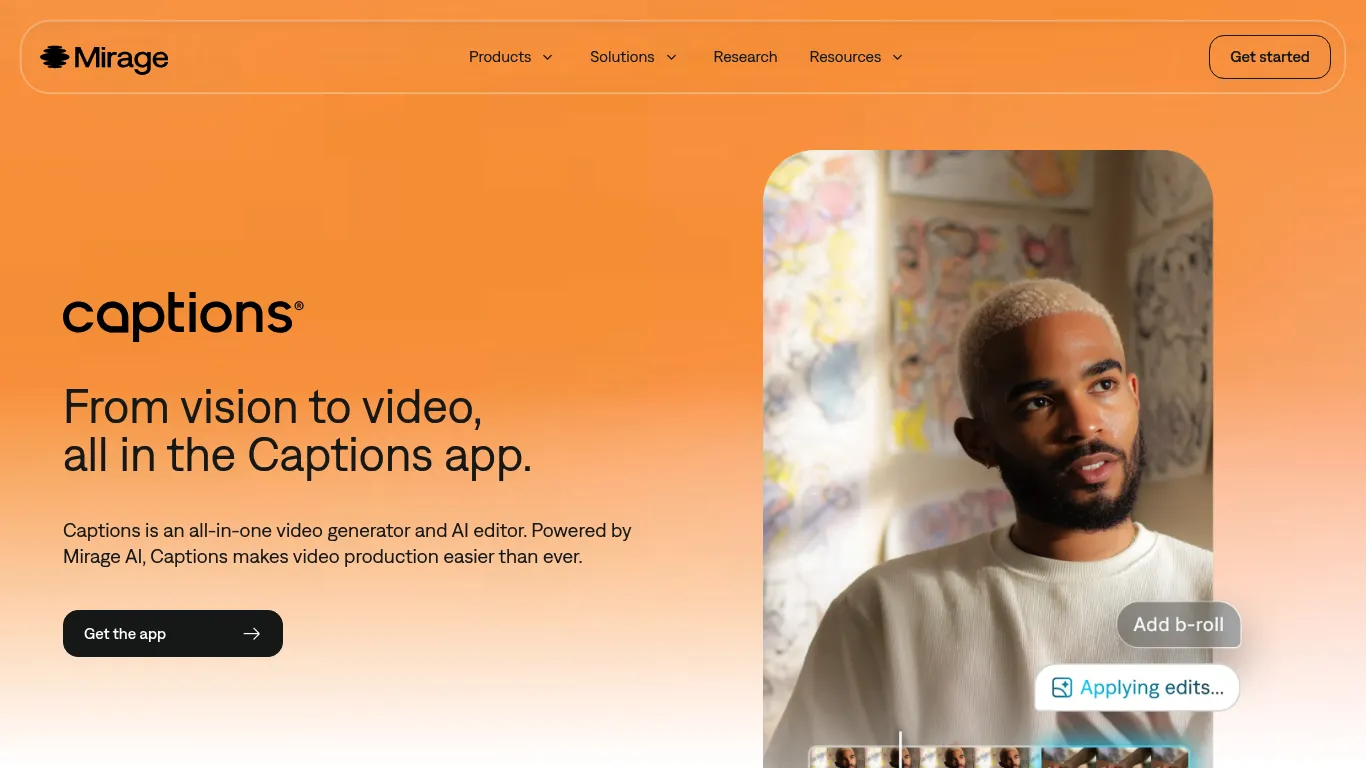
Captions Screenshot

Captions Review

Video Tools All Categories
DEAL%
2.8 /5
Captions Video Editing scored 2.8 out of 5 Points in the Video Tools Tools category. See how we rate πŸ”Ž
This AI video generator uses a proprietary model trained on the style and pacing of short-form social videos. It delivers better, more realistic footage. Use the conversational, chat-based editor to turn text into edits. Just type an editing idea, and AI does it. It can add music, change timing, swap aesthetics, and more.

Main Focus

Content Creation

Made for

Influencer;Social Media Manager;Startups;Small Business;E-Commerce

Supported Platforms

Facebook;Instagram;LinkedIn;TikTok;YouTube
πŸ“’
Sponsored

Key Features

AI Video Generation - Generates videos from text using simple commands and intuitive AI editing tools; AI Twin Generation - Creates an AI twin from a selfie for use in future videos with customizable outfits and settings; Chat-Based Editing - Edits videos using text prompts in a chat interface, allowing for changes like adding music or adjusting timing; Automatic Captions/Subtitles - Automatically generates and syncs captions/subtitles with high accuracy, supporting customization and multiple languages; AI-Powered Quick Fixes - Uses AI to fix eye contact, remove background noise, and resize assets in filmed footage

Pricing

Free sign-up with limited access; paid subscription plans unlock all capabilities and professional quality videos.
Video generator; AI editor; Text to video; AI twin; Chat-based editing; AI captions
Get tool updates, deals & reviews

Join our newsletter for fresh tool discoveries, hand-picked deals and practical reviews for creators, marketers and growth teams.

Tool Info

Listed since
Last updated
Vendor Mirage
Verified FALSE

Disclosure: This page may contain affiliate links. If you use these links to buy something we may earn a commission to keep this service free for you. This does not affect our ratings. See Affiliate Disclosure.

What can Captions do and why should you use it?

This tool is designed to remove the heavy lifting, so an entire video can be created in one app. It handles everything from start to finish, so there is no need to edit by hand again. Once a video is uploaded or recorded, it automatically edits and stylizes the video with custom zooms, B-roll, music, and transitions. The simple editor allows for any tweaks, but the time-consuming and specialized tasks are handled automatically. It is designed for content creators and small businesses that want to make more polished videos, fast. It guides through suggested edits with its AI editor, empowering to make any video, regardless of expertise. With this tool, subtitles are automatically generated. It transcribes audio with high accuracy, then syncs the text perfectly with the video timeline. The style, color, font, and placement of subtitles can be customized. It also supports multiple languages, so subtitles can be translated instantly for a global audience.

Which Support is available?

The website offers FAQs addressing common questions, such as editing capabilities, app availability, pricing, and subtitle generation, providing some level of documentation.

Why should you try it?

Test Captions for its AI-powered video editing, which simplifies video production, generates AI twins from selfies, and offers a chat-based editor for easy modifications.

How does it help you?

Captions automates time-consuming video editing tasks, handling everything from start to finish, eliminating the need for manual editing and delivering results in minutes.
The Social Media Tools Directory

Your Shortcut to the Best Social Media Tools

500+ hand-verified tools, updated every week. Find reviews, side-by-side comparisons, the top courses & communities β€” and never miss a great deal again.

  • 500+ tools β€” reviews & verified ratings
  • Weekly updates & new tool discoveries
  • Side-by-side comparisons & alternatives
  • Exclusive deals & discount codes
  • Top courses & communities curated
  • Newsletter β€” best picks to your inbox

Join the community β€” get updates & discuss tools:

Free to join & explore. Browse the full directory β†’

Built on Unicorn Platform
English πŸ‡ΊπŸ‡ΈπŸ‡¬πŸ‡§
