Crayo Logo
Crayo
AI Video Editor

The platform helps users create engaging content with AI voiceovers, subtitles, and optimized gameplay.
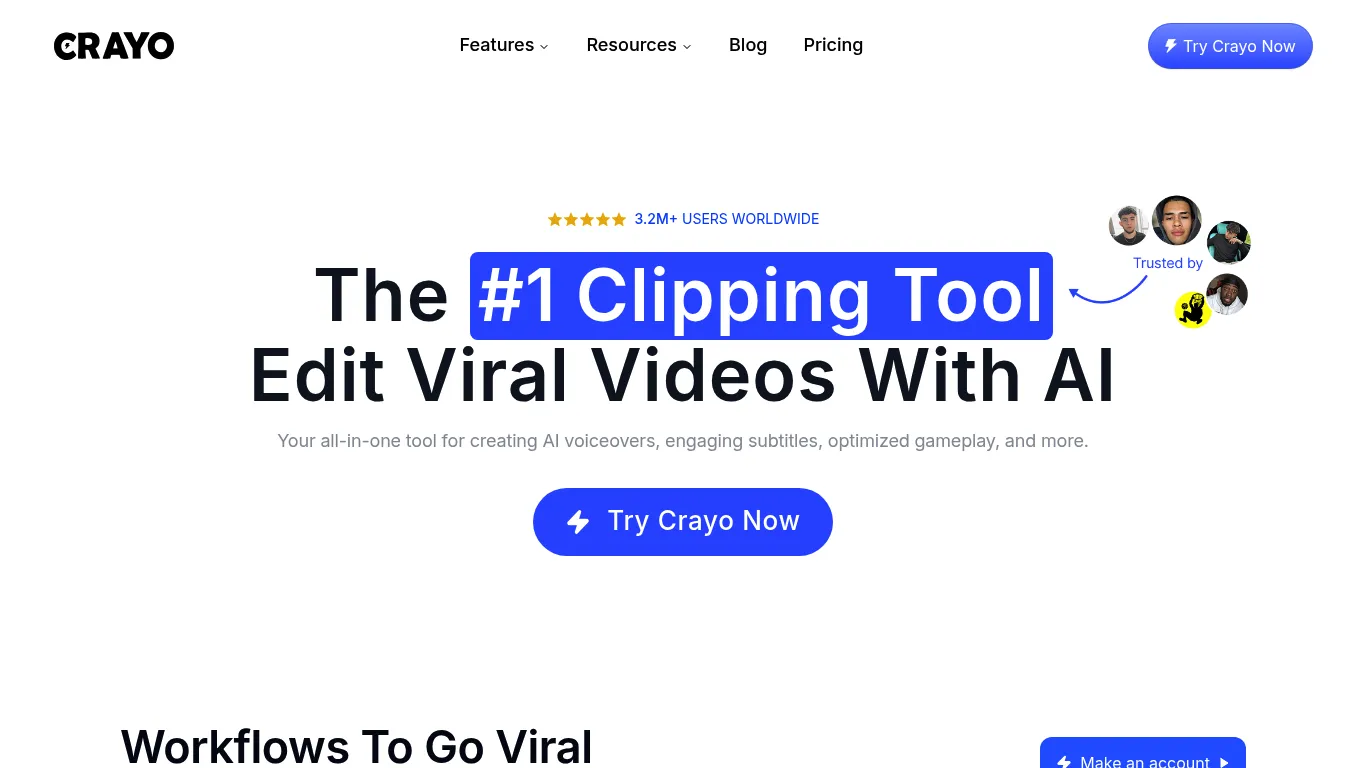
Crayo Screenshot

Crayo Review

Crayo AI Video Editor scored 2.5 out of 5 Points in the Video Tools Tools category. 

How we rate πŸ”Ž Full methodology

  • Crayo At a Glance

    This AI video editor is an all-in-one platform for creating viral content, with over 3.2M users worldwide. It offers a web-based editor for full control. Capabilities include creating AI voiceovers, engaging subtitles, and optimizing gameplay. It also features a 3-step workflow for uploading videos, selecting subtitle styles, and generating videos quickly.

    Pricing

    The website offers a "Try Crayo Now" option which implies a free trial or similar initial access. There is also a "Pricing" link, indicating paid plans, and a "Refund policy" which also suggests paid services. One testimonial mentions a "Most worth it subscription". The FAQ section references "cancel my plan", "workflow credit", "VEO3 free", and "refund policy", all hinting at a paid model with various options.

    Key Features

    AI Voiceovers - Creates synthetic voices for video narratives; Engaging Subtitles - Generates visually appealing text for videos; Optimized Gameplay - Prepares gaming footage for optimal viewing; Web-Based Editor - Provides a fully functional video editing environment accessible through a web browser; Upload video flexibility - Accepts various file types and direct links from video platforms; Speech Enhancer - Improves audio clarity in videos; Vocal Remover - Isolates or removes vocal tracks from audio; Video & Image Background Remover - Eliminates backgrounds from visual content; Brainstorm Content Ideas - Assists in generating concepts for video production; AI Image Generator - Creates visual content using artificial intelligence

    Supported Platforms

    X (Twitter);YouTube;TikTok

    Made for

    Influencer;Social Media Manager;Professionals;Marketers;Small Business
    Disclosure: This page may contain affiliate links. If you use these links to buy something we may earn a commission to keep this service free for you. This does not affect our ratings. See Affiliate Disclosure.
  • Main Features

    Video Creation; Image Editing; Design Templates

    Integration

    YouTube link; TikTok link; ChatGPT
    Disclosure: This page contains affiliate links. If you use these links to buy something we may earn a commission β€” this does not affect our ratings. See Affiliate Disclosure.

What is Crayo and why do you need it?

This solution offers an all-in-one platform for editing content. It supports the creation of AI voiceovers, engaging subtitles, and optimized gameplay, helping users produce viral shorts. The editing process is streamlined through a three-step workflow: video upload, subtitle style selection from over 15 styles, and video generation in seconds. A web-based editor provides comprehensive control over the creative process. The platform also includes numerous tools designed to enhance content, such as cutting-edge speech enhancement. It supports downloading videos, and offers functionality for image and video background removal. The tool is designed to assist in content brainstorming and includes vocal remover capabilities. Users can utilize various workflows and AI tools for content generation.

Crayo Alternatives

Built on Unicorn Platform
English πŸ‡ΊπŸ‡ΈπŸ‡¬πŸ‡§
