
Studio
AI Video Editor
Automatically removes silence, adds subtitles, and creates shorts from long-form content. Perfect for various video types.
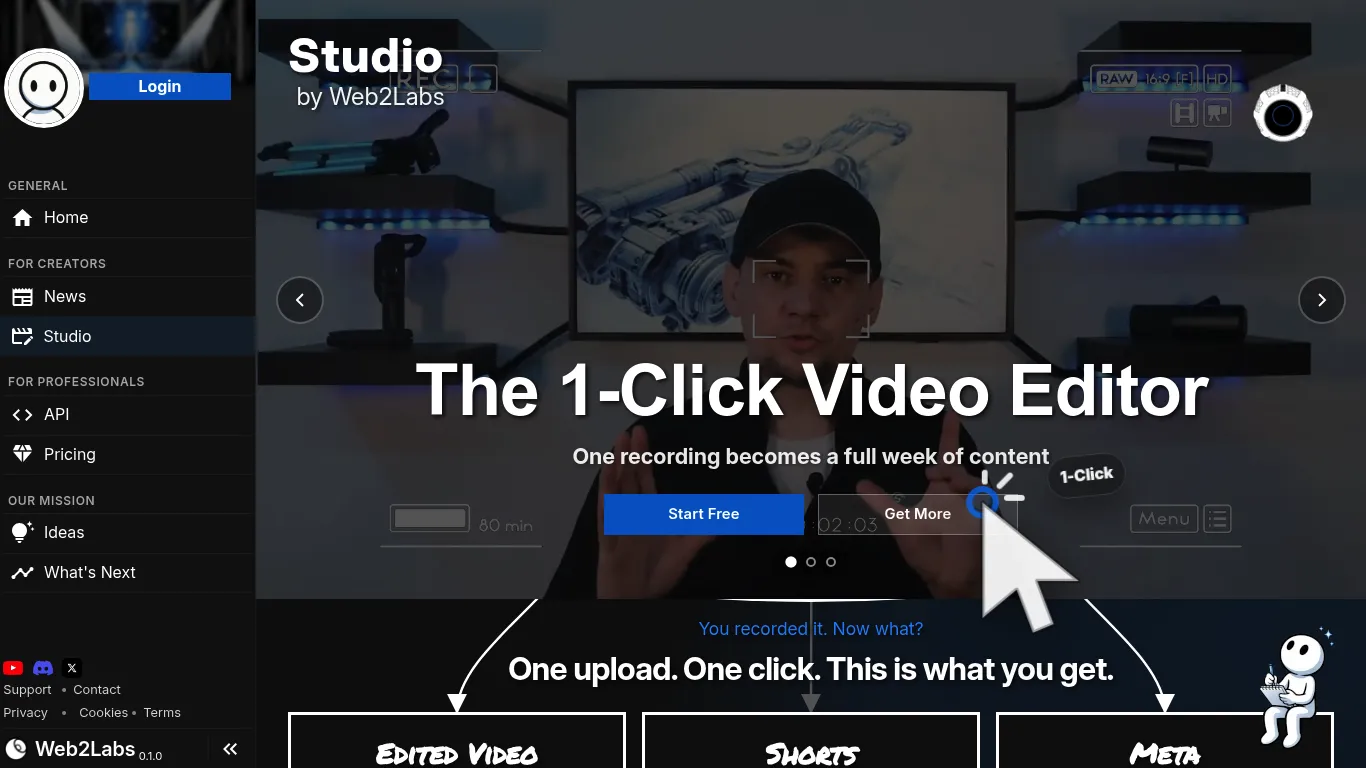
Automatically removes silence, adds subtitles, and creates shorts from long-form content. Perfect for various video types.
Studio AI Video Editor scored 3.1 out of 5 Points in the Video Tools Tools category.
This AI video editor simplifies the video creation workflow, allowing users to convert a single recording into numerous content pieces. It focuses on enhancing viewer retention by automatically eliminating silences and filler words, applying dynamic zoom punch-ins, and ensuring tighter pacing. Animated captions are styled to match branding, and audio is normalized to broadcast standards, resulting in high-quality, downloadable renders. Beyond the main video, the editor generates over 25 short-form videos from each recording, designed for promotion across various platforms. It also handles the creation of essential publishing metadata. This includes generating three thumbnail variants, crafting compelling titles that drive clicks by analyzing transcripts for hooks and keywords, and writing detailed descriptions that feed algorithms with key topics and takeaways. The tool extracts relevant tags from spoken words to improve discoverability and creates meaningful chapter labels from natural topic shifts. Additionally, it drafts engaging pinned comments to spark conversation. Each short-form video's title and caption are adapted to suit the specific tone, length, and audience expectations of different platforms, ensuring optimal reach and engagement. This comprehensive approach allows creators to produce a high volume of consistently high-quality content from a single recording session.
Please check your inbox and confirm your address to receive updates on next-gen tools.
See you soon!
🎉 Thank you!
Your tool is now under review. Expect an update in 1-2 business days.
See you soon.
Send me your Request and I will get back to you asap.

