Studio Logo
Studio
AI Video Editor

Automatically removes silence, adds subtitles, and creates shorts from long-form content. Perfect for various video types.
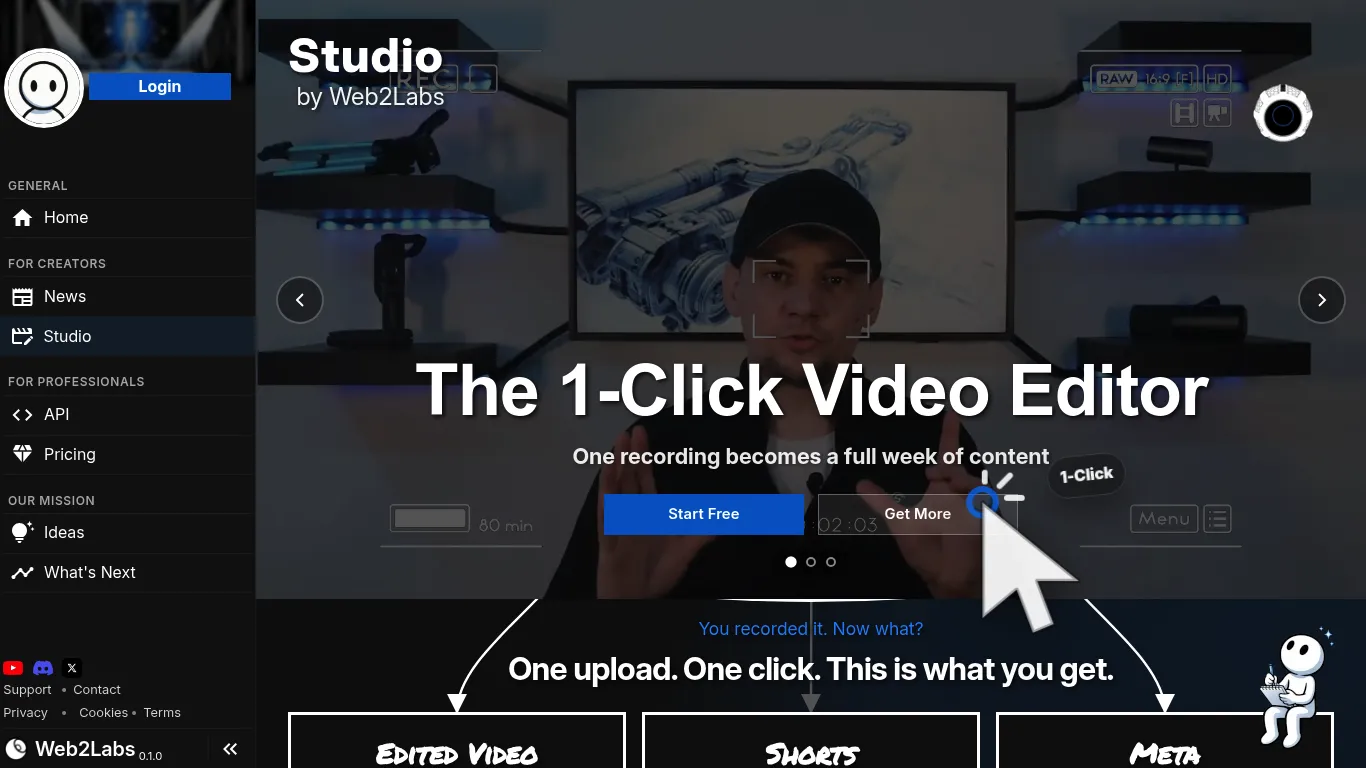
Studio Screenshot

Studio Review

Video Tools All Categories
DEAL%
3 /5
Studio AI Video Editor scored 3 out of 5 Points in the Video Tools Tools category. See how we rate πŸ”Ž
This AI video editor streamlines content creation, transforming recordings into a full week of content. It automatically removes dead air, adds dynamic zoom, and normalizes audio for high retention. The tool also generates multiple shorts and all necessary metadata for publishing, including titles, descriptions, tags, chapters, and pinned comments, optimized for different platforms.

Main Focus

Content Creation; Social Media Management

Made for

Content Creators;Influencer;Solopreneurs

Supported Platforms

YouTube;TikTok;Instagram;X (Twitter)
πŸ“’
Sponsored

Key Features

Automatic Silence Removal - removes dead air and filler words automatically; Dynamic Zoom Punch-ins - adds zoom effects at appropriate moments; Animated Captions - styles captions to match brand; Audio Normalization - adjusts audio to broadcast standard; High-Quality Render - provides ready-to-download, high-quality video output; Shorts Generation - creates 25+ short video clips from long-form content; Thumbnail Variants - generates three different thumbnail options; AI-Powered Title Generation - analyzes transcript for hooks and keywords to create multiple title options; AI-Powered Description Generation - pulls key topics and takeaways to structure a description with hooks, timestamps, and call-to-action; AI-Powered Tag Generation - extracts topics and terms from spoken words to pick relevant tags

Pricing

Users can start using the software for free. There is also an option to "Get More," implying paid features or plans.
Creating posts and media; Planning and publishing content across multiple platforms
Editing videos; Generating video shorts; Creating video metadata; Optimizing video content for different platforms
Get tool updates, deals & reviews

Join our newsletter for fresh tool discoveries, hand-picked deals and practical reviews for creators, marketers and growth teams.

Tool Info

Listed since
Last updated
Vendor Web2Labs
Verified FALSE

Disclosure: This page may contain affiliate links. If you use these links to buy something we may earn a commission to keep this service free for you. This does not affect our ratings. See Affiliate Disclosure.

What can Studio do and why should you use it?

This AI video editor simplifies the video creation workflow, allowing users to convert a single recording into numerous content pieces. It focuses on enhancing viewer retention by automatically eliminating silences and filler words, applying dynamic zoom punch-ins, and ensuring tighter pacing. Animated captions are styled to match branding, and audio is normalized to broadcast standards, resulting in high-quality, downloadable renders. Beyond the main video, the editor generates over 25 short-form videos from each recording, designed for promotion across various platforms. It also handles the creation of essential publishing metadata. This includes generating three thumbnail variants, crafting compelling titles that drive clicks by analyzing transcripts for hooks and keywords, and writing detailed descriptions that feed algorithms with key topics and takeaways. The tool extracts relevant tags from spoken words to improve discoverability and creates meaningful chapter labels from natural topic shifts. Additionally, it drafts engaging pinned comments to spark conversation. Each short-form video's title and caption are adapted to suit the specific tone, length, and audience expectations of different platforms, ensuring optimal reach and engagement. This comprehensive approach allows creators to produce a high volume of consistently high-quality content from a single recording session.

Which Support is available?

unknown

Why should you try it?

Test Studio for its automated silence removal, subtitle generation, and ability to create multiple platform-optimized shorts from long-form content.

How does it help you?

Studio saves time by automating video editing, creating shorts, and generating metadata, potentially turning hours of work into minutes.
The Social Media Tools Directory

Your Shortcut to the Best Social Media Tools

500+ hand-verified tools, updated every week. Find reviews, side-by-side comparisons, the top courses & communities β€” and never miss a great deal again.

  • 500+ tools β€” reviews & verified ratings
  • Weekly updates & new tool discoveries
  • Side-by-side comparisons & alternatives
  • Exclusive deals & discount codes
  • Top courses & communities curated
  • Newsletter β€” best picks to your inbox

Join the community β€” get updates & discuss tools:

Free to join & explore. Browse the full directory β†’

Built on Unicorn Platform
English πŸ‡ΊπŸ‡ΈπŸ‡¬πŸ‡§
