VEED Logo
VEED
AI video creation platform

AI video creation platform for marketers and solopreneurs to generate and edit video, including talking heads and subtitles.
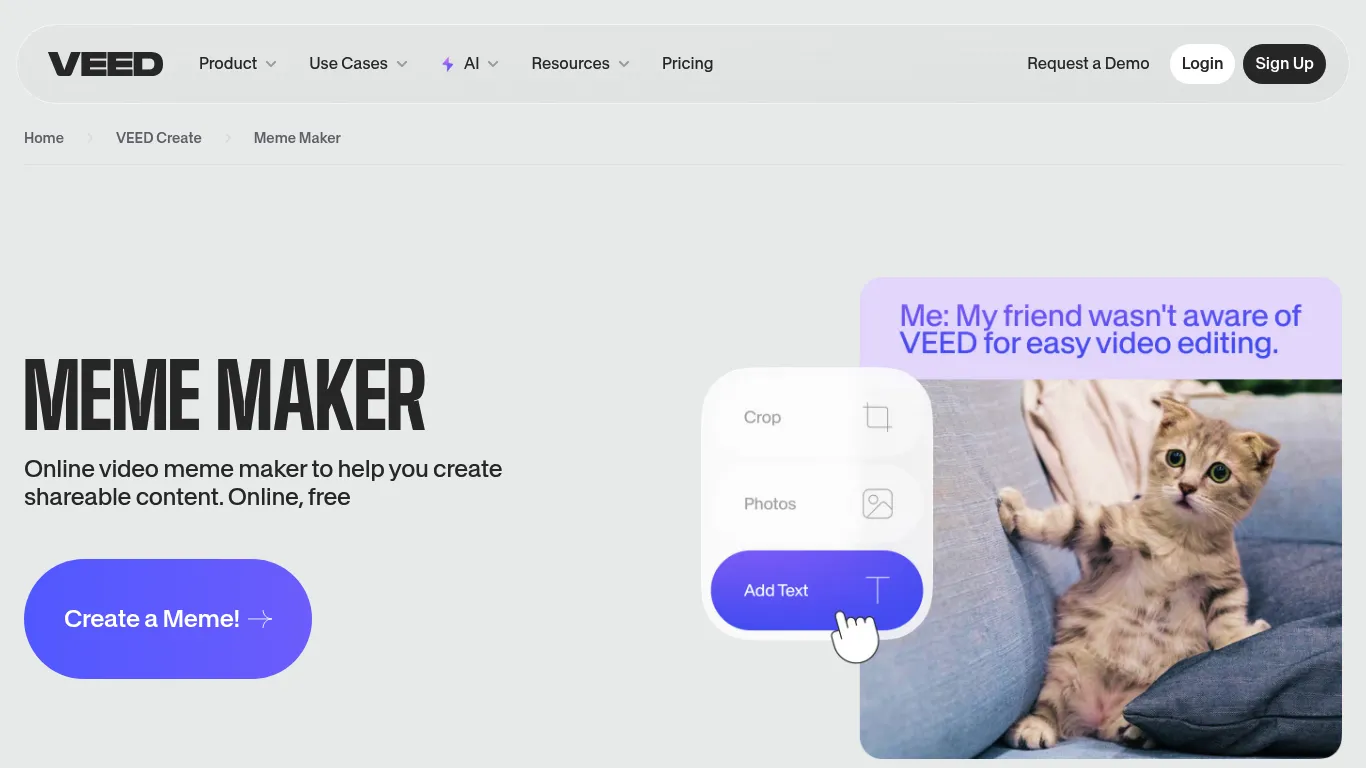
VEED Screenshot

VEED Review

Video Tools All Categories
DEAL%
3.6 /5
VEED AI video creation platform scored 3.6 out of 5 Points in the Video Tools Tools category. See how we rate πŸ”Ž
Marketers and solopreneurs looking to create social media videos can use this AI video creation platform. It allows you to generate and edit videos in one workflow, including creating talking heads, editing with AI, dubbing videos, and adding subtitles. The tool aims to help you produce brand-aligned videos without needing a camera.

Main Focus

Content Creation & AI Writing;Visual Design & Brand Assets

Made for

Marketer;Solopreneur;Small Business

Supported Platforms

X (Twitter);YouTube;Instagram;TikTok;LinkedIn
πŸ“’
Sponsored

Key Features

AI Video Creation - Generates videos from ideas without needing a camera; AI Edit - Allows editing videos using artificial intelligence; Dub Videos - Provides functionality to dub videos; Add Subtitles - Enables adding subtitles to videos; Brand Kit - Applies brand colors, fonts, logos, and voice instantly to videos; Automatic Subtitle Generator - Creates subtitles for videos; Remove Background Noise From Audio - Cleans up audio by removing unwanted background noise; Remove Background Noise From Video - Cleans up video audio by removing unwanted background noise; Eye Contact AI - Adjusts eye gaze in videos for improved viewer engagement; Teleprompter - Assists with video recording by displaying text

Pricing

Pricing information is available on a dedicated pricing page and an enterprise option is available by contacting sales.
APIs; Fabric 1.0 API
Creating posts and media;Utilizing AI for content ideas;Saving time on content creation;Creating high-quality visual content;Designing faster with templates;Scaling content creation;Staying on brand across teams
Create talking heads;Dub videos;Add subtitles
Get tool updates, deals & reviews

Join our newsletter for fresh tool discoveries, hand-picked deals and practical reviews for creators, marketers and growth teams.

Tool Info

Listed since 2026-02-10
Last updated 2026-06-13
Vendor VEED
Verified TRUE

Disclosure: This page may contain affiliate links. If you use these links to buy something we may earn a commission to keep this service free for you. This does not affect our ratings. See Affiliate Disclosure.

What can VEED do and why should you use it?

This AI video creation platform is designed for marketers and solopreneurs who need to produce social media videos efficiently. It addresses the challenge of creating engaging video content without extensive production resources or technical editing skills. The platform focuses on generating videos that align with your brand identity. The tool operates by allowing you to generate videos from an idea, then edit them using AI features. You can create various video types, including character videos, explainers, product demos, ads, testimonials, and thought leadership content. Key features include AI editing, dubbing, and automatic subtitle generation, which aims to make videos more accessible and engaging. To use this platform, you will need to input your ideas or existing content, and the AI will assist in video generation and editing. While it offers features like Eye Contact AI and Noise Reduction, it's important to consider if these specific AI enhancements are critical for your content strategy. The platform is built for a workflow that moves from idea to a finished, brand-aligned video. The platform offers various AI models and tools, including text-to-video, image-to-video, and AI avatar capabilities. It also provides traditional video editing features like adding music, text, and video compression.

Which Support is available?

Getting started is straightforward β€” VEED offers a "Sign Up" option directly on its homepage. While specific onboarding tutorials aren't detailed, user testimonials suggest a low learning curve, with one user stating they "didn't need 15 tutorials" to begin editing.

Why should you try it?

The strongest reason to run a trial is to evaluate its AI video generation capabilities, especially for marketers and solopreneurs. If you need to turn ideas into social-ready videos quickly without a camera, testing its ability to generate various video types (e.g., explainer, ad) is key.

How does it help you?

The biggest efficiency gain comes from consolidating video generation and editing into one workflow. Rather than using separate tools for creating talking heads, editing with AI, dubbing, and adding subtitles, VEED combines these functions, saving marketers and solopreneurs time.
The Social Media Tools Directory

Your Shortcut to the Best Social Media Tools

500+ hand-verified tools, updated every week. Find reviews, side-by-side comparisons, the top courses & communities β€” and never miss a great deal again.

  • 500+ tools β€” reviews & verified ratings
  • Weekly updates & new tool discoveries
  • Side-by-side comparisons & alternatives
  • Exclusive deals & discount codes
  • Top courses & communities curated
  • Newsletter β€” best picks to your inbox

Join the community β€” get updates & discuss tools:

Free to join & explore. Browse the full directory β†’

Built on Unicorn Platform
English πŸ‡ΊπŸ‡ΈπŸ‡¬πŸ‡§
