Ever feel like TikTok editing eats up your entire day? I’ve been there. After testing 10 AI tools designed for TikTok creators, here’s the deal: these tools can turn hours of editing into minutes, whether you're repurposing long-form videos, running faceless channels, or just trying to post more consistently. You can even automate TikTok videos to keep your feed active without manual effort.
Key takeaways:
- Opus Clip is my top pick for fast, automated TikTok edits with a solid virality predictor.
- Syllaby is perfect for faceless creators, offering AI scripts and avatars.
- Clipmaker.ai shines for beginners repurposing YouTube content.
- Gamers? Check out Spikes Studio or Eklipse for stream-ready highlights.
- Need manual control? Kapwing and Descript are your best bets.
Bottom line: Whether you’re all about speed, visuals, or precision, there’s a tool here to match your workflow. Let’s dive in.
Best FREE AI Video Generator For TikTok & Shorts B-Roll
sbb-itb-b3cfc51
1. Opus Clip – Best Overall AI TikTok Clip Maker
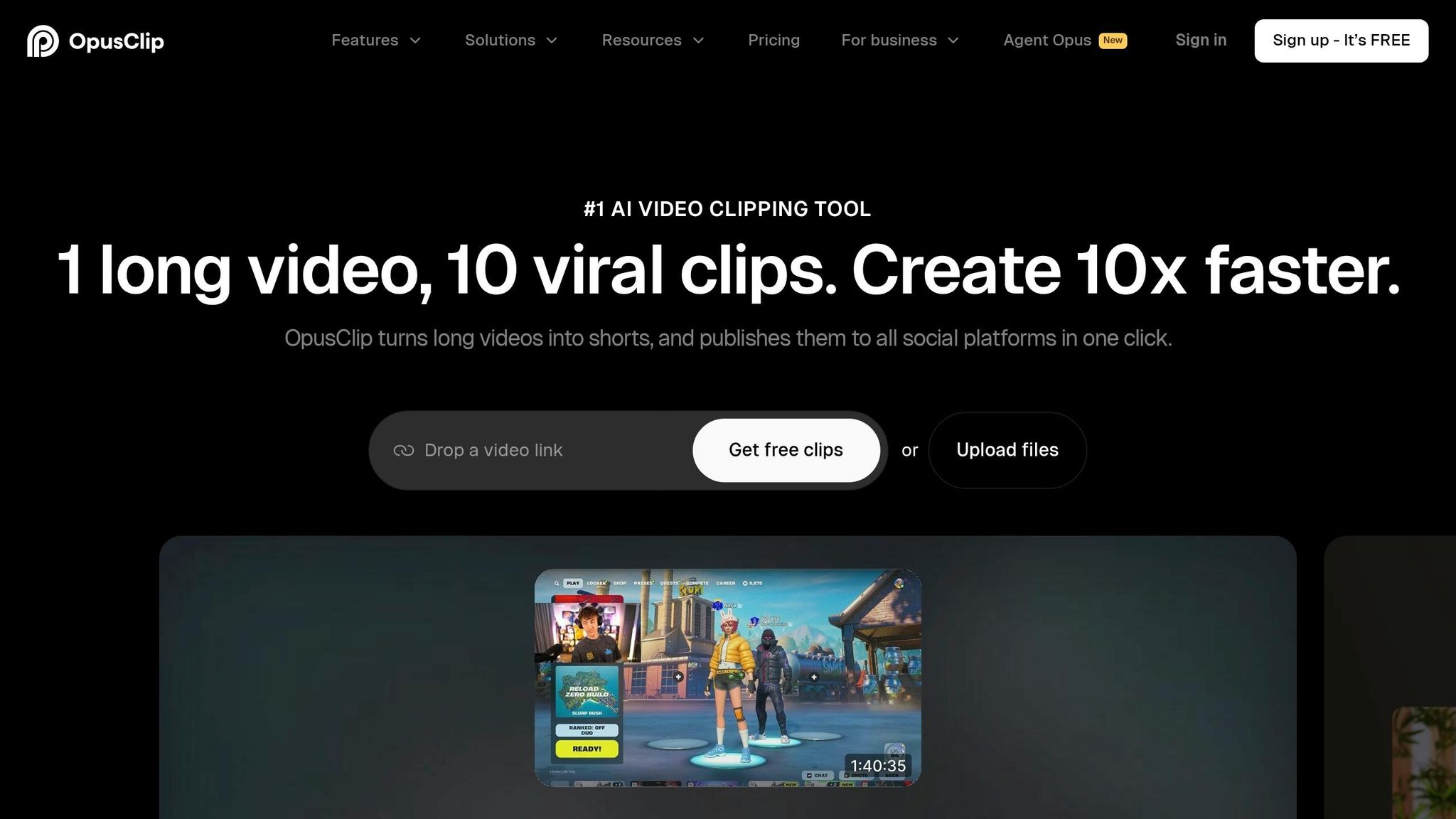
Opus Clip takes your long-form content and turns it into TikTok-ready clips in just minutes. With 16 million users as of May 2026, it's easily the most popular AI clipper worldwide. All you need is a YouTube URL, and in about 18 minutes, you'll get a batch of short clips ranked by performance potential.
The standout feature? Its Virality Score AI predicts how well a clip will perform with 71% accuracy. No more guessing which moments will hit. Plus, its 97% caption accuracy across 25+ languages and automatic 9:16 reframing with face tracking save you from tedious manual edits.
Another game-changer is the AI Hook Generator, which crafts opening lines that can boost watch rates by 30%. On TikTok, where the first two seconds make or break engagement, this is a huge advantage.
"Opus Clip is about throughput and extraction, not artistry. The clips look 'native' but won't carry cinematic polish unless you restyle after export." - Runbo Li, CEO, Magic Hour
This tool is perfect for podcasters, coaches, and marketing teams who need consistent posting without spending hours editing. But if you're after highly stylized or cinematic content, you might find it lacking in finesse.
Opus Clip offers flexible pricing to match different needs:
| Plan | Processing | Key Limits | Price |
|---|---|---|---|
| Free | ~60 min/month | Watermarked, clips expire in 3 days | $0 |
| Starter | ~150 min/month | No watermark | ~$15/mo |
| Pro | ~300 min/month | Direct TikTok publishing, brand templates | ~$29/mo (or ~$14.50/mo billed annually) |
What we think? It's a reliable tool for creators focused on volume and efficiency over polish.
2. Spikes Studio – Best for Gamers & Streamers
If you're a Twitch or YouTube streamer, Spikes Studio is built with you in mind. It shines at pulling out those epic gaming moments - whether it's a clutch play, a big win, or your over-the-top reactions that TikTok's gaming crowd loves. Unlike tools like Opus Clip, which cater more to podcasters, this one zeroes in on gaming content with laser focus.
The 2026 update added a standout feature: real-time face detection. This keeps your face perfectly framed during chaotic gameplay, saving you from the headache of manual cropping. Pair that with gaming-themed caption styles and one-click exports to TikTok, YouTube Shorts, and Instagram Reels, and you've got a workflow that feels almost effortless. Here's a quick look at the pricing plans:
| Plan | Price | Key Details |
|---|---|---|
| Free | $0/mo | 30 mins/mo, 720p resolution, watermarked |
| Pro+ | $14/mo | 1080p quality, no watermark, advanced AI tools |
| Enterprise | $56+/mo | High-volume processing, team tools, priority support |
For streamers drowning in hours of live footage, Spikes Studio is a lifesaver. It pulls TikTok-ready clips without you having to scrub through endless VODs. That said, it’s not perfect. Non-gaming creators might feel boxed in and should consider Jupitrr AI, and the lower-tier plans don’t offer much flexibility in customization.
Conclusion: If you’re a gamer or streamer, this tool nails the essentials. But for creators outside the gaming world, it might not be the most versatile pick. Still, its focus on streamers makes it a go-to for anyone looking to turn hours of gameplay into scroll-stopping highlights.
3. Clipmaker.ai – Best for Repurposing Long-Form Content into TikTok Clips
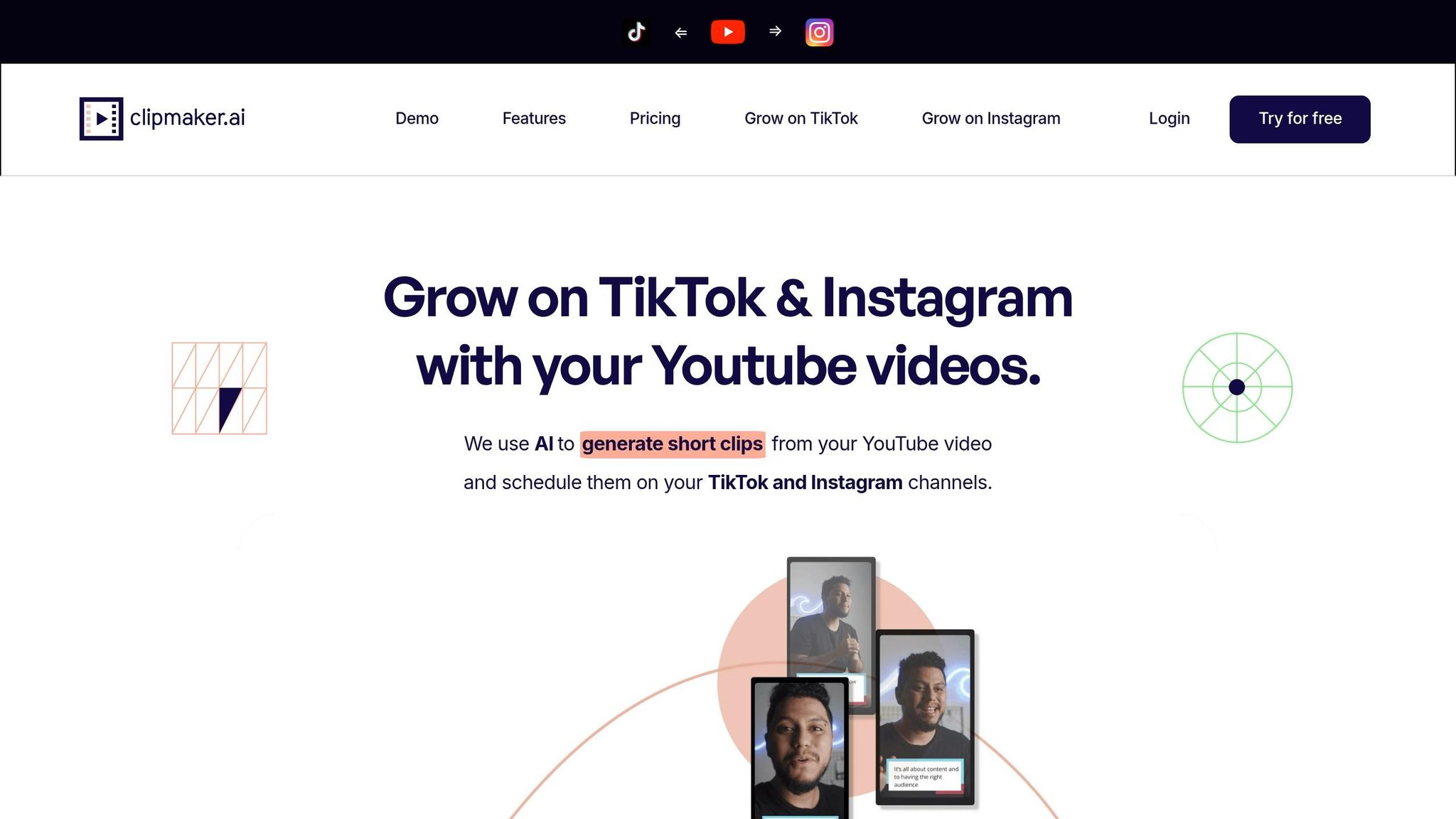
For creators drowning in hours of YouTube videos, podcasts, or webinars, Clipmaker.ai steps in as the ultimate time-saver. It’s designed to take your long-form content and churn out TikTok-ready clips without the usual editing grind. If you’ve ever stared at your hard drive full of footage and thought, “Where do I even start?” - this tool gets it.
Here’s how it works: The AI scans your videos for those standout moments, pulling out 30–90 second vertical clips that are perfect for TikTok. It doesn’t stop there - it automatically converts your horizontal 16:9 footage into TikTok’s 9:16 portrait format and even adds animated captions. The result? Clips that feel polished, like they’ve been edited by a pro, not a machine. It’s a workflow dream for anyone juggling content creation and tight schedules.
What really makes Clipmaker.ai shine is its speed and simplicity. Forget about fiddling with timelines or manual edits. You just upload your content, let the AI do its thing, review the clips, and export. For creators without a dedicated editor, this tool can be a lifesaver.
That said, it’s not built for deep customization. If you’re looking to tweak transitions, fine-tune color grading, or add branded motion graphics, you’ll need a more advanced editing suite. Clipmaker.ai is all about repurposing, not full-scale production.
TikTok-specific features:
- Automatic extraction of engaging moments from long-form content
- Converts footage to TikTok’s vertical 9:16 format
- Adds animated auto-captions
- Streamlined upload-to-export process with minimal effort
Best for you if:
- You’ve got a backlog of long-form videos and need quick, TikTok-ready clips
- You’re not looking for deep editing tools but want to save time on repurposing content
Our view? If you’re a creator or marketer with too much footage and not enough time, Clipmaker.ai keeps things simple and efficient.
4. Syllaby – Best for AI Scripting & Faceless TikTok Planning
Clipmaker.ai might crush it with repurposing your existing footage, but Syllaby steps in even earlier - at the "what should I create?" stage. For me, that’s often the trickiest part. Editing is one thing, but coming up with fresh, engaging ideas week after week? That’s the real grind. Syllaby smooths this out by combining trend research and discovery, AI-driven scriptwriting, customizable avatars, and scheduling - all in one streamlined platform. It’s a go-to for creators juggling the chaos of consistent short-form content.
The standout feature? Its AI script generator and video creator. You toss in a topic, and it spits out a concise, trend-friendly script designed for platforms like TikTok or Instagram. This tool feels like a lifesaver for creators in structured niches - whether you’re breaking down personal finance tips, demoing SaaS tools, or explaining crypto basics. In these spaces, having a repeatable format and delivering clear, snappy content is non-negotiable.
For faceless creators, Syllaby doubles down with customizable AI avatars and voice cloning. This means you can craft a consistent, faceless brand presence without ever stepping in front of the camera. While it’s a solid feature, I’d recommend keeping an eye on the pacing and tone of those AI voices - they can sometimes sound a bit robotic or flat, which might chip away at audience trust.
"The winner is not the creator with the most automation. It is the one who automates the repeatable layer without automating away trust." - Ali Hajimohamadi, Expert
Once your video is pieced together in Syllaby’s editor, the platform’s content calendar and bulk-scheduling tools let you plan out weeks of posts in one go. They even offer a 7-day free trial, with paid plans ranging from a Basic option to a Business tier that’s perfect for teams needing collaboration tools and priority support.
What’s the catch? Syllaby isn’t your pick if you’re focused on repurposing existing footage or need deep editing control. It’s all about pre-production and automation, not post-production finesse. That’s where it carves its niche - helping you nail the planning and scripting phase before you dive into the editing grind.
5. Kapwing – Best for Team Editing & Manual Control
Kapwing is a browser-based video editor that caters to creators and teams who want precision and hands-on control over their edits. It’s not your typical “paste a link and let the AI do its thing” tool. Instead, it blends collaborative features with AI assists to help you fine-tune every cut and caption.
One standout feature is Smart Cut, which automatically removes silences and dead air, saving time during the editing process. Add to that auto-generated captions and alternatives, a dedicated 9:16 resize tool for TikTok, and AI-powered background removal, and you’ve got a solid toolkit for prepping short-form content.
Here’s what Kapwing brings to the table:
- Smart Cut: Trims out silences for smoother pacing.
- Auto-Captions: Generates text for your videos.
- 9:16 Resize: Optimizes formats for TikTok and other vertical platforms.
- AI Background Removal: Cleans up visuals with ease.
While tools like this are great for detail-oriented creators, there’s a trade-off. Unlike URL-based editors that churn out clips in a couple of minutes, Kapwing requires you to manually upload footage, and it takes about 10 minutes for clip detection. Plus, it doesn’t include a virality scoring feature, which means you’ll need to rely on your instincts to pick out those viral-worthy moments.
That said, Kapwing shines when it comes to collaboration. Its shared workspace lets teams edit simultaneously, making it perfect for social media managers juggling high-volume TikTok content or educators creating reusable templates.
If you’re someone who already has raw footage and values granular control - or you’re part of a team working in a shared, browser-based setup - Kapwing is a solid choice. It’s rated 4.5/5 for optimizing short-form videos. Pricing starts at $16/month (billed annually) for the Pro plan, with a free tier available. Just keep in mind that free exports come with a watermark. For solo creators looking for quick, automated tools, the manual workflow might feel like a bit of a hurdle.
6. Choppity – Best for Quick, No-Fuss Clip Generation
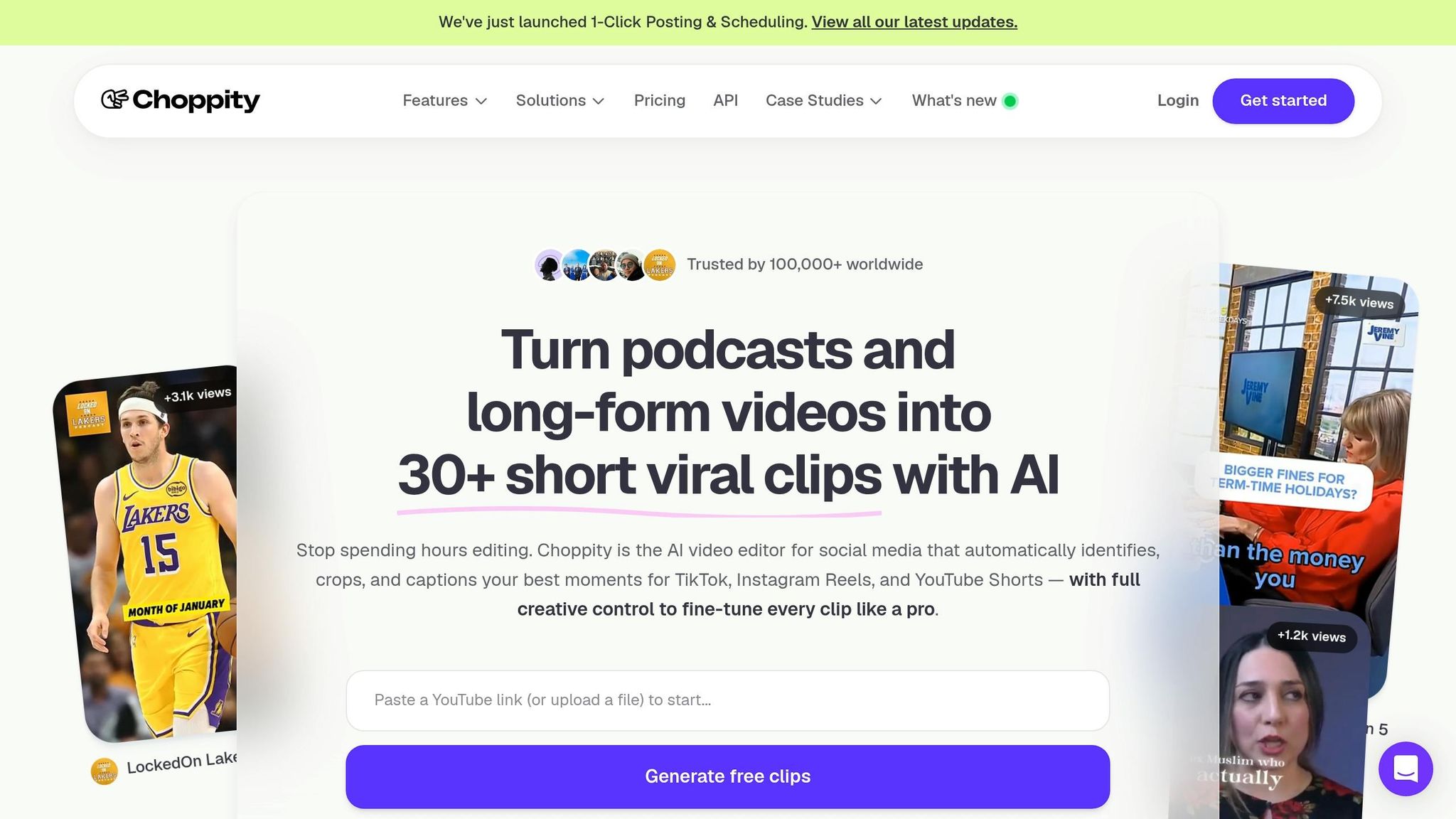
Choppity is all about speed and simplicity. It trims down long videos into TikTok-ready clips without any complicated steps or steep learning curves. For creators who just want a fast, hassle-free way to repurpose their content using popular AI tools for social media, this tool gets the job done. No extra bells and whistles - just straightforward clipping.
Best for you if you're a solo creator or part of a small team that values a low-cost, easy-to-use option for turning long-form videos into bite-sized clips.
That said, Choppity’s simplicity is both its strength and its limitation. If you're after advanced automation or detailed analytics, this probably isn’t the tool for you. Instead, you might prefer a solution like AutomationsMenu for more robust features.
7. Reelmagic – Best for Cinematic Short-Form Storytelling
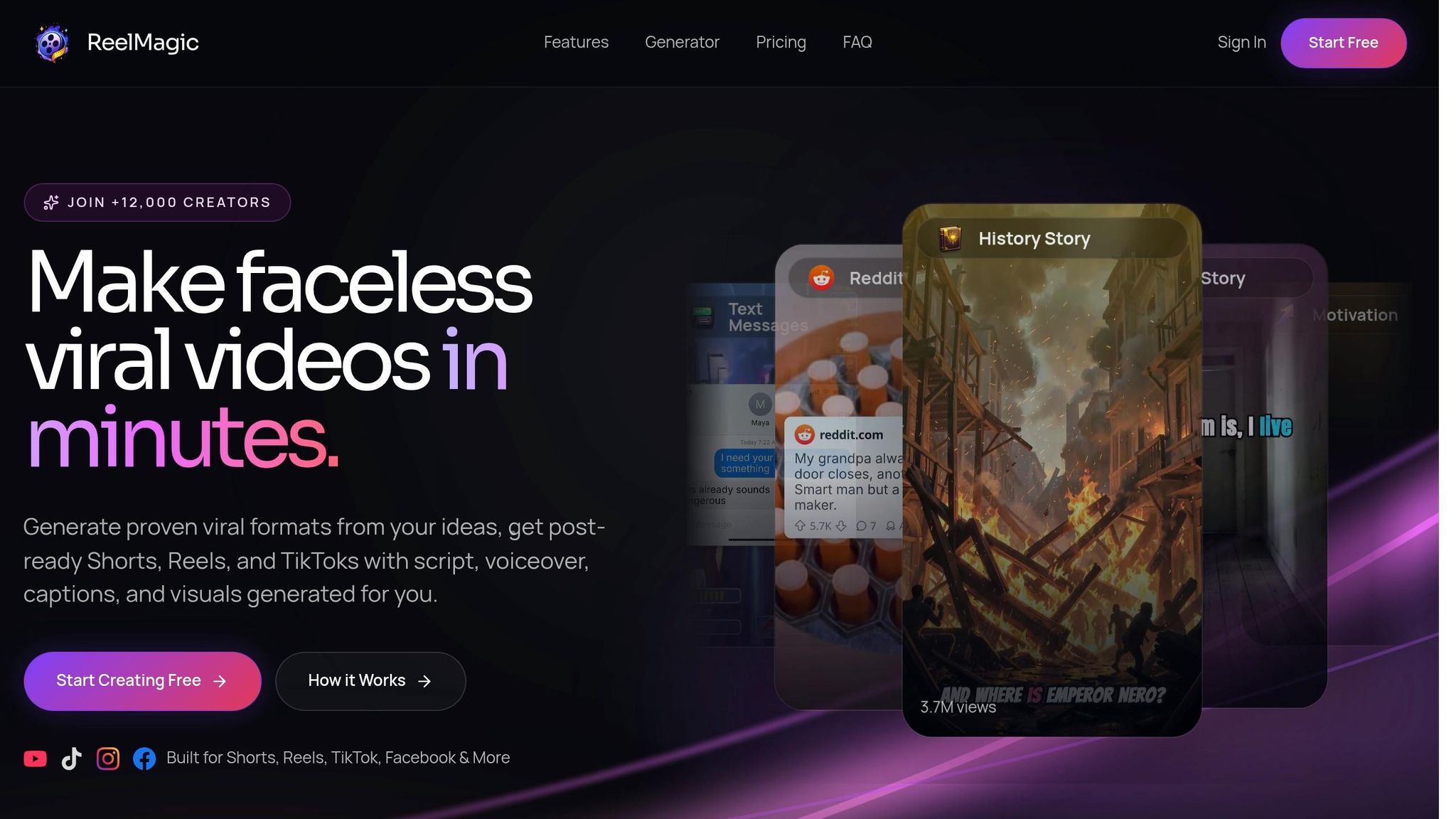
Reelmagic isn’t your typical clipping tool. Instead of just chopping long videos into bite-sized pieces, it focuses on making those clips look and feel cinematic. Think refined pacing, polished lighting, and layouts designed specifically for TikTok. Plus, it offers scroll-stopping templates and an AI-powered cold open feature that grabs attention right out of the gate.
Perfect for creators who care about visuals over sheer speed. If your goal is to create TikToks that pop visually and stand out in a sea of sameness, Reelmagic has your back. But like any tool, it’s not without its limits.
Here’s where it stumbles: Reelmagic leans heavily into visual storytelling, which means it’s not built for cranking out clips in bulk or diving deep into detailed analytics. If you’re chasing high-volume production or want advanced performance metrics, you’ll probably need to pair it with another tool.
8. Viralmoment – Best for Trend Intelligence & Hook Research
Viralmoment flips the script compared to the other tools on this list. Instead of focusing on editing or clipping, it works as an AI-powered social listening engine built specifically for TikTok. Its main goal? Spotting emerging trends before they explode into mainstream popularity.
Here’s how it works: using computer vision, Viralmoment scans millions of TikTok videos to uncover micro-trends - things like rising audio clips, visual styles, and challenges. The platform then generates “Virality Maps” and sends real-time alerts, so you can jump on content patterns as they gain traction. Timing is everything on TikTok, and this tool helps you nail it.
This kind of trend intel is a goldmine for faceless TikTok channels. When you’re not relying on your on-camera personality, having precise data on what’s trending visually and audibly can make all the difference in boosting engagement.
Best for you if… you’re a marketing agency, brand team, or high-volume creator who thrives on data to strategize TikTok content.
Where it falls short: Viralmoment won’t help you create or edit videos. It’s strictly a research and trend-spotting tool. To turn those insights into actual TikTok content, you’ll need to pair it with a production tool like Spikes Studio or Clipmaker.ai.
9. Descript – Best for Editorial Control & Audio-First TikTok Clips
Descript flips traditional video editing on its head with a transcript-based editor. Instead of scrubbing through timelines, you just read the transcript of your recording, highlight the parts you want, and Descript assembles the clip for you. For speech-heavy content like podcasts, interviews, or webinars, this approach is a game-changer. It slashes the time it takes to pull key moments - podcasters, for example, can cut extraction time from 35 minutes down to just 8.
What really stands out? Descript’s audio cleanup tools. Its AI-powered “Underlord” feature removes filler words, awkward pauses, and repetitive phrases with a single click. Pair that with Studio Sound, which eliminates background noise and echo, and you’ve got audio that sounds like it came straight out of a professional studio - even if it was recorded in your bedroom. On top of that, Descript’s Eye Contact AI digitally adjusts gaze, making speakers appear as though they’re looking directly at the camera. It’s a subtle tweak, but one that can boost TikTok engagement.
However, Descript isn’t perfect. It doesn’t let you publish directly to TikTok, so you’ll need to export clips locally and upload them manually. It’s also not the fastest option if you’re churning out high volumes - editing an hour-long interview into 8 clips takes about 35 minutes, compared to 23 minutes with tools like Opus Clip. But for creators who value precise quote selection and polished audio, it’s worth the trade-off.
"Descript approaches short video from a unique angle: you edit the video by editing the transcript. Remove a sentence from the transcript and the video cut happens automatically." - Miriam Alonso, CSM
Best for you if… your content revolves around speech - think podcasts, interviews, or webinars - and you want total control over which moments shine on TikTok, with pro-level audio cleanup baked in. Where it stumbles: no direct TikTok uploads, no virality metrics, and a bit of a learning curve compared to simpler tools. The free plan gives you 60 minutes of media per month, while paid plans start at $16/month (billed annually).
10. Eklipse – Best for Streamers & Gamers Repurposing Live Content
Eklipse is like having a personal editor for your live streams, built specifically for gamers and streamers who are tired of manually sifting through hours of footage. If you're spending countless hours on Twitch or YouTube and need TikTok-ready clips without the grind, this tool does the heavy lifting for you.
The AI in Eklipse is trained to spot "hype moments" - think clutch plays, epic reactions, or high-energy gameplay. It flags these moments automatically and uses real-time face detection along with auto-reframing to ensure both your reaction cam and gameplay stay perfectly aligned in the vertical 9:16 format. What sets Eklipse apart is how it handles the dual-layer setup common in live streaming. It keeps your webcam and gameplay feeds cleanly integrated into a single vertical frame - something most tools struggle with. And when it's done? Your clips are formatted and ready to go for TikTok, YouTube Shorts, and Instagram Reels, saving you hours of editing headaches.
Best for you if… you're a Twitch or YouTube streamer who wants a no-fuss way to turn live streams into TikTok-worthy clips.
Where it falls short: Eklipse is laser-focused on gaming and live streaming. It’s not ideal for podcasters, faceless content creators, or anyone working on scripted videos. If your content falls outside the gaming or live streaming world, you’ll want to check out other options on this list or compare Chromatic AI features for social media growth.
Pros and Cons by Tool
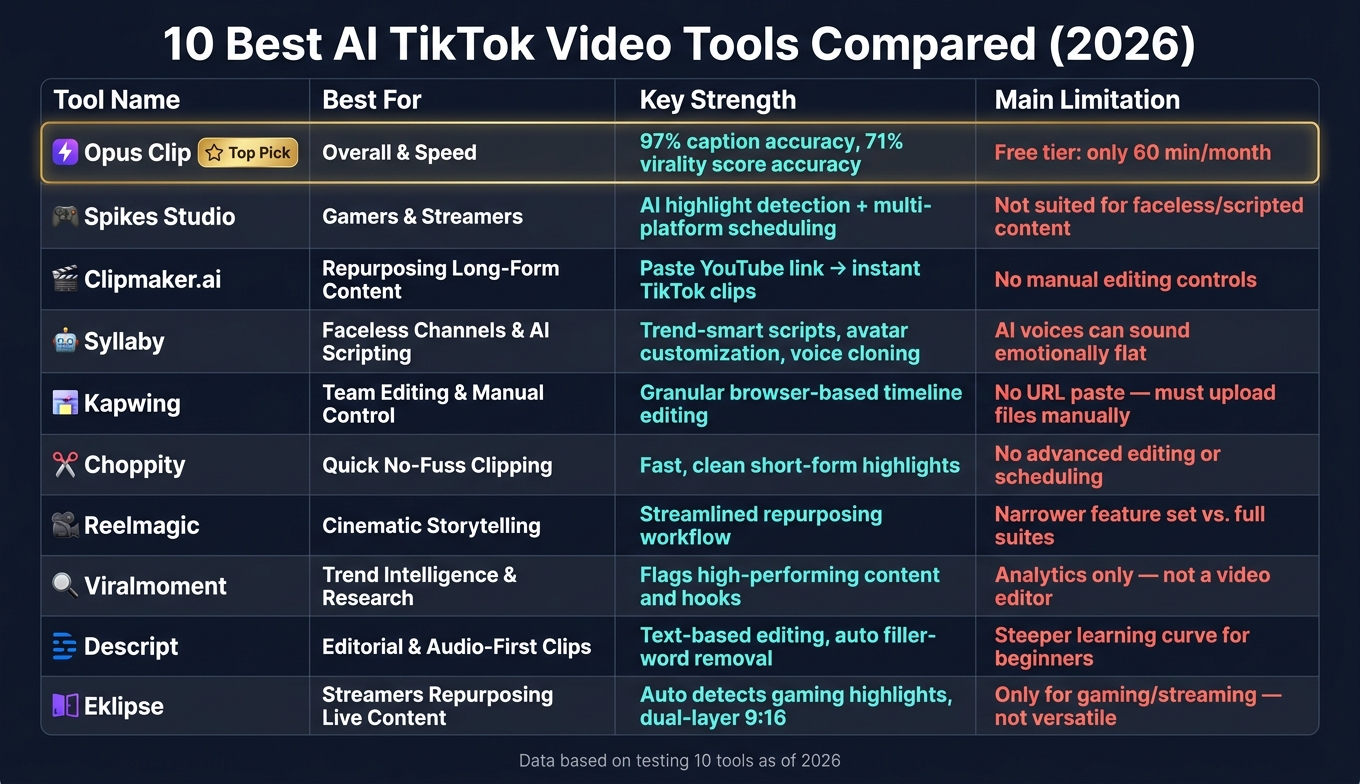
10 Best AI TikTok Video Tools Compared (2026)
Here’s a quick breakdown of what each tool nails and where they fall short. If you’re skimming for the right fit, this table sums it up:
| Tool | Key Strength | Main Limitation |
|---|---|---|
| Opus Clip | Delivers 97% caption accuracy, and its virality score nailed top clips with 71% accuracy across 200 tests | Free tier caps you at just 60 minutes per month |
| Spikes Studio | Combines AI highlight detection, editing, and multi-platform scheduling and sharing in one place | Not ideal for faceless or scripted content |
| Clipmaker.ai | Super fast - just paste a YouTube link, and it churns out TikTok clips instantly | Lacks manual editing controls for precision tweaks |
| Syllaby | Offers trend-smart AI scripts, avatar customization, and voice cloning for faceless creators | AI-generated voices can feel emotionally flat |
| Kapwing | Browser-based timeline gives you granular manual control over edits | No URL pasting - you’ll need to upload files manually |
| Choppity | Quick and clean AI clipping, perfect for short-form highlights | Skips on advanced editing or scheduling tools |
| Reelmagic | Simplifies short-form repurposing with a streamlined workflow | Offers a narrower feature set compared to full editing suites |
| Viralmoment | Analyzes hooks and clips to flag high-performing content | Functions more as an analytics tool than a full editor |
| Descript | Text-based editing and auto filler-word removal make it great for dialogue-heavy projects | Has a steeper learning curve for editing newbies |
| Eklipse | Detects gaming highlights automatically and handles dual-layer webcam + gameplay in 9:16 | Tailored exclusively for gaming/streaming content - not versatile outside that niche |
From my experience, tools like Opus Clip and Clipmaker.ai dominate when speed and automation matter most. If you’re after precision and control, Descript or Kapwing might be worth the extra effort. And for faceless creators, Syllaby’s scripting and avatars make it stand out. Bottom line? It all comes down to what kind of content you’re creating and how much control you want.
Conclusion
After testing 10 tools, Opus Clip stands out as the top AI TikTok video tool for 2026. Its ability to predict virality and nail caption accuracy is unmatched, making it a go-to for creators looking to dominate the platform.
For faceless TikTok channels, Syllaby shines with its seamless script-to-publish workflow - ideal for creators who prefer staying behind the scenes. Clipmaker.ai, on the other hand, is perfect for beginners, effortlessly turning YouTube links into TikTok-ready clips. If you're focused on budget, Opus Clip's free tier lets you process up to 60 minutes a month, giving you a chance to try it out without spending a dime.
Here’s the breakdown: if you're repurposing long-form content, Opus Clip is your best bet. For building a faceless channel, Syllaby is the way to go. Need precise control for editing from scratch? Tools like Descript or Kapwing are your allies. The key is picking a tool that fits your workflow - whether that's fast repurposing, faceless channel creation, or detailed manual editing.
As the team at PostEverywhere Editorial puts it:
"The creators who are winning in 2026 all have one thing in common: they use AI tools to produce more content, faster, without sacrificing quality." - PostEverywhere Editorial
FAQs
Which tool is best for faceless TikTok videos?
When it comes to creating faceless TikTok videos, the "best" AI tool really depends on what you're aiming for. HeyGen stands out if you're after lifelike AI avatars and presenters that feel natural. For those working with scripts or juggling multilingual content, Synthesia is the clear choice for polished, avatar-driven videos. If storytelling through visuals is more your vibe, Pika Labs gets high marks for its text-to-scene capabilities. Need something fast and straightforward? InVideo AI can whip up full videos from just a simple text description.
Can these tools post directly to TikTok?
Yes, some tools let you post directly to TikTok right from their dashboards, usually as part of their paid plans. This saves you the hassle of downloading and uploading content manually. For example, Opus Clip includes direct TikTok publishing. While this feature isn’t universal, other tools might offer it too, even if they’re not in the 10 tools covered here.
Do I need a video file or just a YouTube link?
When it comes to clipping tools, the process really varies. Some tools let you simply paste a YouTube link to churn out TikTok-ready clips, while others need you to upload the raw video file. Take Opus Clip, for instance - it’s perfect for repurposing long-form YouTube content by working directly with links. On the other hand, Kapwing leans on file uploads, using AI to handle the clipping process from there.
Related Blog Posts
- 9 AI Content Creation Tools for Social Media Marketing
- Best AI Influencer Analytics Tools 2026: How to Choose the Right One for ROI & Engagement
- Ultimate Guide to Real-Time Social Media Analytics in 2026: Tools, Metrics, Strategies & Live Dashboards
- Best AI-Native Social Platforms for 2026: Tools That Post Themselves