Ever feel like Instagram’s built-in tools just don’t cut it for serious growth? I’ve tested over 50 social tools weekly, and trust me, the right Chrome extensions can save you hours and boost your results. Whether you’re sorting high-performing Reels, automating DMs, or scraping leads, these tools handle the heavy lifting so you can focus on scaling.
Here’s the deal: I’ve rounded up the 15 best Instagram Chrome extensions for 2026. Tools like Sort Feed let you analyze competitors’ top posts in seconds, while Wave automates lead-gen DMs straight from comments. Need to pull emails from bios or export Reels transcripts? There’s a tool for that too.
Quick Wins:
- Sort Feed: Analyze top posts by views, likes, or shares.
- Wave: Automate DMs for leads from comments or hashtags.
- IG Email Extractor: Build email lists from public bios.
- MediaSort AI: Organize and transcribe viral Reels.
- Instagram Ad Finder: Save competitor ads for inspiration.
The tricky part? Some tools push Instagram’s limits, so you’ll need to use them carefully to avoid account flags. But when used smartly, these extensions can cut hours from your workflow and drive real growth.
Let’s dive into the tools that actually deliver.
1. Sort Feed – Best for Content Research & Growth Analytics
Sort Feed is a Chrome extension built for creators and marketers who want to skip the endless scrolling and get straight to the insights. Instead of manually sifting through competitor profiles, Sort Feed lets you sort their posts by views, likes, or shares, revealing what’s actually driving engagement. With over 80,000 users and an update as recent as May 22, 2026, it’s clear this tool is actively evolving to meet user needs.
"I built Sort Feed to help creators grow fast on Instagram and TikTok. It's a powerful tool for finding content ideas, planning posts, and tracking what performs best, right inside Instagram & TikTok." - Taher, Creator of Sort Feed
Here’s how it works: open a competitor’s profile, sort their posts by metrics like views, and filter for the last 30 days. You can then bulk download high-performing Reels or even transcribe them for repurposing. You can also use tools like EasyMedia to turn video content into social posts. For those who love organizing, Sort Feed lets you export all this data into formats like Google Sheets, Excel, CSV, or JSON, making it easy to plug into your content calendar.
Key Features
- Sort posts by views, likes, shares, or date across Profiles, Explore, Search, and Saved folders.
- Bulk download content, including Reels, Posts, Stories, and TikToks, with one click.
- AI transcription (individual or bulk) for repurposing ideas.
- Export data to Google Sheets, Excel, CSV, or JSON.
- Fully compatible with Instagram and TikTok.
A huge plus? The developer guarantees no user data is collected or sold. That’s a big reassurance for anyone wary of third-party extensions. Like many top Instagram Chrome extensions in 2026, Sort Feed turns tedious manual tasks into time-saving automations, making it a go-to for growth-focused creators.
However, the free plan has its limits. You’re capped at sorting 25 posts and only seeing data from the last 7 days - fine for testing but not enough for deep-dive research. Features like transcription and custom date ranges are locked behind the Pro tier. The tool’s 3.3/5 rating from 270 reviews on the Chrome Web Store suggests some users have faced stability issues or felt the free version undersells the tool’s full potential.
Bottom line? Sort Feed is ideal for content strategists, social media managers, and creators who want to back their ideas with solid data. Just know that for serious research, the Pro plan is where the real value kicks in.
2. WhatTheFeed – Best for Competitor Content Analysis & AI-Ready Data Export
WhatTheFeed, a Chrome extension created by Lorenzo Cavallo, stands out by letting you analyze public Instagram profiles without needing to log in. That’s right - no Instagram credentials required. Just visit a competitor’s profile, click the extension icon, and instantly sort their posts by views, likes, or comments. For marketers managing multiple accounts, this kind of efficiency is a lifesaver.
Here’s what makes it even better: you can export all the data - full captions, metrics, publish dates, and direct links to posts - in Excel, CSV, or JSON formats. This structured output is tailor-made for AI tools like ChatGPT or Claude, so you can dive into sentiment analysis or pinpoint keywords to dissect a competitor’s messaging strategy.
Another handy feature? The tool keeps a timestamped log of every analysis. This means you can revisit profiles and track how their content performance evolves over time. It’s like having a performance diary for your competitors, giving you a sharper understanding of their content game.
Currently, WhatTheFeed boasts a 5.0/5 rating from 5 reviews on the Chrome Web Store and has around 468 users as of mid-2025. Of course, there are a few trade-offs: it only works with public profiles, it’s desktop-only, and you’ll need to stick with Chrome. Plus, with a smaller user base, bug fixes might not roll out as quickly as you’d like. But for a free tool that delivers clean, compliant data for competitor analysis, it’s a solid pick.
3. Lingtu AI – Best for Cross-Platform Creator Insights (Instagram & TikTok)
Lingtu AI pulls together creator insights for Instagram and TikTok into one dashboard. While its documentation is a bit sparse, it’s a handy tool for teams juggling campaigns across both platforms. Having everything in one place? That’s a big win for anyone trying to make sense of multi-platform chaos.
Key Features
- Breaks down video performance and engagement metrics.
- Dives into hashtags and tags for better targeting.
- Lets you compare creator performance side-by-side across platforms.
- Acts as a launchpad for evaluating influencers across Instagram and TikTok.
Pros
- Combines Instagram and TikTok analytics, so no more hopping between tools.
- Zeroes in on creator-level data, making influencer evaluation easier.
- Speeds up cross-platform campaign analysis with its unified approach.
Cons
- The documentation is pretty thin, which might leave some users guessing.
- No independent verification of data accuracy or consistency between platforms yet.
- A smaller user base means less community support compared to bigger tools.
Best for you if…
- You’re diving into multi-platform influencer analytics for the first time.
- Your team runs campaigns on both Instagram and TikTok and needs a single view of performance.
- You’re testing the waters with creator insights but aren’t ready to commit to a massive enterprise tool.
Lingtu AI keeps things simple and focused, making it a solid option for creators and marketers looking to streamline their Instagram and TikTok strategies.
4. MediaSort AI – Best for Analyzing Instagram Reels Performance
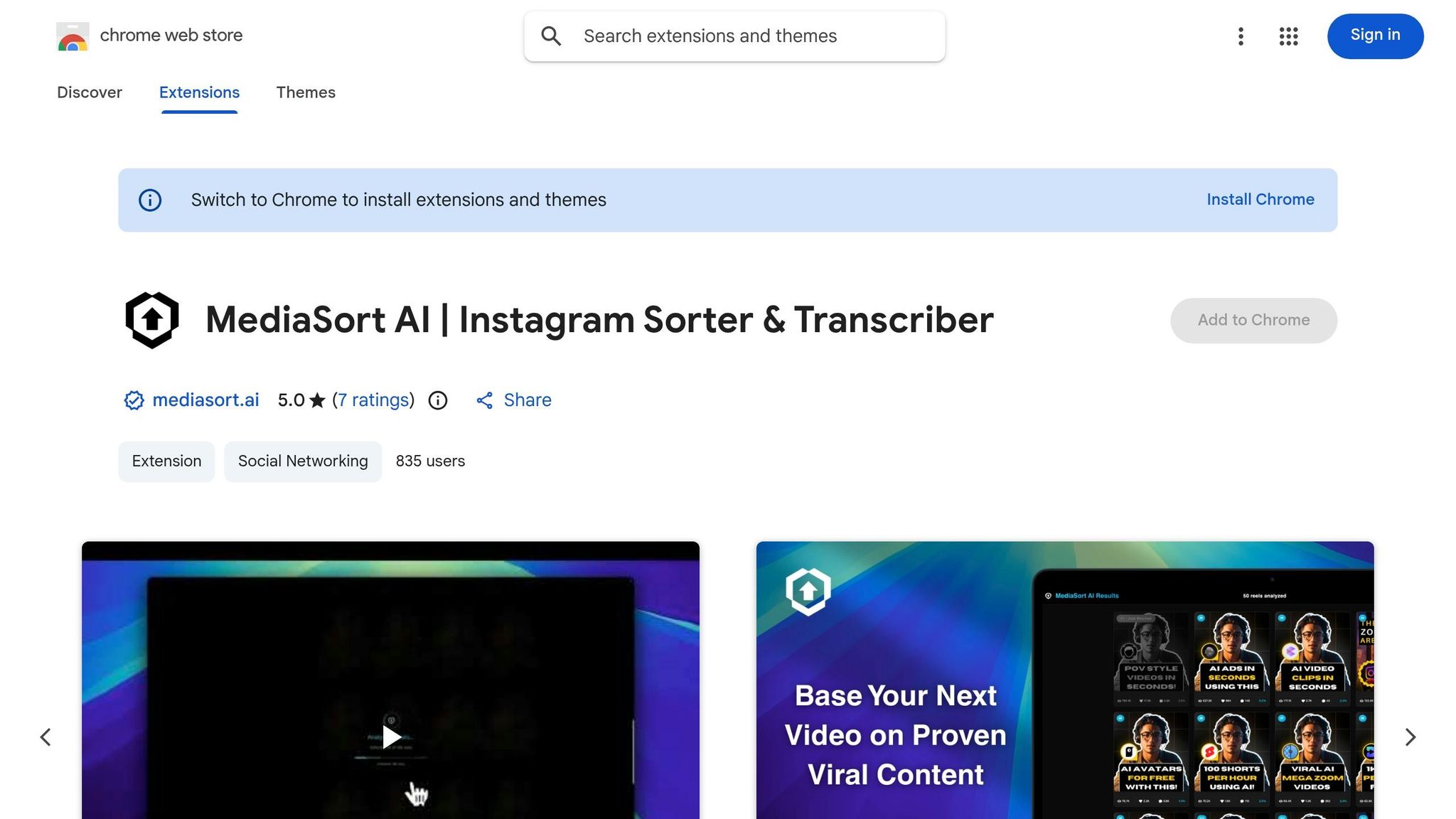
For anyone focused on Instagram Reels, MediaSort AI feels like that secret weapon you didn’t know you needed. It takes the guesswork out of figuring out what’s working by letting you sort any public Instagram profile’s Reels by view count. No more endless scrolling - just open a profile, sort by views, and boom, you’ve got a clear picture of their top-performing content in seconds.
What really makes MediaSort AI stand out is its AI transcription feature. Spot a viral Reel? You can instantly grab the full text transcript without leaving your browser. Whether you’re dissecting scripts, brainstorming new hooks, or repurposing ideas, this tool keeps everything streamlined. Add in the ability to directly download Reels, and you’ve got a complete workflow for content research and inspiration.
Key Features
- Sort any public Instagram profile’s Reels by total views to find top-performing videos fast.
- Generate AI-powered transcripts of Reels for script analysis or repurposing.
- Download Reels and posts directly to your device for offline use.
- Spot trends and messaging strategies in your niche quickly and efficiently.
Pros
- Combines sorting, transcription, and downloading into one tool, cutting down on the need for multiple extensions.
- Earns a perfect 5.0/5 rating on the Chrome Web Store, with users loving its focus on Reels.
- Saves tons of time on competitor research compared to manual browsing.
Cons
- Likely operates outside Meta’s official API, which could clash with Instagram’s Terms of Service.
- No official connection to Meta, so there’s a potential risk for your account - especially if it’s your main business profile.
- Requires certain browser permissions, so it’s worth double-checking those before installing.
Best for you if…
- You’re a creator or social media manager who needs quick insights into competitor Reels for inspiration or hook ideas.
- You want to repurpose viral content scripts without the hassle of manual transcription.
- You’re okay using a secondary or research-only account to stay on the safe side during competitor analysis.
5. Instagram Dashboard – Best for Desktop Analytics Without the Mobile Hassle
Ever feel stuck juggling Instagram analytics on your phone when you’d rather work on a bigger screen? Instagram Dashboard solves that by bringing all those key metrics - follower counts, engagement rates, and audience insights - straight to your desktop. No app-hopping, no frustration.
What really stands out here is its follower and unfollower tracking. You can spot who’s leaving, track growth trends, and even export your follower list for deeper dives. Plus, it’s got built-in tools to detect bots and inactive accounts, helping you clean up your audience and boost engagement.
Key Features
- Access Instagram analytics directly from your desktop browser - no mobile app required.
- Monitor follower growth and pinpoint who’s unfollowing over time.
- Export follower lists for analysis or CRM integration.
- Use the audience quality analyzer to identify fake or inactive accounts.
- Enjoy a streamlined interface with advanced options tucked away for simplicity.
Pros
- Saves you from constantly switching between desktop and mobile to check analytics.
- The export feature is a game-changer for prepping outreach or tracking leads.
- User-friendly design that’s easy to navigate, even for beginners.
Cons
- Engagement tracking for Reels might need manual linking since it’s not fully automated.
- Extensions accessing Instagram data may collect sensitive info (like login details), so double-check permissions before installing.
Best for you if…
- You prefer managing Instagram from your desktop and want analytics without device-hopping.
- You’re focused on improving follower quality by weeding out bots and ghost accounts.
- You need a lightweight, standalone analytics tool that doesn’t rely on third-party SaaS integrations.
6. InstaStack – Best for All-in-One Desktop Instagram Management
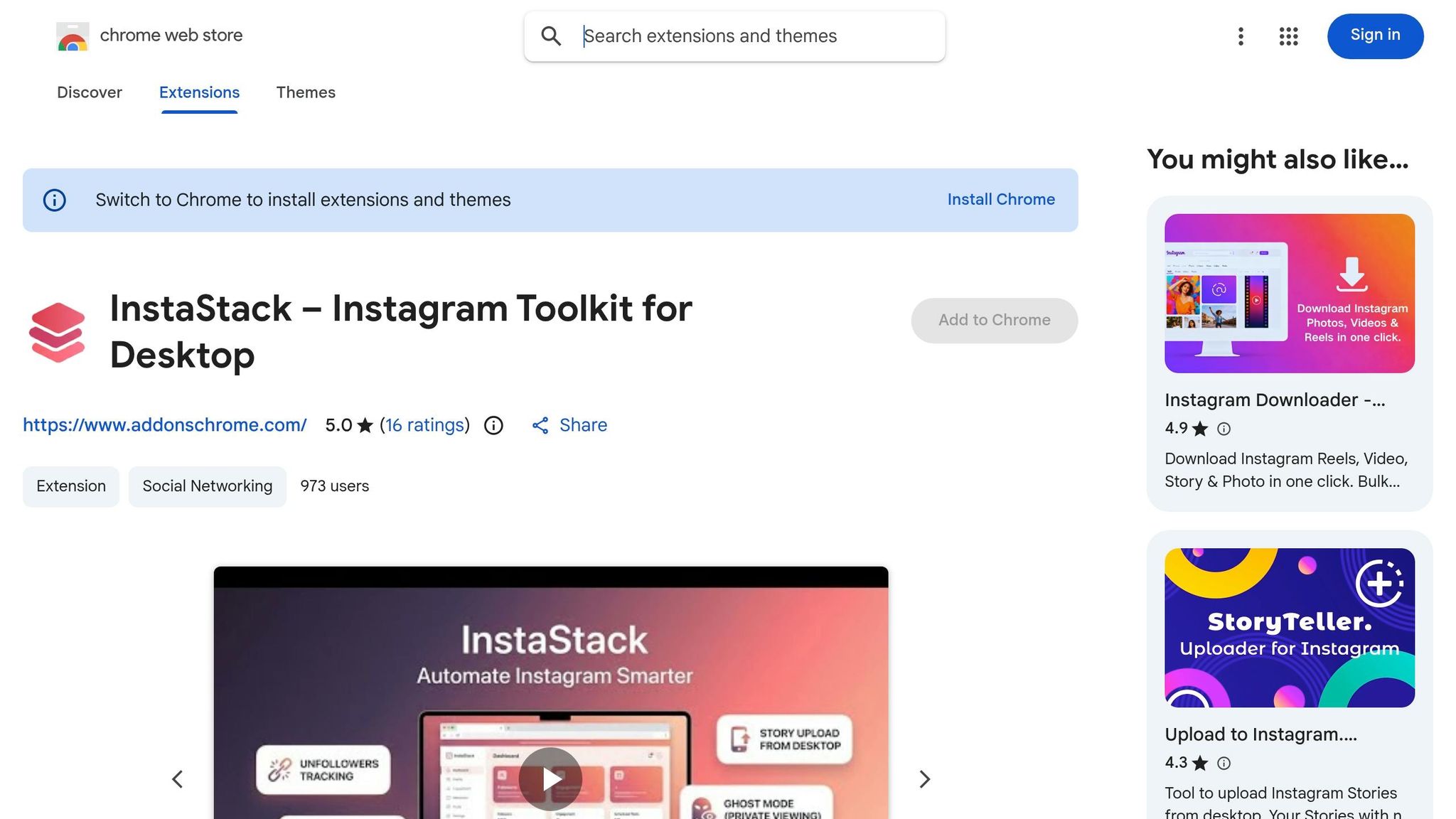
Ever feel stuck managing Instagram on your phone when you’re already deep in desktop workflows? That’s where InstaStack steps in. It’s like having the full Instagram app right in your browser - posting Stories, tweaking engagement, and even automating growth - all without picking up your phone. For anyone juggling content creation and follower growth, this tool brings mobile-only features directly to your desktop.
One standout feature is the Growth Autopilot, which handles targeted engagement to attract real followers organically. On top of that, InstaStack lets you publish everything from Reels to Stories, complete with music, stickers, mentions, and even collaboration tags - all from your desktop.
Key Features
- Desktop publishing: Upload Stories, Reels, Carousels, and Photos straight from your browser.
- Growth Autopilot: Automates engagement with targeted users for organic follower growth.
- Automated scheduling: Plan and queue posts directly within the extension.
Pros
- Keeps everything desktop-friendly, eliminating the need to switch between devices.
- Offers mobile-level publishing tools like music, stickers, and collaboration tags.
- Simplifies organic growth with automated engagement, saving you hours of manual work.
Cons
So far, no major drawbacks have popped up in the documentation.
Best for you if…
- You’re all about managing Instagram from your desktop but don’t want to lose mobile-specific features.
- You need a seamless way to schedule content and automate follower growth in one place.
- You’re okay with using automation tools to boost engagement while staying within Instagram’s guidelines.
7. Instagram Outreach DM Automation – Wave – Best for Automated DM Lead Generation
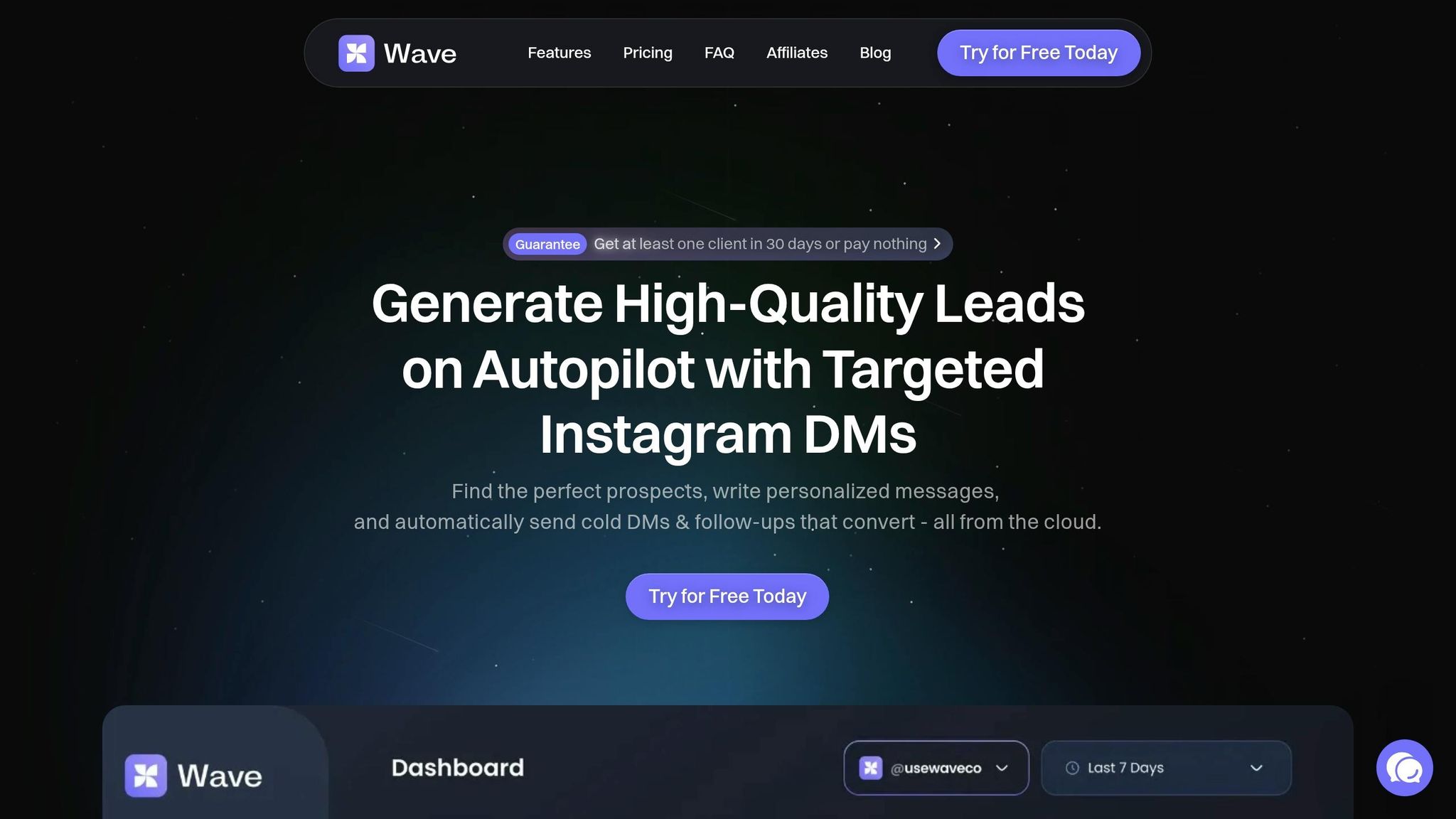
Let’s be honest - Instagram cold outreach can feel like a grind. Manually copying usernames, sending the same DMs over and over, and juggling follow-ups eats up hours you could spend on more creative work. That’s where Wave steps in. It simplifies the entire process, automating everything from building your target list to sending out personalized messages - straight from your browser. Wave turns those time-sucking tasks into smooth, automated workflows.
What sets Wave apart for lead generation is its audience scraper. This tool lets you pull targeted lists from competitor followers, influencer audiences, or even users interacting with specific hashtags. Once you’ve got your list, Wave sends out customized DMs automatically - no more copy-pasting until your fingers hurt. For marketers aiming to scale outreach, this kind of precision and automation is a game-changer.
Key Features
- Comment-to-DM automation: Instantly sends a direct message when someone comments with a specific keyword on your post or Reel, turning public engagement into private conversations.
- Story reply triggers: Automatically responds to Story replies with a pre-set message, helping you convert casual viewers into leads.
- Audience scraper: Builds ultra-targeted outreach lists by extracting followers from competitors or influencers.
- Human-like comments: Posts natural, context-aware comments on target profiles to warm up interactions before sliding into DMs.
Pros
- Saves hours by automating tedious outreach tasks.
- Converts public engagement into private leads with tools like comment-to-DM and Story reply triggers.
- Ensures precise targeting with its audience scraping feature.
- Perfect for promoting new products, services, or influencer collabs.
Cons
- Sending high volumes of automated DMs can violate Instagram’s Terms of Service, risking temporary or permanent account restrictions.
- Without enough variation, messages might feel too templated and less authentic.
- Requires careful volume management to stay under Instagram’s radar.
Best for you if…
- You’re running lead-generation campaigns and need to reach a large, targeted audience on Instagram without spending hours doing it manually.
- You’re a creator or marketer looking to turn public engagement into private conversations that actually convert.
- You’re aware of the risks tied to automation and are ready to manage your DM strategy thoughtfully.
8. IG Email Extractor – Best for Building Email Lead Lists from Instagram
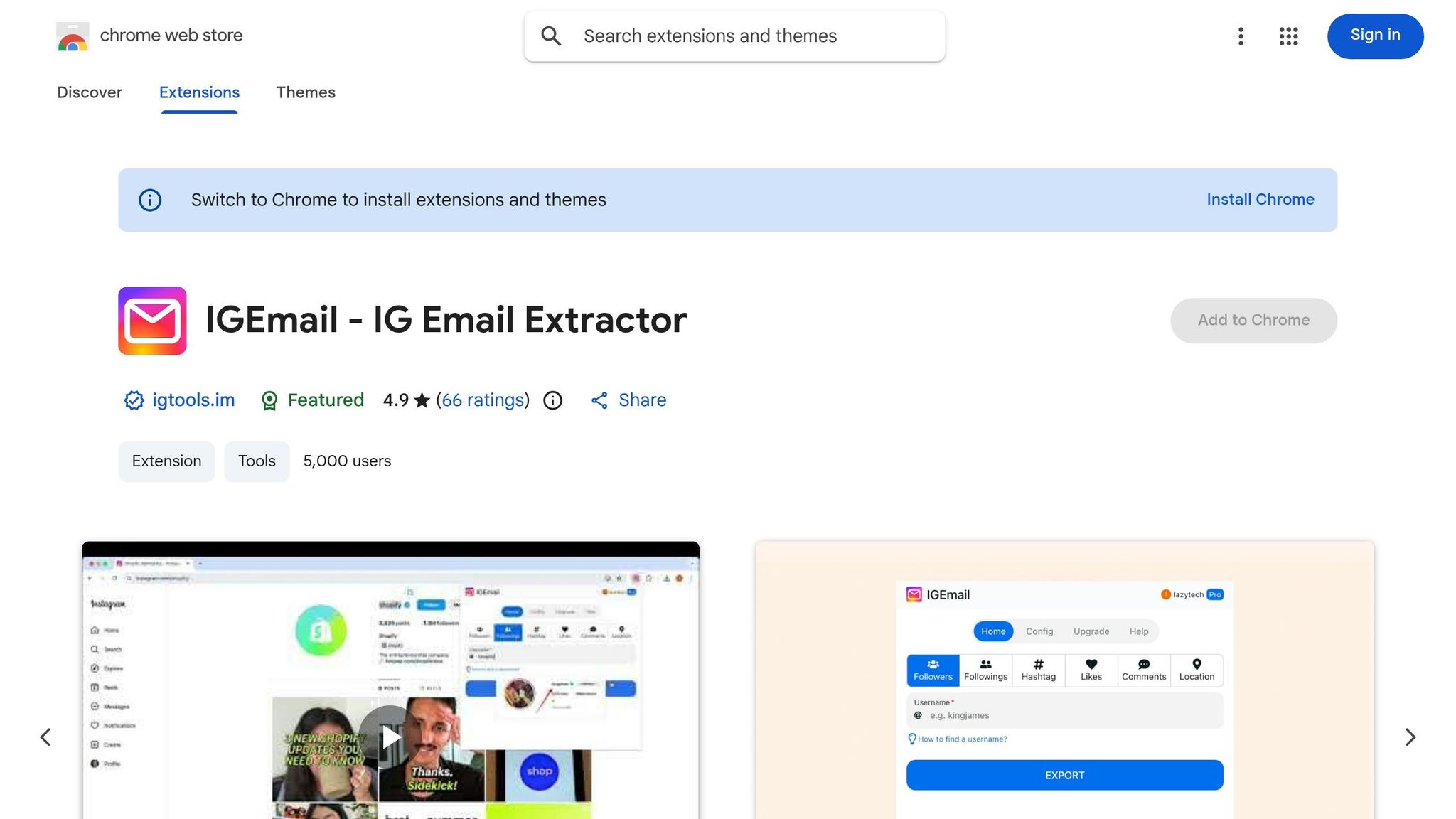
IG Email Extractor takes the grunt work out of finding contact details on Instagram. It pulls publicly available emails and phone numbers straight from profile bios, saving you from endless manual clicks. Just aim it at a target audience - followers, likers, or commenters - and it’ll gather the data for you. Plus, with advanced filters like niche keywords and follower count, you can keep your list lean and relevant. One standout feature? It tracks the source of every lead, so you know exactly which account or post delivered the goods.
Here’s what stood out about IG Email Extractor.
Key Features
- Multi-source scraping: Collects contact info from followers, followings, post likers, and commenters.
- Bio data extraction: Grabs emails and phone numbers listed in public bios.
- Advanced filtering: Targets profiles by follower count, bio keywords, or account type for precise results.
- Randomized delays: Simulates human-like activity to avoid Instagram’s rate limits.
- Lead source tracking: Logs where each lead originated - whether it’s a specific account or post.
Pros
- Turns hours of manual research into a quick, automated process.
- Filters help you avoid bloated lists by focusing only on relevant profiles.
- Randomized delays reduce the risk of Instagram flagging your activity.
- Easy to use - works directly in your browser with Instagram’s live interface.
Cons
- Public data only: If a profile doesn’t list an email or is private, you’re out of luck.
- Account risk: Instagram monitors for non-human behavior, and overuse could lead to temporary blocks or bans.
- Security concerns: Some versions require Instagram login credentials, which can feel risky.
- Inconsistent data: Many profiles lack contact info, so hit rates can be low when scraping large follower lists.
Best for you if…
- You’re a marketer or agency looking to build cold outreach lists from competitors’ audiences or niche communities.
- You’re doing influencer research and need a faster way to gather contact details without manually checking profiles.
- You’re aware of the compliance risks and are ready to use the tool cautiously - short sessions, smaller volumes, and manual follow-ups are key.
sbb-itb-b3cfc51
9. Instagram Lead Scraper Pro – Best for Advanced Profile Scraping and Targeted Lead Lists
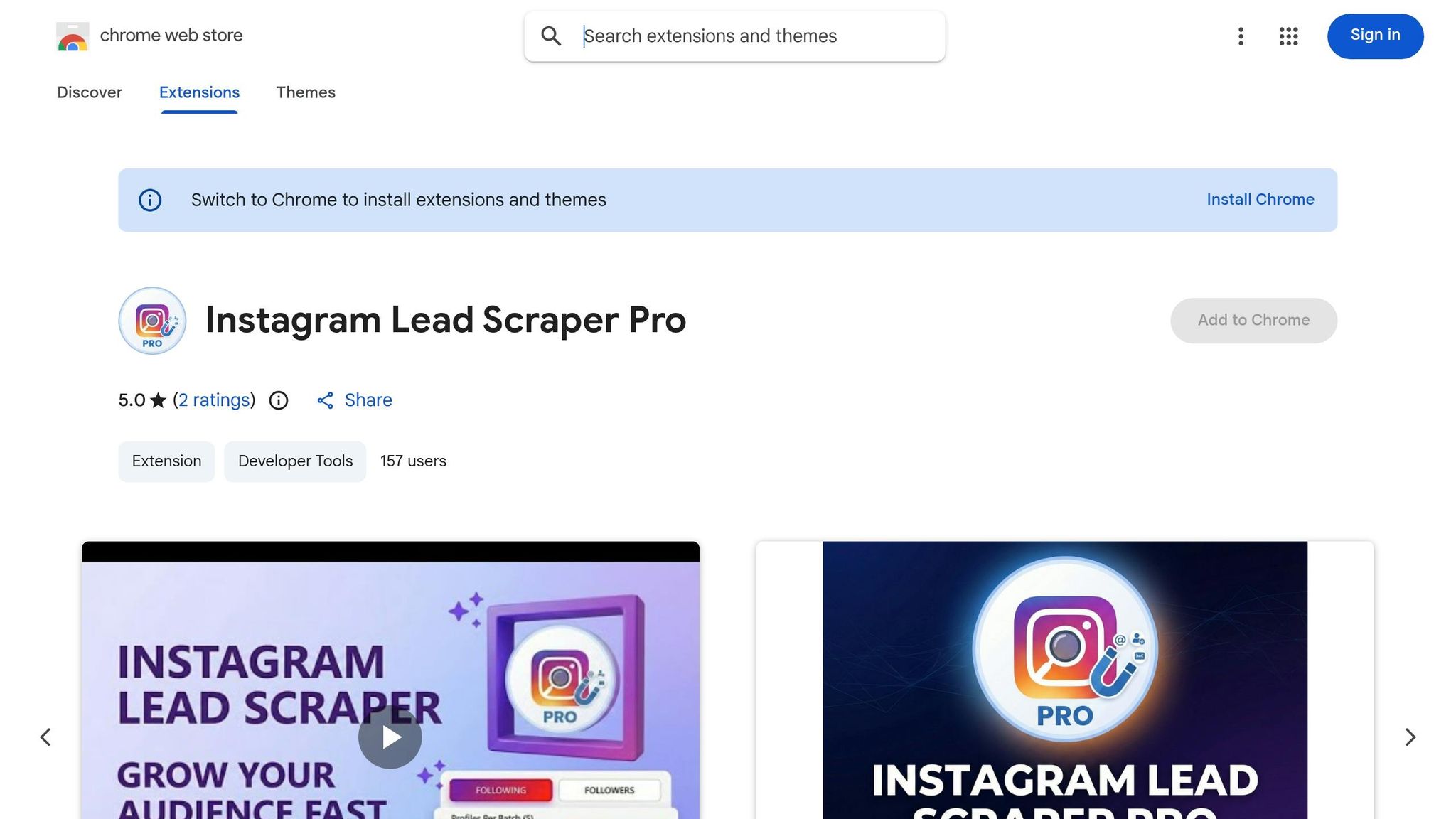
Instagram Lead Scraper Pro isn't just another scraping tool - it’s built for marketers who need precise, filterable data to fuel their outreach strategies. Whether you're targeting a competitor's followers, active commenters on rival posts, or niche communities, this tool turns raw Instagram profiles into actionable lead lists. Plus, it integrates seamlessly with your marketing stack, making it a go-to for serious campaigns.
Key Features
- Audience scraping: Easily pull followers and followings from competitors, influencers, or niche accounts to craft hyper-focused outreach lists.
- Detailed data collection: Grab follower counts, bio text, and any public contact info from profiles.
- Keyword and filter targeting: Zero in on profiles using bio keywords, follower ranges, or account type to weed out irrelevant leads.
- Batch processing: Process huge lists in a single run, with data exportable to CSV or Excel for smooth integration into CRMs or email platforms.
- Human-like behavior: Uses configurable, random delays to mimic natural actions and avoid Instagram's detection systems.
The combination of batch processing and stealthy human-like behavior makes it a powerful choice for scaling your outreach without drawing unwanted attention.
Pros
- Batch processing slashes the time spent manually reviewing profiles.
- Keyword filters ensure your lists are clean and focused, reducing post-scraping edits.
- Export-ready CSV/Excel files make it easy to plug data directly into your CRM or email tools.
- Local data storage keeps your scraped information secure on your own machine, avoiding third-party risks.
Cons
- Compliance risk: Browser-based scraping violates Instagram's Terms of Service, potentially leading to shadow bans or account suspensions.
- Login required: Using your Instagram credentials might raise security concerns.
- Incomplete data: Profiles without public bios or contact details won’t provide full records, which can limit your targeting.
- High-volume scraping risks: Large-scale sessions can flag your account - better to start small and scale cautiously.
Best for you if…
- You’re running cold outreach campaigns and need a curated list from a specific niche or competitor’s audience.
- You’re okay with managing compliance risks and plan to use short, randomized scraping sessions instead of running the tool non-stop.
- Your workflow involves CRMs or email platforms, and you need structured, exportable data - not just raw contact info.
- You’re handling multi-stage campaigns where precise audience segmentation and scalable data collection are key to driving results.
10. IGGET – Best for Exporting Instagram Comments and Extracting Contact Data
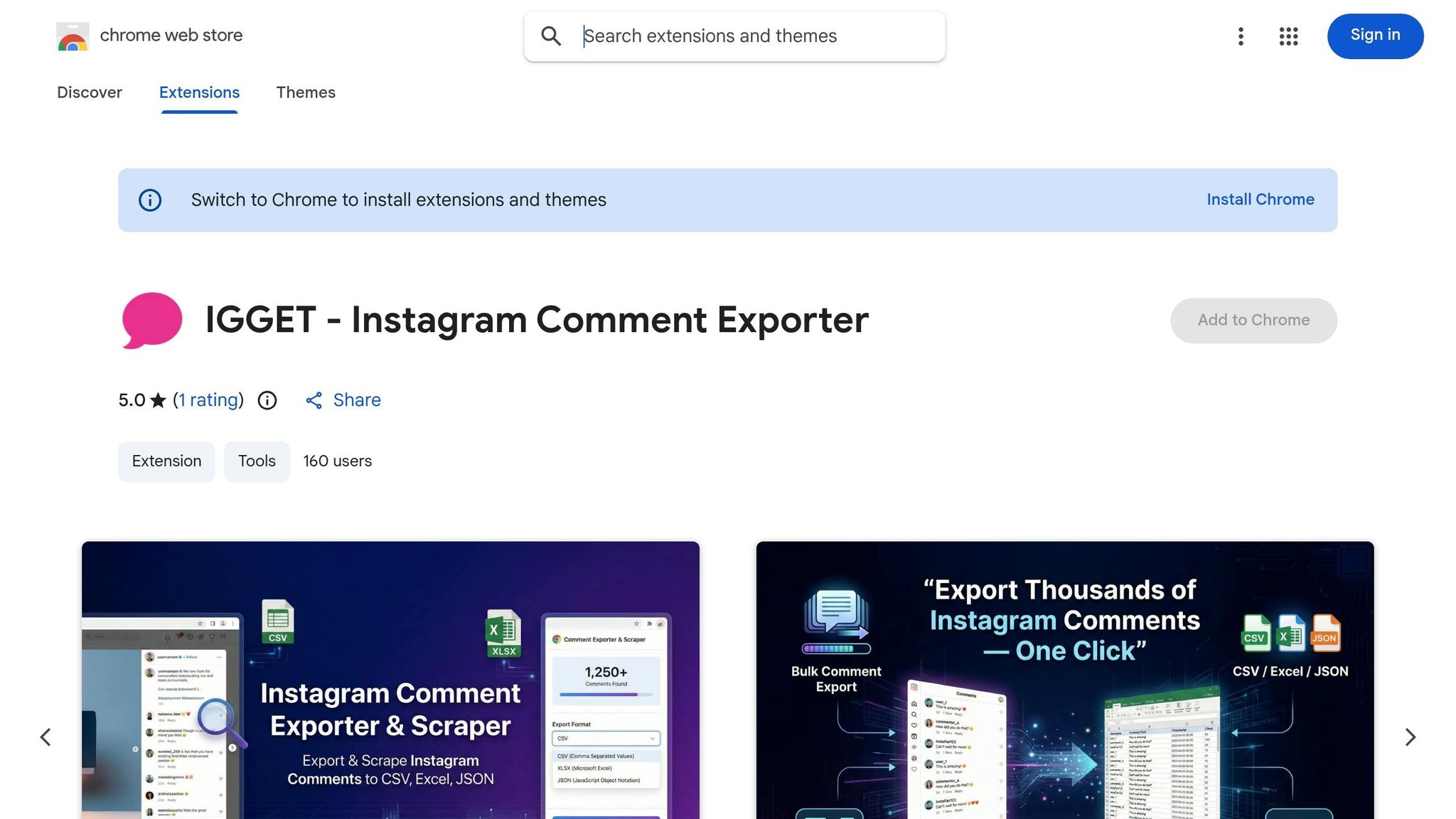
IGGET is a Chrome extension that takes the hassle out of collecting Instagram comments. Whether you're running a giveaway, diving into sentiment analysis, or building a lead list based on engagement, this tool streamlines the process by exporting comments in bulk from posts, Reels, and videos. No more endless manual copy-pasting.
Here’s how it works: you visit any public Instagram post, activate IGGET, and export thousands of comments - complete with user details like usernames, follower counts, bios, and public contact info - straight into a CSV or Excel file. It’s especially handy for campaign management, thanks to its smooth integration with other tools.
What sets IGGET apart is its advanced filtering. You can refine exports by follower count or account type, which helps zero in on the most relevant and engaged users.
Pros
- One-click bulk export saves hours of manual effort.
- Outputs are CRM- and email-friendly, making follow-ups a breeze.
- Filters for follower count and account type keep your lists sharp and focused.
- Perfect for giveaways - automatically logs every commenter for full transparency.
Cons
- The free tier caps exports at 500 records, so larger campaigns will need a paid plan.
- Automated data pulls can carry some account risk, so use with care.
- Accounts without public bios or contact info might lead to incomplete data, limiting list quality.
IGGET works best when used sparingly for targeted tasks. It’s a solid choice for focused lead scraping or giveaway management but isn’t built for heavy, ongoing use.
11. CRMzz – Best for Instagram Contact Management and Influencer Discovery
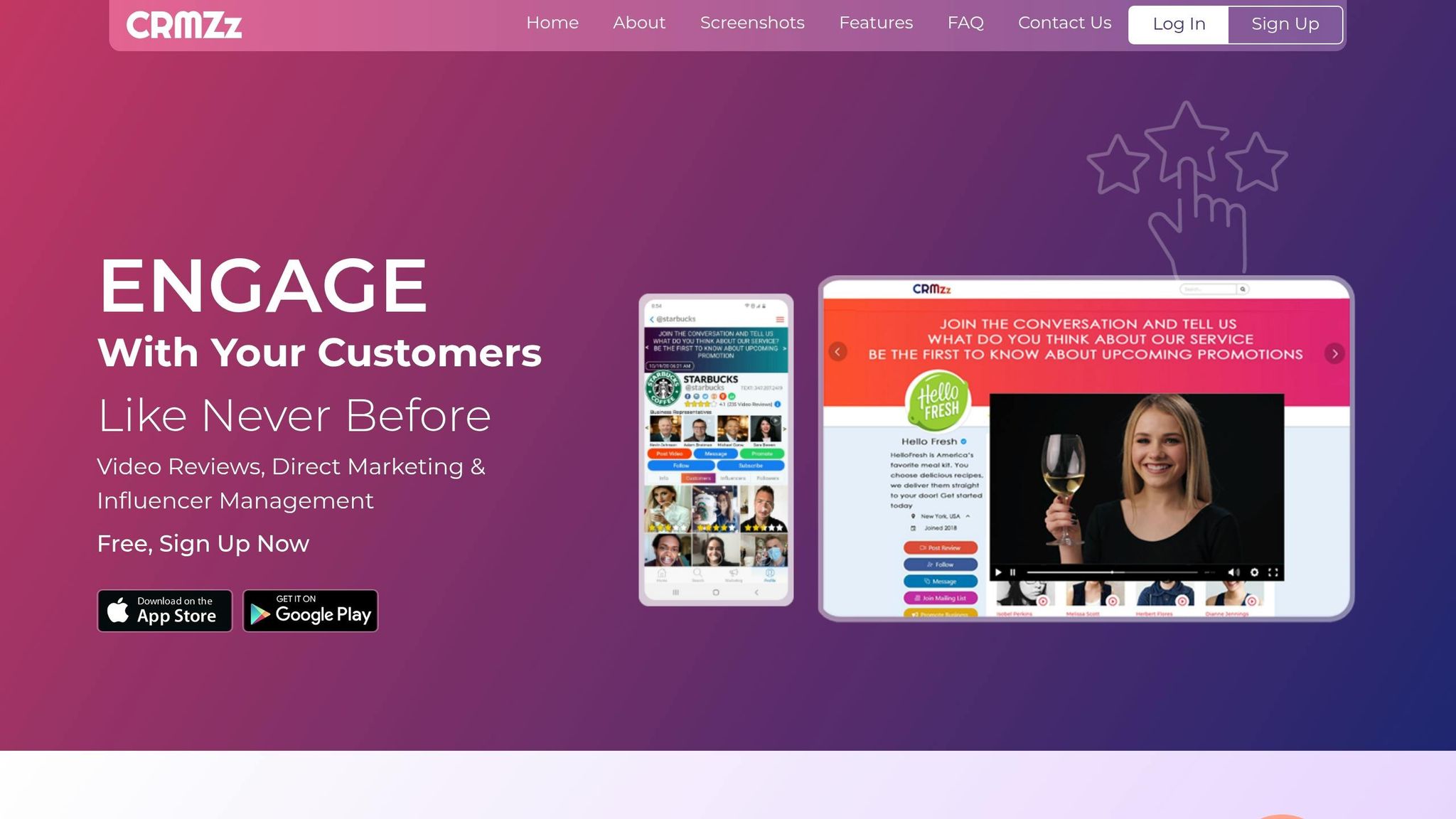
CRMzz isn’t just another scraper; it’s like a lightweight CRM tailored for Instagram. Instead of doing a one-time export, it helps you organize and track Instagram contacts over time. For growth teams managing ongoing influencer campaigns or lead-gen efforts, this distinction is a game-changer.
Here’s how it works: CRMzz pulls publicly available data - usernames, bios, follower counts, and public email addresses - from engagement sources like followers, likers, commenters, and even following lists on public profiles or posts. What really sets it apart, though, is its source tracking. It logs exactly which post, Reel, or Story led to a contact, so you always have the context behind each lead. That’s pure gold when you’re juggling multiple campaigns and need clarity.
Its influencer search tool is another standout feature. You can filter creators by niche, engagement rate, and follower count, which slashes the time spent hunting for the perfect micro-influencers in your target space.
What’s to Like:
- Tracks interaction history alongside contact data, so it’s not just dumping raw profile info.
- Source attribution helps you pinpoint which content drove each lead.
- Influencer filters (niche, engagement rate, follower count) make finding creators way faster.
- Integrates with automation tools for streamlined follow-up workflows.
What Could Be Better:
- Bulk data pulls can trigger account risks - short, targeted sessions are safer.
- Data quality depends on what users share publicly, so incomplete bios can mean incomplete records.
- The CRM features might feel like overkill for solo creators who just need quick exports.
CRMzz shines for social media managers and growth teams who need more than just a basic export tool. If you’re running multi-touch influencer campaigns or customer workflows, having that extra layer of context and interaction history makes all the difference.
12. FollowMate – Best for Organic Growth Automation
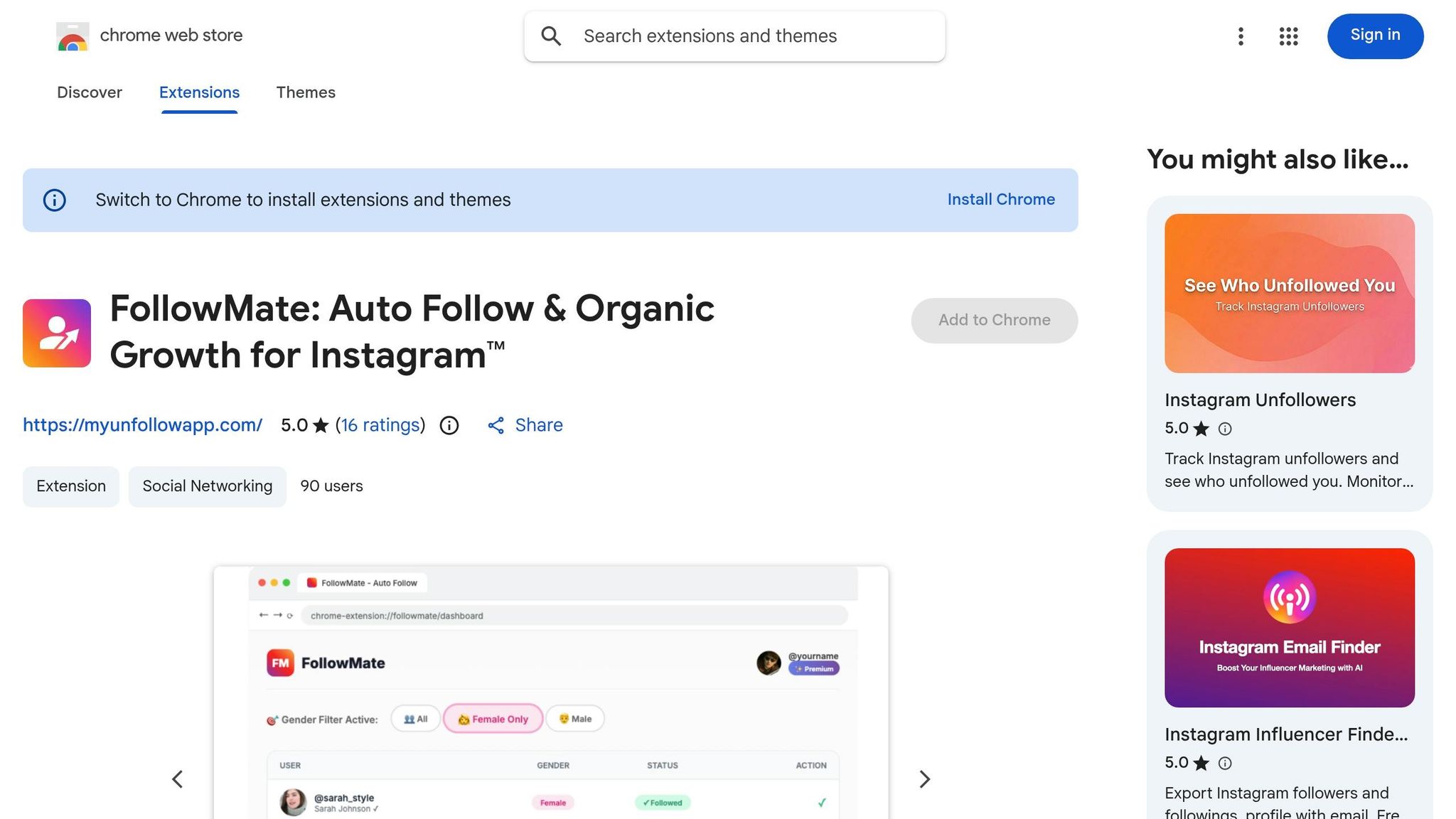
FollowMate shifts gears compared to tools like CRMzz. While CRMzz focuses on nurturing and tracking leads over time, FollowMate zeroes in on automating those initial steps to get your profile noticed - think follows, comments, and DMs aimed at cold audiences.
Here’s how it works: it starts with an audience scraper that pulls follower and following lists from competitor accounts, niche influencers, or any public profile you target. This means you’re not shooting in the dark; you’re engaging with people already interested in your niche. From there, FollowMate automates human-like comments on posts and sends Auto DMs to users on your scraped list. The kicker? It runs these actions through your active browser session, so you don’t even need to hand over your Instagram login credentials. That smooth integration is a major differentiator from more traditional automation tools.
What's to Like
- Smart targeting: The audience scraper pulls users from competitor and niche accounts, giving you a head start with people already primed for your content.
- Hands-free engagement: Auto-comments and DMs run quietly in the background, freeing you up to focus on other priorities.
- No direct login needed: It operates through your browser session, skipping the hassle of entering Instagram credentials.
What Could Be Better
- Risky territory: FollowMate bypasses Meta's official Graph API, which means it violates Instagram’s Terms of Service. This could lead to shadow bans, account suspensions, or even permanent bans.
- Generic vibes: Automated comments can feel spammy if not thoughtfully crafted, which might hurt your credibility.
- Not for big brands: If you’re managing an established brand account, the potential risks could outweigh the benefits. It’s better suited for test accounts or profiles where the stakes aren’t as high.
Best for You If…
- You’re an experimental creator or growth hacker willing to test bold tactics on accounts where some risk is acceptable.
- You’re managing a niche or secondary profile designed for outreach experiments.
- You want to speed up follower growth without spending hours on manual engagement.
13. Instagram Ad Finder – Best for Competitive Ad Research & Creative Inspiration
Instagram Ad Finder is like having a personal assistant for spotting and saving Instagram ads. It works quietly in the background while you scroll, flagging ads and letting you save them instantly. Over time, you’ll build a searchable library of competitor ads - perfect for creative brainstorming or staying on top of industry trends. For anyone juggling ad research, this tool takes the manual hassle out of collecting examples.
Key Features
- Ad identification: Automatically highlights ads in your feed, so you don’t miss a thing.
- Easy bookmarking: Save ads with a single click to create your own swipe file.
- Swipe file: Review and organize saved ads whenever you need inspiration.
- Multi-format support: Works with all kinds of Instagram ad formats, from Stories to carousel posts.
Pros
Here’s what makes Instagram Ad Finder stand out:
- Streamlined and clutter-free: No more screenshotting and saving random files - this tool keeps everything tidy and accessible.
- Live ad examples: You’re collecting real, active ads, giving you direct insight into what’s trending and how competitors are positioning their brands.
Cons
That said, there are a few limitations to keep in mind:
- Feed-dependent: It only captures ads that show up in your Instagram feed, which might not cover all competitors.
- No analytics: While it’s great for inspiration, it doesn’t provide insights into ad performance or effectiveness.
- Limited scope: You won’t see ads outside your personalized feed, so it’s not comprehensive.
Best for You If…
- You’re a media buyer or strategist who needs a steady stream of ad ideas and competitive insights.
- You manage social ad campaigns and want to track competitors’ messaging and creative trends.
- You’re a freelance designer or copywriter building a go-to library of Instagram ad inspiration.
The bottom line? Instagram Ad Finder is a handy tool for anyone looking to simplify ad research and keep their creative edge sharp.
14. Instagram Saved Collection Exporter – Best for Content Research & Inspiration Management
Instagram Saved Collection Exporter takes the chaos of saved posts and turns it into a streamlined, searchable goldmine for content planning, inspiration, and competitor analysis, often aided by AI tools for social media content creation. If your saved posts feel like a black hole you never revisit, this tool flips the script, making it an organized library you’ll actually use.
Key Features
- Multi-surface support: It works across everything - Saved collections, Profiles, Search, Explore, and even direct URLs.
- Flexible export formats: Choose from Google Sheets, Excel, CSV, or JSON to fit how you work best.
- Bulk media download: Grab all the media from a collection in one click - no more tedious manual downloads.
- Content transcription: Extract text from Reels or video posts for repurposing or deeper analysis.
Pros
- Turns messy saved folders into structured spreadsheets, making research and planning way easier.
- Bulk downloads are a huge time-saver, whether you’re building swipe files or crafting mood boards.
- Gives you exportable, organized data for better content planning and competitor insights.
Cons
- Free plans often limit you to 25-50 items before nudging you toward a paid upgrade.
- Exporting too aggressively could trigger Instagram’s security systems, causing rate limits or temporary blocks.
- Some tools rely on external servers for processing, which could raise privacy concerns - local data handling is a safer bet.
"All data is processed locally, ensuring confidentiality and privacy. Your exported data remains private." – InsFo
Best for You If…
- You’re a content strategist juggling dozens of weekly saves and need a system to organize them efficiently.
- You’re diving into competitor research and prefer exporting posts in bulk instead of manually managing them.
- You’re a creative building mood boards or campaigns and need media files downloaded and sorted fast.
Bottom line? This tool turns passive saving into active strategy, cutting down on wasted time and helping you stay ahead.
15. One-Click Instagram Transcript Generator & SRT Downloader – Best for Repurposing Reels Content at Scale
If you've been following along with tools for analytics, DM automation, and lead scraping, this one takes a different angle: repurposing video content with ease. For anyone who regularly works with Instagram Reels, transcription can feel like a massive time sink. Manually converting audio to text? That’s the kind of grind no one has time for. This tool steps in to handle it for you, turning Reels (and even TikToks) into text in just a few clicks. Forget juggling external transcription services - this extension keeps it all streamlined. Whether you’re working on a single video or tackling a batch, you’ll get clean transcripts ready to export into Google Sheets, Excel, or CSV. It’s a game-changer for repurposing content, doing keyword research, or even feeding data into AI tools.
Key Features
- Bulk Transcription: Process multiple Reels or TikToks at once, saving you from the hassle of one-at-a-time workflows.
- SRT File Downloads: Export captions as
.srtfiles, making it easy to add subtitles to your videos without extra software. - Spreadsheet Export: Seamlessly push transcripts and performance data into Google Sheets, Excel, or CSV for deeper analysis.
- One-Click Media Downloads: Grab all media - Reels, Posts, Stories - in one go, perfect for archiving or repurposing.
Pros
- Slashes the time it takes to turn video content into blog posts, captions, or even newsletters.
- Bulk transcription allows you to analyze or repurpose entire libraries of competitor content in record time.
- Simplifies subtitle creation by exporting ready-to-use SRT files.
Cons
- Free plans usually cap at around 25 posts or limit you to content from the last 7 days before requiring a Pro upgrade.
- Not officially supported by Instagram or Meta Platforms, so occasional hiccups can happen after platform updates.
- Transcription accuracy can drop with poor audio quality - background noise or thick accents might need manual edits.
Best for You If…
- You're a content creator or agency trying to turn Reels into written content without wasting hours on transcription.
- You're a social media manager digging into competitor strategies and need quick, exportable data to compare messaging.
- You're a freelance marketer wanting structured insights from top-performing Reels to build smarter content strategies.
Bottom line? This tool takes the grind out of transcription and repurposing, giving you time to focus on what really matters - creating and strategizing.
Tool Comparison Table
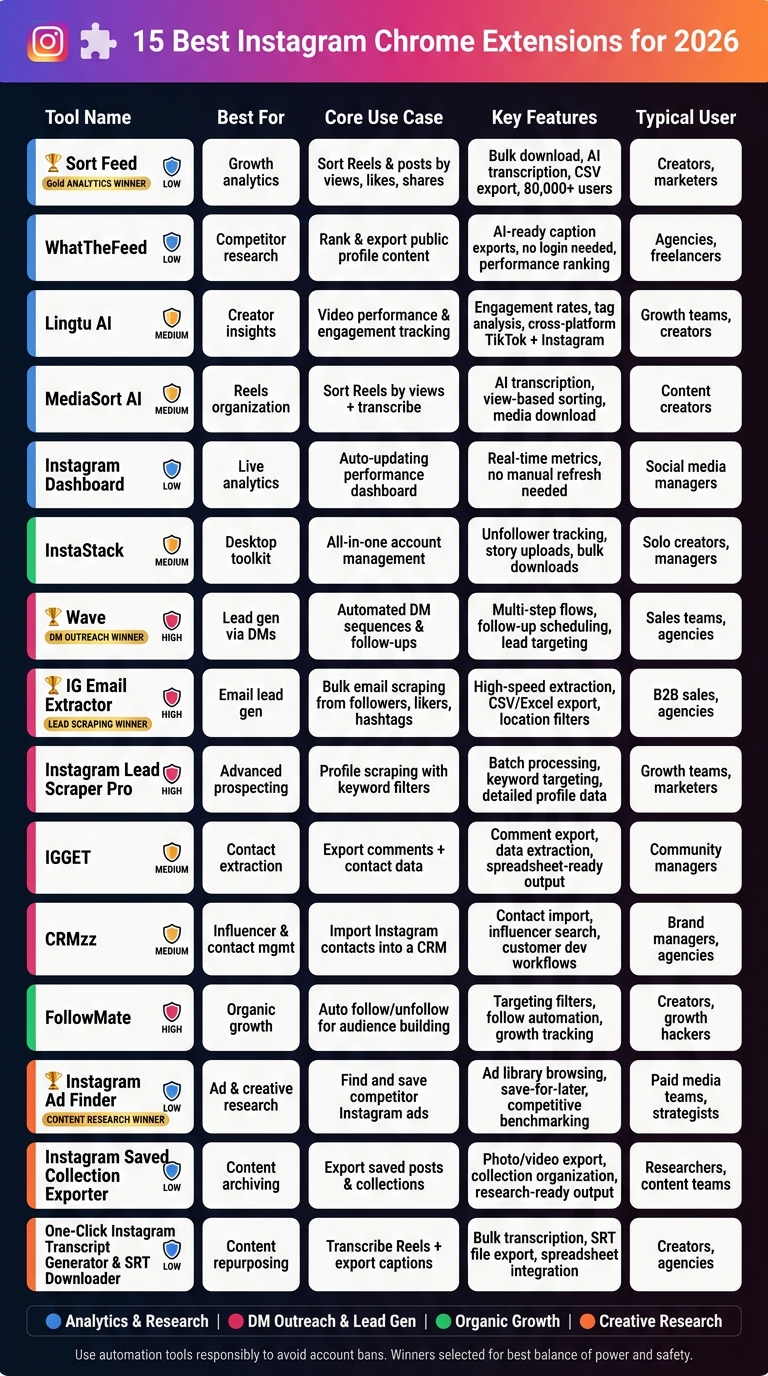
15 Best Instagram Chrome Extensions 2026: Features & Use Cases Compared
Here’s a quick breakdown of 15 tools, spotlighting the best picks for analytics, DM outreach, lead scraping, and content research.
| Tool | Best For | Core Use Case | Key Features | Typical User |
|---|---|---|---|---|
| 🏆 Sort Feed (Analytics Winner) | Growth analytics | Sort Reels & posts by views, likes, shares | Bulk download, AI transcription, CSV export, 80,000+ users | Creators, marketers |
| WhatTheFeed | Competitor research | Rank & export public profile content | AI-ready caption exports, no login needed, performance ranking | Agencies, freelancers |
| Lingtu AI | Creator insights | Video performance & engagement tracking | Engagement rates, tag analysis, cross-platform (TikTok + Instagram) | Growth teams, creators |
| MediaSort AI | Reels organization | Sort Reels by views + transcribe | AI transcription, view-based sorting, media download | Content creators |
| Instagram Dashboard | Live analytics | Auto-updating performance dashboard | Real-time metrics, no manual refresh needed | Social media managers |
| InstaStack | Desktop toolkit | All-in-one account management | Unfollower tracking, story uploads, bulk downloads | Solo creators, managers |
| 🏆 Instagram Outreach DM Automation – Wave (DM Outreach Winner) | Lead gen via DMs | Automated DM sequences & follow-ups | Multi-step flows, follow-up scheduling, lead targeting | Sales teams, agencies |
| 🏆 IG Email Extractor (Lead Scraping Winner) | Email lead gen | Bulk email scraping from followers, likers, hashtags | High-speed extraction, CSV/Excel export, location filters | B2B sales, agencies |
| Instagram Lead Scraper Pro | Advanced prospecting | Profile scraping with keyword filters | Batch processing, keyword targeting, detailed profile data | Growth teams, marketers |
| IGGET | Contact extraction | Export comments + contact data | Comment export, data extraction, spreadsheet-ready output | Community managers |
| CRMzz | Influencer & contact mgmt | Import Instagram contacts into a CRM | Contact import, influencer search, customer dev workflows | Brand managers, agencies |
| FollowMate | Organic growth | Auto follow/unfollow for audience building | Targeting filters, follow automation, growth tracking | Creators, growth hackers |
| 🏆 Instagram Ad Finder (Content Research Winner) | Ad & creative research | Find and save competitor Instagram ads | Ad library browsing, save-for-later, competitive benchmarking | Paid media teams, strategists |
| Instagram Saved Collection Exporter | Content archiving | Export saved posts & collections | Photo/video export, collection organization, research-ready output | Researchers, content teams |
| One-Click Instagram Transcript Generator & SRT Downloader | Content repurposing | Transcribe Reels + export captions | Bulk transcription, SRT file export, spreadsheet integration | Creators, agencies |
Let’s break it down: Sort Feed takes the analytics crown, thanks to its 80,000+ user base and robust features like AI transcription and CSV exports. Meanwhile, IG Email Extractor dominates lead scraping with its ability to pull emails at scale, though it’s worth noting the higher risks associated with scraping-heavy tools. And for content research, Instagram Ad Finder stands out, offering a focused solution for ad discovery and competitive analysis.
The catch? Tools with advanced scraping or automation often carry more risk, especially for account bans. That’s why the highlighted winners strike the best balance between power and safety. Stick around for a closer look at each tool’s strengths and quirks.
Wrapping It All Up
The 15 extensions we’ve explored fit neatly into four practical workflows: analytics and content research (Sort Feed, WhatTheFeed, MediaSort AI, Lingtu AI, Instagram Dashboard), DM outreach and lead generation (Wave, IG Email Extractor, Instagram Lead Scraper Pro, IGGET, CRMzz), organic growth (FollowMate, InstaStack), and creative research (Instagram Ad Finder, Instagram Saved Collection Exporter, One-Click Instagram Transcript Generator). The key? Pick the category that solves your biggest challenge first, then expand once you’ve nailed down a repeatable workflow.
Once you’ve got your system in place, safety should be your next priority. Not all automation tools are created equal when it comes to risk. Tools that work with public data are generally safe, but anything involving scraping or DM automation comes with higher stakes. Start small - think low daily actions, natural pauses between tasks, and mixing in real manual activity. This isn’t just about avoiding trouble; it’s about building a strategy that feels authentic.
"Unauthorized bots & extensions... risk account suspension, shadow bans, or permanent bans." - CreatorFlow
The bottom line? These tools should amplify your manual efforts, not replace them. Use the insights you gather to craft smarter content and focus your outreach on posts that already show potential. That’s where the magic happens - combining smart data with strategic action to fuel real, sustainable growth.
Your success rides on how responsibly you use them. Keep it balanced, and the results will follow.