Managing Instagram, TikTok, Threads, LinkedIn, Bluesky, and X in 2026 is a time-sink nightmare - we're talking 6–10 hours per week per platform. Enter social scheduling tools: your one-stop dashboard to batch-create, schedule, and analyze posts without platform-hopping. The right tool can save you 4–5 hours weekly and keep your team sane.
We reviewed 19 top social tools - from budget-friendly options like Metricool and Buffer to enterprise giants like Sprout Social and Hootsuite. Want AI content creation tools for captions, Instagram grid previews, or multi-platform analytics? There's something for every budget and team size.
Quick Highlights:
- Best for Small Teams: SocialBee, Metricool (from $0/month)
- Top for Agencies: Sendible, ContentStudio (client-friendly features)
- Enterprise Powerhouses: Sprout Social, Hootsuite (advanced analytics, CRM integrations)
- Most Affordable: Social Champ ($4/month), Buffer ($6/channel)
Here's the tricky part:
Not all tools support every platform (hello, Bluesky and Threads), and pricing can skyrocket with per-user or per-channel fees. Test before you commit. Free trials are your best friend.
Let’s break down the best options for your workflow and budget.
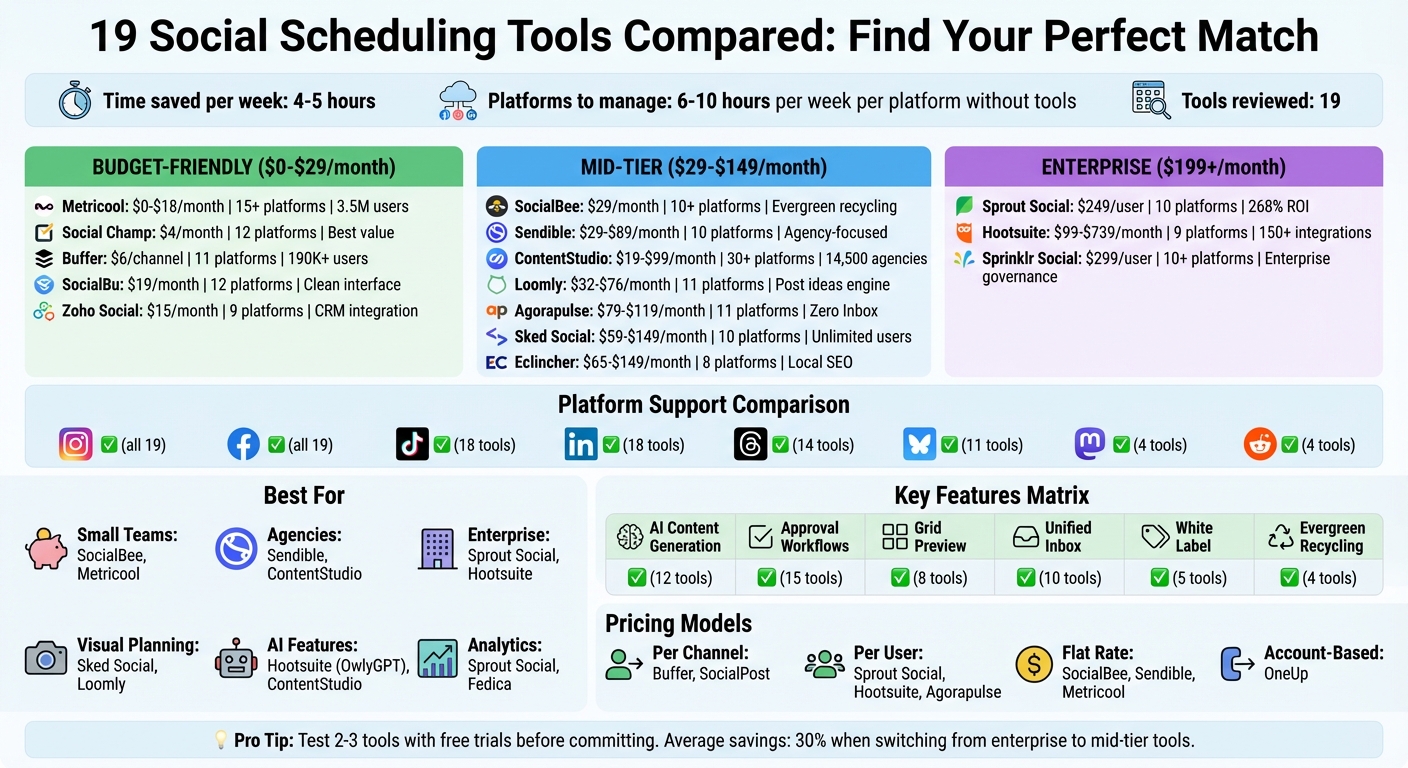
Social Media Scheduling Tools Comparison: Features, Pricing, and Best Use Cases
Best Social Media Management Tools 2026? | Best Way To Schedule Social Media Posts For FREE
sbb-itb-b3cfc51
1. Metricool
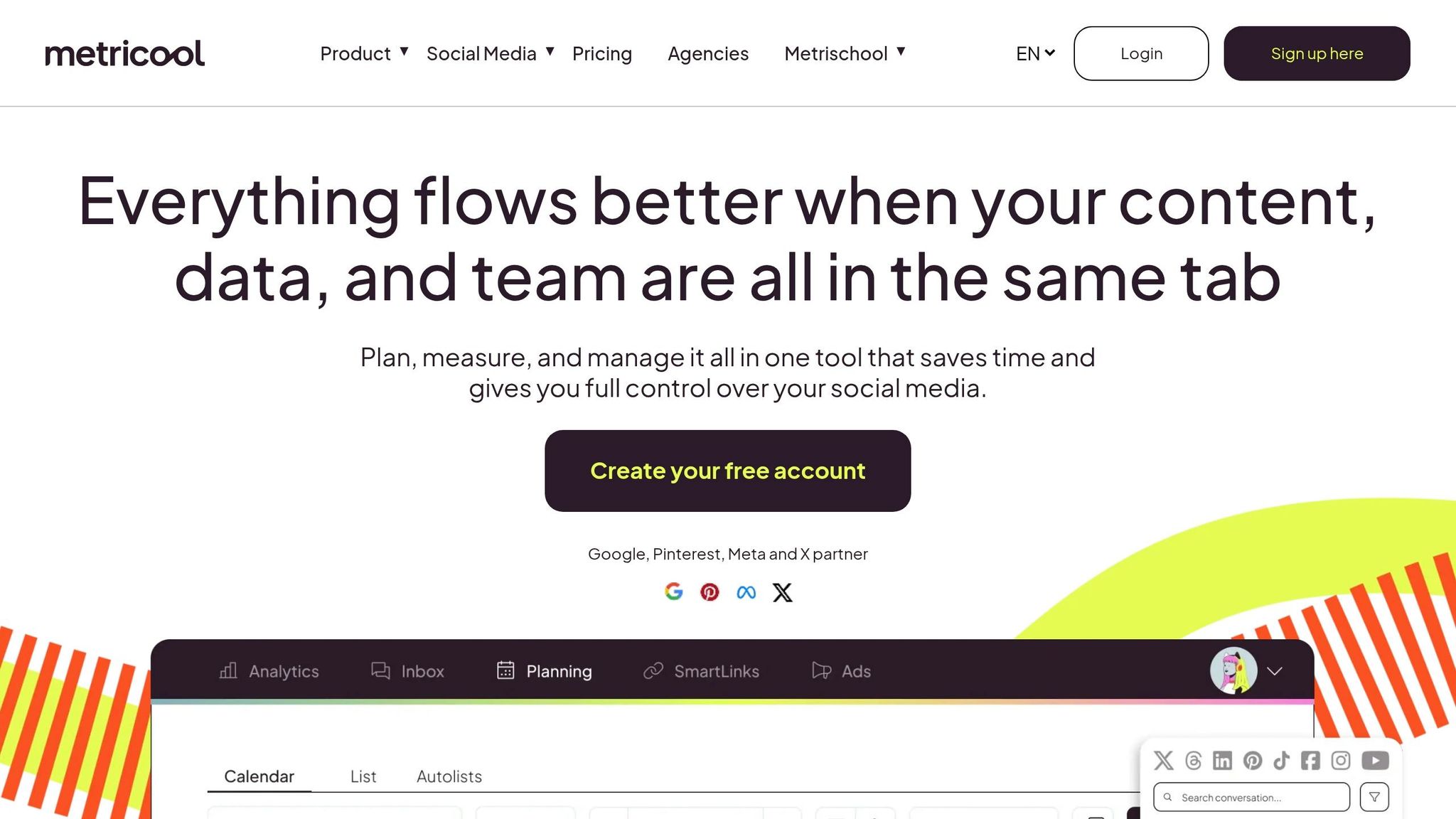
Metricool is trusted by over 3.5 million professionals and agencies, supporting content across 15+ platforms. It’s a solid pick for those juggling Meta Ads, Google Ads, and TikTok Ads alongside their social media management.
Platform Support
Metricool organizes accounts into "Brands", and here’s the catch: each brand allows only one account per platform. So, if you’re handling multiple Instagram profiles for a single client, you’ll need separate brands for each. Oh, and LinkedIn? Not available on the free plan - you’ll need to upgrade to at least the Starter plan to unlock it. Similarly, Twitter/X often comes as a paid add-on.
Keep in mind some quirks with APIs: custom thumbnail selection and caption formatting might feel a bit limited on certain platforms. Plus, Metricool enforces "Fair Use" scheduling caps, such as 50 Instagram posts, 30 Facebook Reels, and 250 Threads posts within a rolling 24-hour period. TikTok scheduling also requires at least a 5-minute gap between posts to avoid errors. These rules help maintain smooth performance and prevent overloading the system.
Calendar View
Metricool’s drag-and-drop calendar comes with a standout feature: a "Best Times to Post" heat map that highlights when your audience is most active. Need inspiration? You can import pre-made calendars filled with holidays and trending dates to spark ideas. For added convenience, external iCal links from tools like Google Calendar or Apple Calendar sync every 30 minutes, so you can view team events alongside your social posts. And the feed preview tool? It shows exactly how your content will look on each platform’s grid before it goes live.
"Metricool powers our social media scheduling and analytics. It simplified client reporting with clear, insightful data and one-click PDF downloads, saving us hours of manual work." - Sam M., Small-Business Owner
Beyond scheduling, Metricool also shines when it comes to teamwork.
Collaboration
For teams, Metricool’s collaboration features start with the Advanced plan ($45/month and up). You’ll get five preset roles - Manager, Editor, Content Creator, Analyst, and Client - or you can create custom roles with tailored permissions. The approval workflow is flexible, letting reviewers approve or reject posts with notes. You can even set rules like "publish unless rejected" or "require all approvals". Need to brainstorm? The built-in Notes feature lets teams comment directly on scheduled posts, while Google Drive integration makes shared folders easily accessible within the planner.
Pricing
Metricool’s pricing starts at $0/month for 1 brand and 50 posts monthly (note: LinkedIn isn’t included in this tier). The Starter plan costs $18/month (billed annually) for 5 brands and 2,000 posts, including LinkedIn support. For bigger teams, the Advanced plan is $45/month, offering 15 brands, 5,000 posts, and unlimited team members. If you’re managing large-scale operations, the Enterprise plan at $139/month covers 50 brands, 10,000 posts, and white-label options. Add-ons like hashtag tracking are available for around $9.99 per day. While some users feel the interface could be more intuitive, Metricool stands out with its analytics and ad tracking at a competitive price point.
2. Social Champ
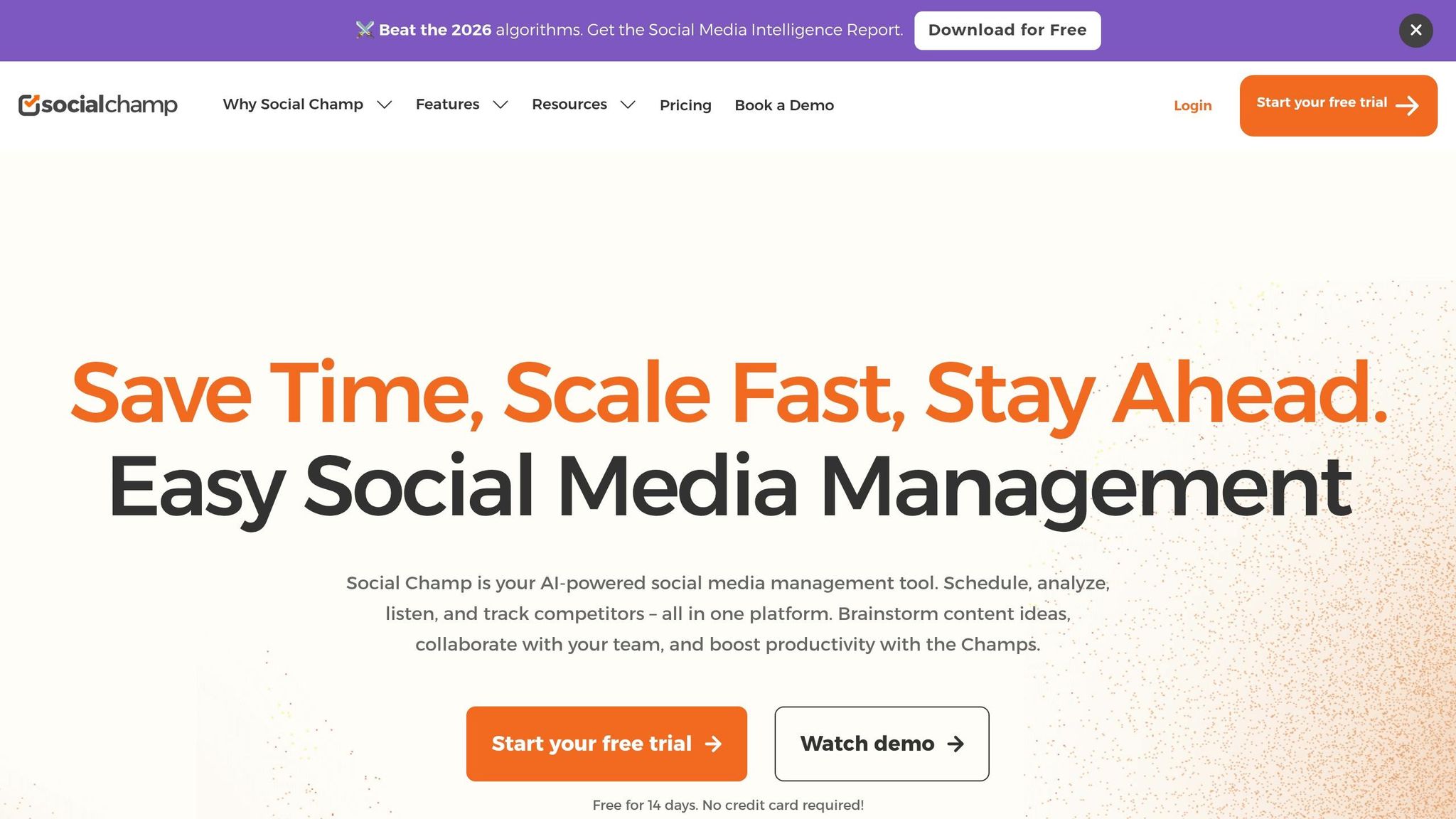
Social Champ supports 12 major platforms, including Facebook, X (formerly Twitter), Instagram, LinkedIn, TikTok, YouTube, WhatsApp Business, Threads, Bluesky, Mastodon, Pinterest, and Google Business Profile. That’s more than Hootsuite (8 platforms), Sprout Social (9 platforms), and even Buffer (10–11 platforms). By including newer platforms like Bluesky and Mastodon, it’s a great option for those diving into decentralized social media. This wide range of platform support is perfect for users juggling multiple social accounts.
Platform Support
With its coverage of 12 platforms, Social Champ offers a single dashboard for scheduling, editing, and previewing posts. From integrations to bulk scheduling, it simplifies content creation. However, keep in mind that lower-tier plans come with limits on advanced analytics and third-party integrations.
Calendar View
Social Champ’s calendar comes packed with Monthly, Weekly, and List views, along with a special Grid view for Instagram. This grid layout is a lifesaver for planning your feed’s look before posts go live. Its drag-and-drop functionality makes rescheduling a breeze, and you can filter posts by social account, post status, or custom labels to stay organized. Another standout? The Shared Calendar lets you generate shareable links so clients or collaborators can review content without needing an account. Plus, password protection keeps everything secure.
"The most important to us is being able to see the post preview while authoring content. Also, I love the ability to customize each post, approve posts as part of our workflow, and see everything in calendar mode." - Caroline Tremblay, Owner & Content Director, Owl & Pen LLC
Collaboration
Collaboration is a strength here, with tools like role-based access, approval workflows, and task management. Social Champ even minimizes editing conflicts and speeds up content creation with AI features like a caption generator, sentiment analysis, and the DALL-E 3-powered image generator, cutting your content creation time by half. These tools, combined with affordable pricing, make it a solid pick for teams managing social media.
Pricing
Social Champ’s plans start at just $4/month, while the Growth Plan - priced around $45/month for 5 accounts - offers unlimited scheduling. When compared to Sprout Social’s $199+/month or Hootsuite’s $99+/month, it’s a budget-friendly alternative. Small and medium-sized businesses report saving about 30% after switching to Social Champ. You can try it risk-free with a 14-day free trial, and the support team shines with a 96% satisfaction rating and response times under 30 minutes.
3. Sprout Social
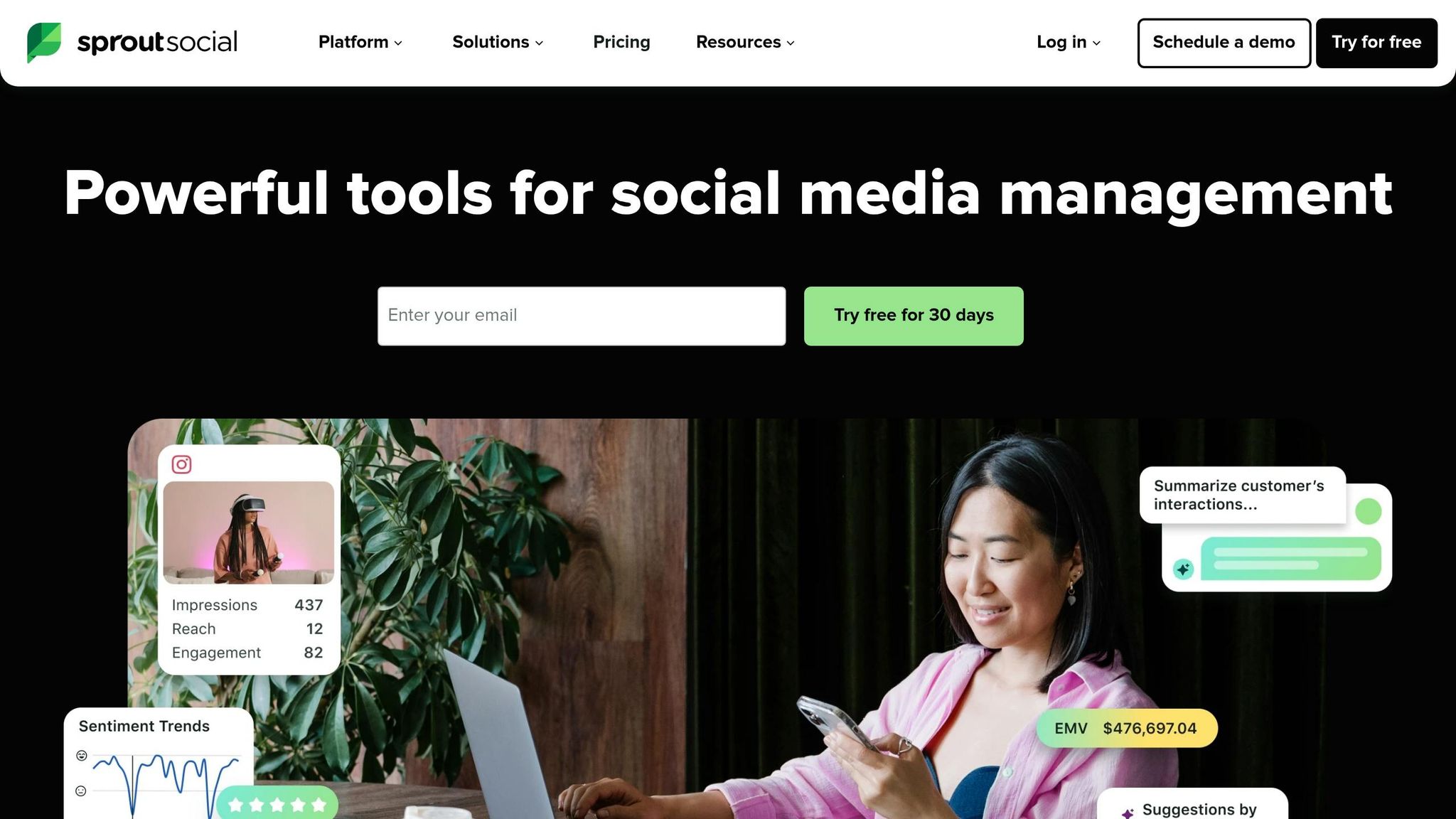
Sprout Social connects with 10 major platforms, offering top-tier analytics and reporting designed for teams that need predictive scheduling and in-depth insights. It works with Facebook, Instagram, X (formerly Twitter), LinkedIn, Pinterest, TikTok, YouTube, Threads, Bluesky, and Google My Business. Handling a staggering 600 million customer messages daily, it’s a go-to for large teams managing heavy social media engagement.
Platform Support
Sprout covers all the key networks, but some API limitations can be a hurdle. For instance, you can’t post Facebook Stories or to Groups, TikTok video descriptions are capped at 150 characters (and lack audio), and Instagram posts can’t include music. On LinkedIn, document posts are restricted to PDFs. These quirks can complicate platform-specific strategies, but Sprout’s calendar tools help smooth over some of these bumps.
Calendar View
Sprout’s content calendar is a standout, offering a unified look at all scheduled posts across platforms. The drag-and-drop rescheduling feature makes last-minute changes a breeze. What really sets it apart is its ViralPost® technology, which uses machine learning to analyze your audience’s engagement patterns and suggest the best times to post. Performance metrics are displayed right alongside your scheduled posts, giving teams the ability to tweak strategies on the fly. Plus, the smart compose window adjusts to each platform’s unique rules, reducing the chance of errors.
Collaboration
Sprout shines when it comes to team collaboration. Features like multi-level approval workflows, internal notes, and task assignments keep everyone on the same page. Granular permissions and draft comments help cut down on mistakes. A 2025 study by Forrester Consulting highlighted Sprout’s impact, showing a 268% return on investment over three years, with potential benefits reaching $1.31 million for typical organizations. These tools make Sprout a strong choice for teams juggling complex workflows.
Pricing
Sprout is tailored for enterprise-level teams, and its pricing reflects that. The Standard plan costs $249 per seat/month (or $199 per seat/month with annual billing) and includes 5 social profiles. The Professional plan jumps to $399 per seat/month but offers unlimited profiles, while the Advanced plan is priced at $499 per seat/month. For teams that need advanced analytics and social listening, the price tag is justified. A 30-day free trial is available, and no credit card is needed to get started.
4. ContentStudio
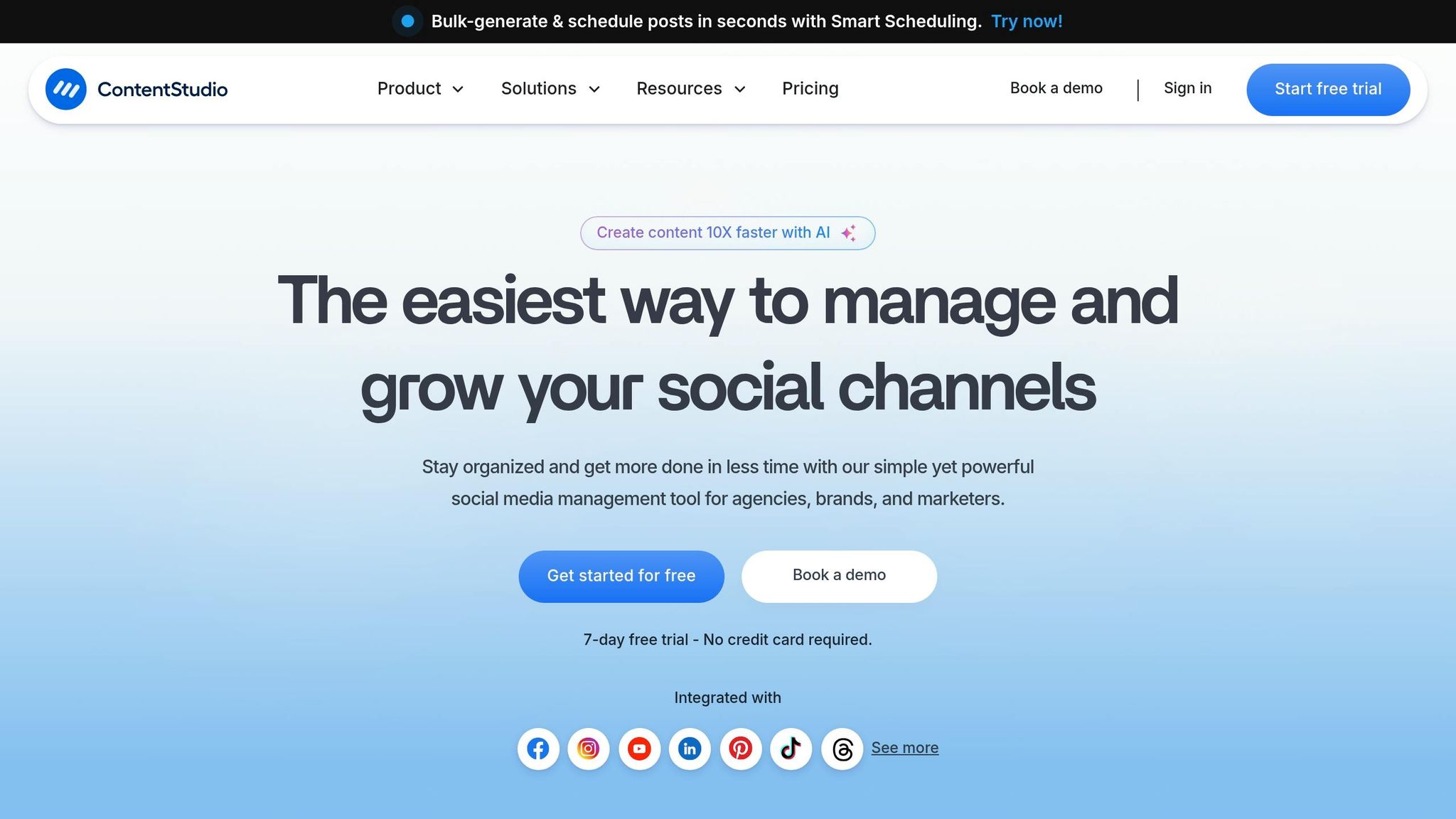
ContentStudio connects with over 30 platforms, covering all the major social networks like Facebook, Instagram (including Reels and Stories), X (formerly Twitter), LinkedIn, Pinterest, TikTok, YouTube (including Shorts), Threads, Bluesky, and Tumblr. It even integrates with WordPress for blogging and supports content curation platforms such as Dailymotion, Pixabay, Flickr, and Imgur. Trusted by over 14,500 agencies and brands worldwide, users have reported a 50% boost in productivity and save around 5 hours per week on content planning.
Platform Support
What really sets ContentStudio apart is its broad platform compatibility. For instance, it offers support for Google Business Profile, letting you publish updates and manage reviews directly from its dashboard. The "Discovery" feature is another standout, pulling content from sources like RSS feeds, Feedly, and Giphy, so you can easily curate and share trending material. Its "Network Tailored Posts" feature customizes your posts and media for each platform - all from a single composer. And with "EasyConnect", clients can securely link their social accounts via a shareable link, avoiding the need for password sharing. Add in a streamlined scheduling calendar, and you’ve got a tool that simplifies your social media game.
Calendar View
The drag-and-drop calendar is a visual powerhouse for managing your content. It displays all your scheduled, published, and pending posts, while a left-hand panel lets you drag and drop posts directly into your preferred time slots. This setup makes it easy to spot content gaps and avoid overlapping posts. Built-in scheduling tools also let you manage post frequency and budget settings seamlessly. On top of that, AI tools can generate captions, suggest hashtags, and even create images while you’re scheduling. With List, Feed, and Grid views, the calendar provides a clear snapshot of your content strategy.
Collaboration
For agencies juggling multiple clients, ContentStudio’s collaboration tools are a game-changer. Take The Modern Firm, a marketing agency that in 2025 saved 5 hours per week and $12,000 annually, while increasing productivity by 50%. Custom approval workflows make it easy to move posts from draft to review and then to approval, with clients able to sign off via secure, no-login shareable links. Role-based access control keeps everything organized by assigning specific permissions - Administrator, Collaborator, or Approver. Meanwhile, Workspaces ensure client data stays separate, and the unified social inbox helps assign incoming DMs and comments to team members, avoiding duplicate responses.
Pricing
ContentStudio’s pricing is as straightforward as its interface. The Starter plan is $19/month (billed annually), the Pro plan costs $49/month, and the Agency plan, designed for heavy users, is $99/month for 25 social accounts and unlimited workspaces. For an extra $50/month, the White Label add-on lets you use custom branding and personalized domains. A 14-day free trial is available to test the waters. With a 4.7/5 rating on Capterra and 4.6/5 on G2, users frequently highlight its intuitive interface and smooth client approval process. These features, combined with flexible pricing, make ContentStudio a strong choice for unified social media management.
5. Hootsuite
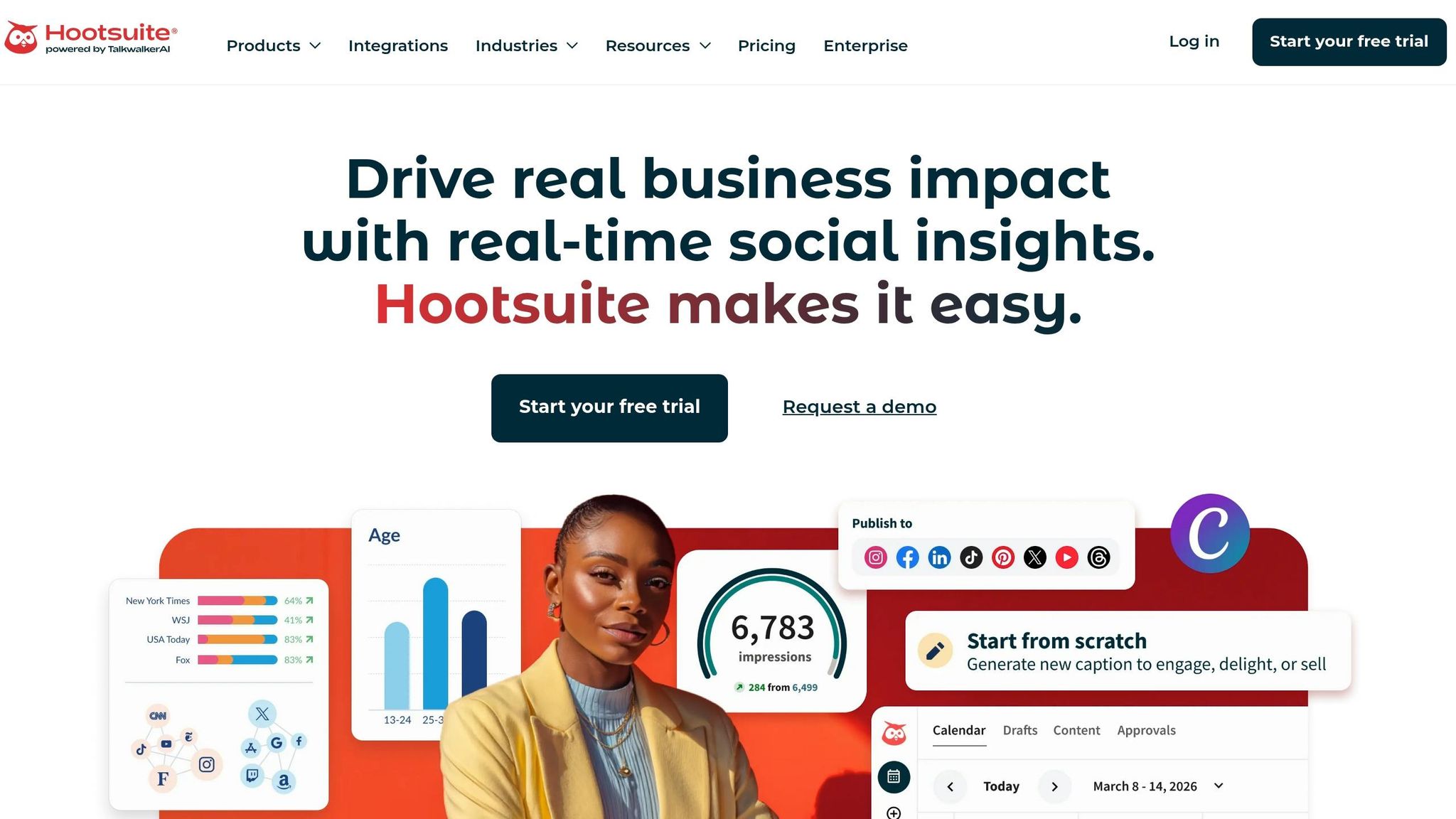
Hootsuite is the go-to platform for teams juggling multiple social media accounts on a larger scale. Supporting over nine major networks - like Facebook, Instagram, X (formerly Twitter), LinkedIn, TikTok, YouTube, Pinterest, Threads, and Snapchat - it can handle up to 35 social channels at once. Plus, its app directory boasts over 150 integrations, including Canva, Salesforce, and HubSpot, making it a powerful choice for mid-sized teams that need more than just basic scheduling tools.
Platform Support
Hootsuite doesn’t just cover the major platforms - it elevates the game with smart integrations and AI-driven features. Its AI assistant, OwlyGPT, helps speed up content creation by generating captions, suggesting hashtags, and even creating visuals. Users have reported cutting content production time by 20–30% thanks to this AI boost. For example, The Gym Group leveraged Hootsuite in 2025 to enhance social engagement, achieving a 50% jump in audience interaction over five months. These tools, combined with its integrations, make Hootsuite a dynamic choice for teams looking to streamline their social strategy.
Calendar View
Hootsuite’s calendar is designed to simplify content planning with three main views: a 2-day List view paired with a monthly volume graph, a Week view (offered in Condensed or Expanded formats), and a Month view for big-picture planning. The drag-and-drop feature makes rescheduling posts easy, though video edits require a bit more lead time. What sets it apart is its ability to show both organic and paid posts in one place, alongside posts published directly on social platforms outside Hootsuite. You can even access historical data going back a full year. For those managing bulk content, the scheduler can handle up to 350 posts at once with a CSV upload. Combined with its team-friendly features, Hootsuite’s calendar is built for efficiency.
Collaboration
When it comes to teamwork, Hootsuite shines. Role-based permissions, multi-stage approval workflows, and task assignments keep everyone on the same page. A unified inbox consolidates messages, mentions, and comments, making follow-ups a breeze. The Whiteboard feature allows teams to map out campaigns visually, while the shared media library ensures branded visuals and templates stay organized and consistent. With a 4.4/5 rating on Capterra and a 4.1/5 on G2, users often highlight its all-in-one dashboard and collaboration-friendly design.
Pricing
Hootsuite’s pricing reflects its focus on larger, established teams. The Professional plan starts at $99 per month for one user managing 10 social accounts. The Team plan, at $249 per month, supports three users and 20 accounts. For enterprises, custom pricing begins around $739 per month, with support for managing 50 accounts. While Hootsuite discontinued its free plan in 2025, it still offers a 30-day free trial for its paid tiers. This pricing structure makes it clear: Hootsuite is tailored for teams and businesses with more complex needs, rather than solo creators or smaller operations.
6. SocialBee
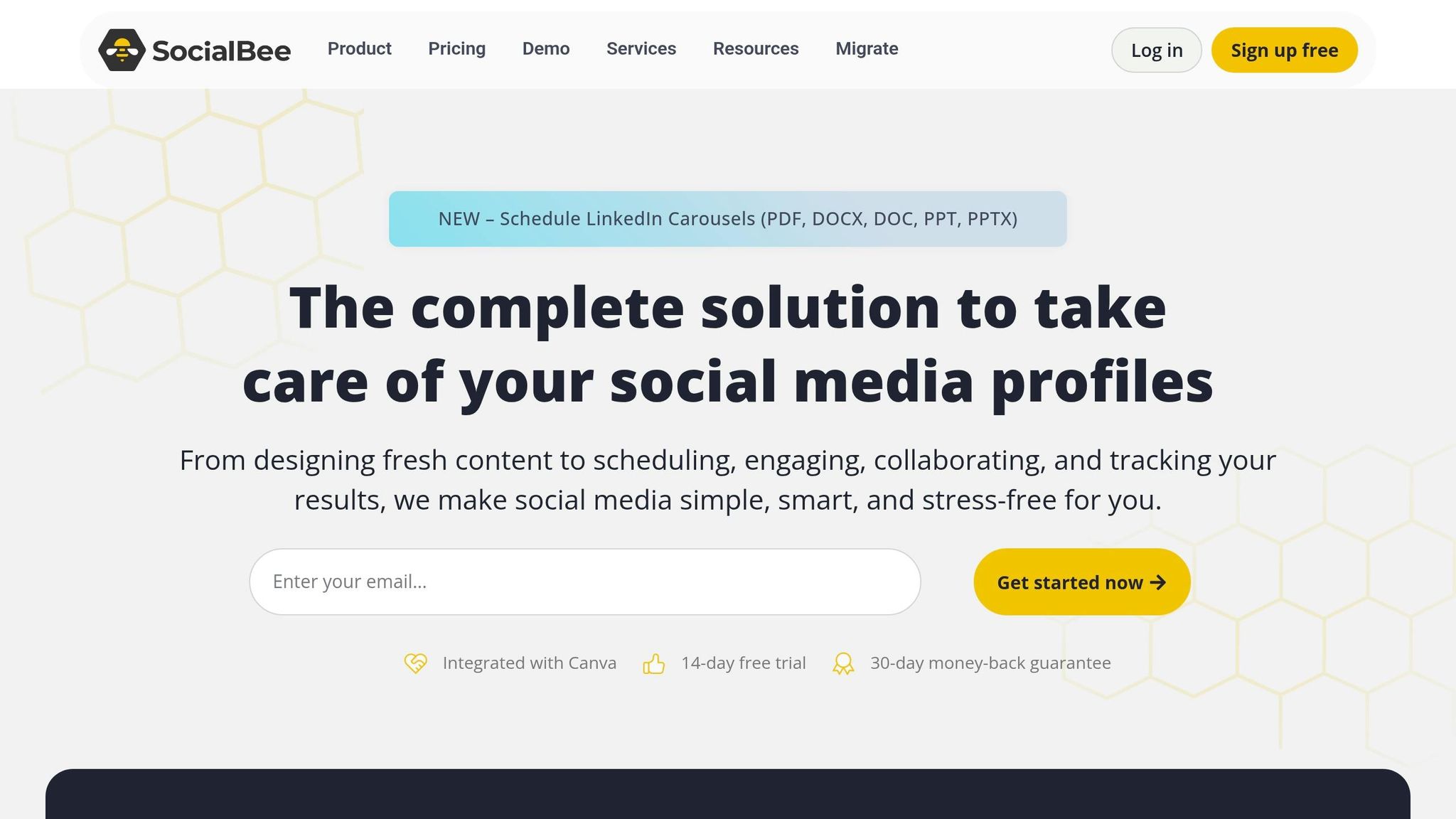
SocialBee leans heavily on automation, making social scheduling a breeze. It lets you categorize your content - think educational posts, promotions, or even memes - and assigns each category a posting frequency. This way, your calendar fills itself with a balanced mix of content, saving you from constant manual updates. Supporting direct publishing to over 10 platforms like Facebook, Instagram, X (Twitter), LinkedIn, Pinterest, TikTok, YouTube, Google Business Profile, Threads, and Bluesky, it covers most bases. For platforms without API support, such as Reddit, WhatsApp, and Telegram, SocialBee's "Universal Posting" feature steps in, sending mobile notifications with pre-loaded captions and media for easy manual posting.
Platform Support
SocialBee stands out by embracing newer platforms like Bluesky and Threads while maintaining support for major networks. This allows brands to expand their reach across both established and emerging social spaces. It even connects to platforms like Reddit, Quora, Mastodon, and Facebook Groups via mobile reminders. This flexibility makes managing accounts across both API-supported and non-supported platforms much simpler, all from one central dashboard.
Calendar View
The calendar is designed for clarity and ease. You can drag and drop posts to reschedule, and an Instagram grid preview ensures your feed stays visually cohesive. The category-based system automatically fills the calendar, making it easy to spot gaps in your content plan. Adding to this, SocialBee's AI Copilot can craft an entire content strategy for you - suggesting platforms, content categories, and even drafting posts based on your brand's input, much like other AI content creation tools for social media. As Tom, a manager juggling multiple brands, shared:
"SocialBee has been a game-changer for managing our multi-brand social presence. The interface is clean, intuitive, and built for efficiency."
This smart scheduling pairs perfectly with SocialBee's automated strategy tools, creating a streamlined workflow for your social media efforts.
Collaboration
SocialBee doesn’t just stop at automation; it’s also built to simplify teamwork. Agencies and teams can use separate workspaces for different brands, assign role-based permissions, and manage multi-level approval workflows. Internal notes keep communication clear, making collaboration seamless. Content Marketer Elissa V. shared her experience:
"Even though I'm mostly working solo, it's great to have a structured system where drafts, approvals, and final versions are clearly separated."
To top it off, SocialBee’s evergreen recycling feature keeps your timeless content in rotation, ensuring your social channels stay active without constant effort.
Pricing
SocialBee offers plans designed for small teams and agencies looking for automation without breaking the bank. The Bootstrap plan starts at $29 per month for 5 social profiles and 1 user, the Accelerate plan costs $49 per month for 10 profiles, and the Pro plan is $99 per month for 25 profiles and 3 users. All plans come with a 14-day free trial - no credit card required - and annual billing saves you around 16%. Compared to Hootsuite’s $149 starting price or Sprout Social’s $249 per user, SocialBee delivers a budget-friendly option packed with features like evergreen recycling and AI-driven content planning.
7. Fedica
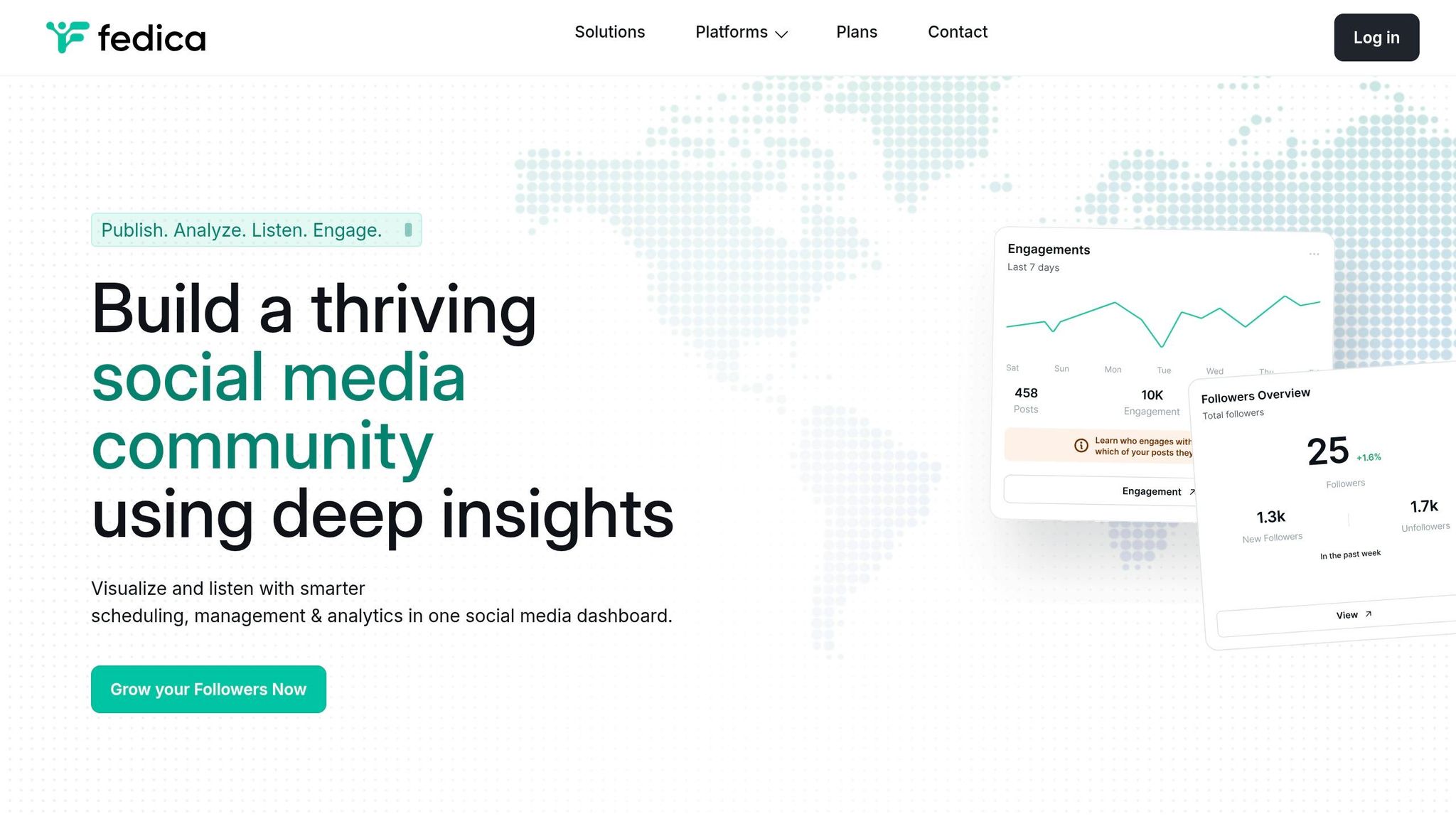
Fedica stands out by supporting a whopping 13 platforms, covering major players like Facebook, Instagram, X (Twitter), LinkedIn, TikTok, Pinterest, YouTube, and Threads, along with newer decentralized options such as Mastodon, Bluesky, Pixelfed, and PeerTube. Originally launched as Tweepsmap - a tool focused on Twitter analytics - it has since transformed into a versatile cross-platform scheduler. What sets it apart? Advanced features for X, including scheduling polls, interval-based threads, and quote tweets. Dr. Daniel Swain, a frequent user, summed it up perfectly:
"I literally would not be able to do what I do today without Fedica. There simply would not be enough hours in the day. I see Fedica as the premier social media cross-posting tool."
Platform Support
Fedica offers full analytics and publishing capabilities for eight platforms - X, Instagram, Facebook, TikTok, Threads, Bluesky, Mastodon, and Pixelfed - while providing publishing-only support for LinkedIn, YouTube, Pinterest, and Tumblr. This broad compatibility is a game-changer for businesses juggling content across an average of eight networks. Impressively, Fedica analyzes over 2 billion followers annually and boasts a 99.9% uptime. For agencies, its profile system ensures that each client’s brand remains separate, avoiding mix-ups in content. This combination of analytics and client management tools makes Fedica a powerhouse for social media scheduling.
Calendar View
Fedica’s Pipelines feature is a lifesaver for organizing content. It lets you create distinct content streams with their own schedules, automatically sorting posts by topic and time zone. Plus, the platform integrates GPT-3.5 AI into its post composer for tone adjustments and grammar tweaks, much like the AI-powered tools in SocialBee. Its "Best Times to Post" tool analyzes audience activity to recommend when your content will hit hardest. And for X (Twitter) users, scheduling threads over minutes or even days is a breeze. Holly Pate from GIJN shared her experience:
"Fedica has become invaluable for scheduling content across time zones and tracking global analytics. I've used many scheduling platforms... but Fedica's analytics are by far the strongest."
Collaboration
Fedica makes teamwork easy with unlimited team members included in its Research plan - no per-seat fees, which is a rarity (similar to Sked Social's unlimited user model). Teams can bulk upload drafts, share pipelines, and use approval workflows to polish posts before they go live. What’s more, Fedica’s deep audience insights - down to city-level data, occupations, and interests - are built directly into the scheduling process, helping teams craft content that resonates with specific audiences. For example, a team of five pays $149 per month on Fedica, while similar platforms might charge upwards of $995 per month. That’s a massive cost advantage for collaborative teams.
Pricing
Fedica’s flat-rate pricing keeps things simple. The Free plan supports 10 accounts (one per platform) and allows up to 10 scheduled posts. The Publish plan, at $10 per month (billed annually), unlocks unlimited posting. For $19 per month, the Grow plan adds advanced analytics, while the $149-per-month Research plan includes unlimited team members and enterprise-level insights. With glowing reviews - 4.9/5 on Product Hunt and 5/5 on Capterra - Fedica has clearly earned its reputation.
8. Eclincher

Eclincher pulls together social publishing, a unified inbox, local SEO tools, and AI-driven features into one management hub. Covering eight major platforms - Facebook, Instagram, LinkedIn, X (Twitter), TikTok, Pinterest, YouTube, and Google Business Profile - it’s a solid choice for brands with multiple locations or agencies managing a slew of client accounts. However, it doesn’t yet support newer platforms like Threads or Bluesky, and its workflows fall short for Instagram Stories or multi-image carousels.
Platform Support
One of Eclincher’s standout features is its integration with Google Business Profile, making it especially useful for businesses focused on local SEO. It offers tools for managing listings and tracking local rankings. Another highlight is its unified inbox, which brings messages, comments, mentions, and reviews from 30+ channels into a single view. With 71% of social media marketers now incorporating AI tools into their strategies, Eclincher’s AI content writer and auto-reply agent are perfectly timed additions. These features make it particularly appealing for brands running campaigns across multiple locations.
Calendar View
Eclincher’s drag-and-drop calendar simplifies post scheduling and rescheduling. Its Smart Queues feature is a game-changer for evergreen content, automatically cycling posts through pre-set time slots. The AI writer also adds convenience by generating captions and images directly within the scheduling process. That said, some users have pointed out that the interface feels outdated. Jamie Partridge, Founder & CEO of PostEverywhere, shared:
"eClincher reviews consistently mention a clunky UX that takes time to learn. The dashboard isn't as modern or intuitive as newer tools."
Collaboration
Eclincher’s collaboration tools are built for teamwork. It offers multi-level approval workflows, role-based access, and a shared media library to keep approved assets centralized. These features are a lifesaver for agencies managing multiple clients. However, not everyone finds the extensive feature set easy to navigate. As Nigel Yong from PostOnce put it:
"For teams that primarily need scheduling and distribution, navigating eClincher's full feature set can feel like using a freight truck to run grocery errands."
Pricing
Eclincher’s pricing is tiered to suit different needs. The Basic plan starts at $65/month for one user and 10 profiles, while the Standard plan costs $149/month for two users. The Professional plan is priced at $349/month, and the Agency plan comes in at $425/month for six users. For those focused on local SEO, there’s an optional add-on for $300/month. A 14-day free trial lets you explore the platform’s full capabilities, though some users have flagged issues with auto-renewals and subscription model changes.
9. Sked Social
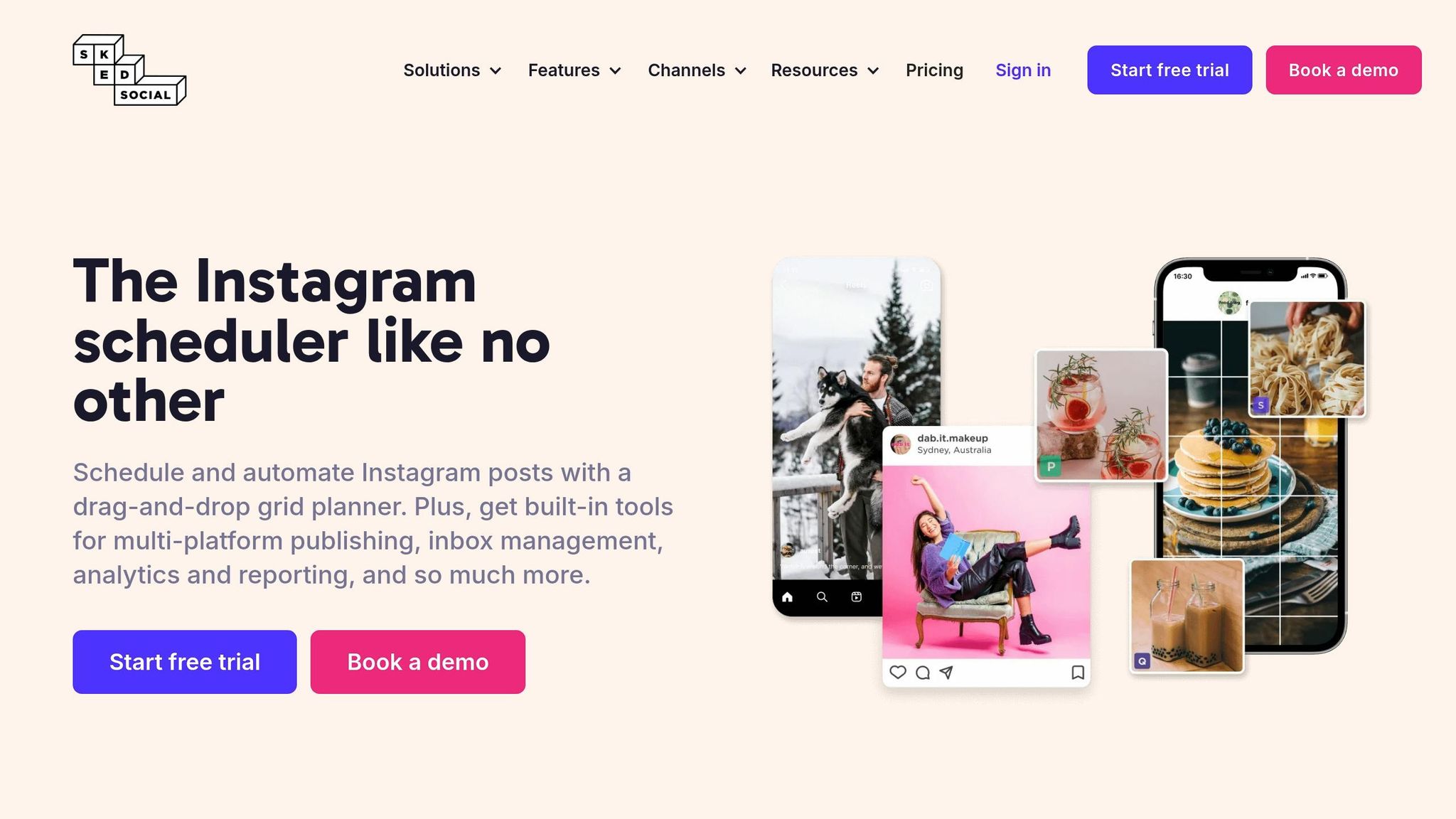
Sked Social brings together powerful visual planning and seamless collaboration, making it a go-to scheduler for agencies and brands juggling multiple accounts. Covering 10 platforms - Instagram, Facebook, TikTok, LinkedIn, YouTube, Pinterest, X (formerly Twitter), Google Business Profile, Threads, and Snapchat - it’s built for teams managing diverse social media needs. Plus, every plan includes unlimited users without any extra fees, which is a rarity in this space.
Platform Support
This tool doesn’t just check the basics - it excels where others stumble. Sked Social’s “native auto-publishing” handles tricky formats like Instagram Stories with link stickers, posts with product tags, TikTok carousels, and even LinkedIn Documents. On top of that, its unified inbox lets you manage DMs, comments, and mentions across all platforms in one place. As David Olsen from Sked Social explains:
"Sked Social is designed for large social media teams... you're not paying through the nose for features you'll actually use."
This level of platform support pairs perfectly with its scheduling and planning tools.
Calendar View
The drag-and-drop calendar simplifies planning, offering an Instagram grid preview so you can see your feed’s vibe before hitting publish. For brainstorming, the Sked Ideas feature lets teams collect and refine content ideas, with AI lending a hand to fine-tune the schedule. Need to juggle multiple accounts? The visual feed planner lines them up side by side, making it easy to spot overlaps and keep branding consistent. Bulk scheduling and recurring posts can save teams 4 to 5 hours a week - a huge win for busy marketers.
Collaboration
Sked Social takes teamwork seriously. Its multi-step approval workflows allow content to pass through internal reviewers before reaching clients. The no-login approval portals make life easier for clients, letting them approve posts via a simple link - no account setup required. With unlimited users included, agencies can involve everyone from designers to copywriters without worrying about extra costs. A shared media library keeps all approved assets in one place, ensuring smooth collaboration even across distributed teams.
Pricing
Sked Social’s pricing is based on the number of accounts rather than users, making it scalable for larger teams. Plans start at $59/month for three accounts (Launch), $149/month for six accounts (Grow), and $399+/month for 20+ accounts (Accelerate). Need more accounts? Add-ons range from $8 to $12 per account, depending on your plan. They also offer a 14-day free trial - no credit card required - so you can explore everything before committing. One thing to note: upgrading from Launch to Grow comes with a 150% price jump, but the unlimited user model keeps it a solid value for bigger teams.
10. SocialPost
SocialPost takes the idea of all-in-one scheduling and gives it a twist with built-in AI tools for social media content creation. Forget juggling multiple platforms - this tool combines scheduling and AI-powered content creation in one spot. With over 15,000 users by early 2026, SocialPost focuses on making workflows smoother instead of trying to support every single social network out there.
Platform Support
SocialPost sticks to the essentials: Meta (Facebook and Instagram), X (formerly Twitter), and LinkedIn. While it doesn’t cover a wide range of platforms, its deep integration with AI tools for captions, visuals, and hashtags ensures a smoother, more efficient experience. Plus, the visual editor lets you preview posts in real time, so you know exactly how your content will look before it goes live.
Calendar View
The calendar feature is paired with an AI Content Studio that handles both copywriting and visual creation. This setup can save teams a solid 4 to 5 hours each week when batching content. The real-time preview feature also ensures your posts stay consistent across your brand.
Collaboration
SocialPost doesn’t skimp on collaboration tools. Its Team and Enterprise plans come with multi-user workflows, unlimited users, and customizable roles and permissions. This makes it a smart pick for agencies or teams that need detailed access controls. For solo creators managing just 1–2 accounts, the Creator Plan keeps things simple and manageable.
Pricing
SocialPost’s pricing is designed to grow with you. The Creator Plan is perfect for individuals, while the Team Plan opens up unlimited profiles, users, and brands - exactly what agencies or larger marketing teams need. The best part? AI-powered content tools come standard in every plan, so you won’t be hit with extra fees for those features. With its streamlined approach, SocialPost stands out as a strong contender in the scheduling tool game.
11. SocialBu
SocialBu steps up as a one-stop scheduler, blending support for big-name platforms with smaller, niche networks. With coverage across 12 social media platforms - including Facebook, X (formerly Twitter), Instagram, LinkedIn, Google Business Profile, TikTok, YouTube, Reddit, Mastodon, Pinterest, Threads, and BlueSky - it’s a solid pick for anyone juggling both established and emerging networks.
Platform Support
What makes SocialBu shine is its ability to handle 12 networks, including platforms like Reddit, Mastodon, and BlueSky, which often get overlooked. And at $19/month, it’s priced competitively for what it offers. This broad coverage is paired with planning tools that make managing your social media strategy a breeze.
Calendar View
SocialBu’s visual calendar is a game-changer for content planning. It lets you bulk schedule posts weeks ahead, streamlining your workflow. Plus, the built-in AI assistant takes things up a notch by generating captions, blog images, and quote graphics right within the platform. Features like RSS automation for auto-posting and automated replies add even more convenience, though some users mention the learning curve can be a bit steep.
Collaboration
On top of its scheduling prowess, SocialBu makes teamwork easier. It offers multi-user roles, approval workflows, and private notes to smooth out internal communication. Managing multiple brands? No problem. You can do it all from one dashboard, complete with a unified social inbox to handle messages, comments, and reviews across every network.
Pricing
SocialBu’s paid plans kick off at $19/month, but there’s also a free version for testing its AI-driven content creation tools. These include generating posts, captions, and images. Teams looking for extras like hashtag monitoring and keyword tracking will find those features unlocked in the paid plans, along with the full suite of scheduling tools.
12. OneUp
OneUp is all about making evergreen content work harder without breaking the bank. It’s not just a scheduler for one-off posts but a tool designed to automate and recycle content across 9+ platforms. From Facebook (profiles, pages, and groups) to Instagram (posts, Stories, Reels, carousels), X/Twitter (including threads), LinkedIn, Pinterest, TikTok, YouTube, Threads, Bluesky, Snapchat, and Reddit, it covers both the big players and newer networks. But here’s the kicker: its Google Business Profile integration is next-level. You can post across multiple locations, add CTA buttons, and even upload photos directly to the "Photos" section - perfect for local businesses.
Platform Support
OneUp’s Reddit features go beyond simple post scheduling. It offers campaign-level tools like lead generation, personalized DMs, and conversion tracking, making it a solid choice for community-focused campaigns. Plus, with support for newer platforms like Bluesky and Threads, it keeps you ahead of the curve as social media evolves. If managing multiple networks in one place is your thing, OneUp has you covered.
Calendar View
The calendar view is where OneUp shines for content organization. It includes a native recurring posts feature that automatically reshuffles and republishes your evergreen content at intervals you set - something many schedulers miss. You can also auto-post from up to 50 RSS feeds, so keeping your channels fresh with curated content is a breeze. And with team management tools integrated into the scheduling system, it’s built to handle both solo creators and small teams.
Collaboration
OneUp offers features like role-based access and multiple workspaces to keep client brands neatly separated - ideal for agencies managing local businesses. That said, its team collaboration features are still listed as "Coming Soon" as of early 2026. If you’re looking for advanced approval workflows or in-app communication tools, you might find it lacking. It’s clear this platform is geared more toward solopreneurs and smaller teams rather than large-scale operations.
Pricing
OneUp’s pricing structure is refreshingly straightforward. Instead of charging per channel, it uses an account-based model. Plans start at $12/month for 10 accounts (solo users), scaling up to $48/month for 15 accounts with 2 team members, $84/month for 30 accounts with 8 team members, and $240/month for unlimited accounts and users. Compared to the usual per-channel pricing, it’s a budget-friendly option. They also offer a 7-day free trial with no credit card required. Just keep in mind that analytics are pretty basic unless you spring for a paid add-on, and the interface feels a bit behind the times.
13. Sprinklr Social
Sprinklr Social is built for massive enterprises that juggle multiple social platforms and need tools to manage it all seamlessly. Covering over 10 platforms - like Instagram (including Reels and Stories), TikTok, Facebook, X (Twitter), LinkedIn, Pinterest, YouTube, WhatsApp, Threads, and Bluesky - it’s more than just a scheduling tool. This Unified Customer Experience Management (CXM) platform brings serious governance features to the table, such as multi-level approval workflows, detailed access controls, and even a "Pause all posts" button for when things go sideways. Let’s break down its calendar, collaboration tools, and pricing.
Calendar View
Sprinklr’s unified calendar is like a command center for your social content. It merges paid and organic posts into one view, complete with previews for desktop and mobile. Its AI-powered Smart Scheduling feature scans performance data to recommend the best times to post for the week ahead. For deeper audience analysis, the platform integrates with Sprinklr Insights to track real-time market trends. Need to get specific? Advanced filters let you sort by post status, author, campaign, tags, and metrics like likes or reach. Plus, the "Message Ideas" tool lets you create placeholders for content that’s still in the works - perfect for keeping cross-functional teams on track.
Collaboration
When it comes to teamwork, Sprinklr delivers with enterprise-level collaboration tools. You’ll find multi-layered publishing approvals, custom access roles, and account grouping to manage permissions across sprawling teams. A solid example? Back in 2009, SAP managed a mind-boggling 1,200 social accounts. By setting annual KPIs and axing underperforming accounts, they cut that number down to 450, saving resources and boosting efficiency. It’s no wonder Sprinklr was named a Leader in The Forrester Wave™: Social Suites, Q4 2024.
Pricing
Here’s the deal: Sprinklr isn’t cheap. Their self-service plan, Sprinklr Social Advanced, runs $299 per user per month when billed annually. For a five-person team, that’s nearly $18,000 a year. Enterprise contracts? Those start at $35,000–$50,000 annually, with median costs hovering around $129,380. Implementation and onboarding fees can tack on another $25,000 to $150,000, depending on how complex your setup is. On average, Sprinklr customers pay more than double what Hootsuite users shell out for comparable services. While the steep price tag might scare off smaller teams, the platform’s high-level governance and crisis management tools can be a game-changer for global brands managing hundreds of accounts.
14. Socialmonials
Socialmonials takes a different route compared to your typical social schedulers. Beyond just scheduling posts, it packs in tools for running sweepstakes, photo contests, and referral programs - all alongside your regular content. Trusted by over 9,200 agencies, it’s a go-to for teams blending content calendars with lead generation campaigns. It supports scheduling across nine platforms, including Instagram, Facebook, X (Twitter), LinkedIn, Pinterest, YouTube, Google Business, and TikTok. That said, Instagram scheduling can be hit or miss, with users reporting issues like failed posts and "double links". TikTok support may also have its limits.
Calendar View
The visual content calendar is built for ease, featuring drag-and-drop scheduling and RSS feed automation to keep your feeds active. Features like auto-reposting and evergreen content rotation ensure your platforms stay lively without constant manual updates. What really sets it apart is the ability to manage both standard posts and campaign entries - like contest submissions - in one place. This simplifies workflows for teams juggling multiple types of content. Plus, its AI Writer tool can churn out captions in bulk, with the Social Pro plan handling up to 500 posts at once.
Collaboration
For teams, collaboration is key, and Socialmonials delivers with approval workflows starting at the Business tier ($149/month). These workflows let teams review and approve content before it goes live. The Enterprise plan, supporting up to 30 users, even offers white-labeling options for agencies that want to customize the tool for their clients. Josef Skoda from Deva Nutrition shares his experience:
"I like that I can set up marketing campaigns in minutes due to many ready-made campaigns, like sweepstakes, photo contests, etc."
On the flip side, some users feel the interface looks outdated and can get a bit cluttered. While the design might not win awards, the collaborative features and pricing structure make up for it.
Pricing
Socialmonials starts at $19/month for the Social Pro plan, which includes 10 profiles and 1 user. At $49/month, the Social & Campaigns plan unlocks contest tools and unlimited landing pages - perfect if lead generation is your main focus. For larger teams, the Enterprise plan at $399/month supports 60 profiles, 30 users, and up to 100,000 campaign entries per month. Annual billing shaves off 21%, and there’s a 14-day free trial that doesn’t require a credit card. For small teams, its entry-level pricing is a steal, especially with built-in contest features.
15. Agorapulse
If managing multiple social media platforms feels like a never-ending battle, Agorapulse is here to simplify the chaos. This tool combines community management and ROI tracking into one sleek dashboard. Supporting 11 platforms - Facebook, Instagram, X (Twitter), LinkedIn, YouTube, Pinterest, TikTok, Google Business Profile, Threads, Bluesky, and Reddit - it offers a unified social inbox that pulls DMs, comments, and even ad interactions into a single feed. With its "Zero Inbox" workflow, users report saving up to 50% of their time on community monitoring.
A G2 reviewer summed it up perfectly:
"Happy Zero Inbox Day. 🚨 I cleared every message in one sprint with @Agorapulse. Unified inbox, bulk review, and saved replies kept me focused."
Beyond its time-saving inbox, Agorapulse excels at linking social engagement to business results. Its Social Media ROI feature integrates seamlessly with Google Analytics 4, delivering insights at a starting price of $79 per user/month - far more affordable than Sprout Social’s $249 per user/month for similar features.
Calendar View
Agorapulse’s drag-and-drop calendar is a game-changer for planning and scheduling. It provides platform-specific previews, so you can see exactly how posts will look before they go live. On the Professional plan and above, you can add calendar notes to streamline team coordination. For Advanced plan users, shared calendars allow external clients or stakeholders to review and approve content without needing their own accounts - a handy feature for agencies managing multiple brands.
Collaboration
For teams, Agorapulse offers powerful collaboration tools. The Professional plan ($119 per user/month) introduces approval workflows for content reviews, while the Advanced plan supports bulk publishing and includes a content library for managing large campaigns. Bigger organizations can opt for the Custom plan, which adds SSO and multi-step approval processes. With a 9.0/10 usability score on G2, users rave about its 24/7 customer support. However, some note that the interface can feel cluttered when managing a high number of profiles, and it lacks the advanced AI-driven content creation tools found in newer platforms.
Pricing
Agorapulse’s pricing is designed to accommodate teams of all sizes, but it’s worth keeping an eye on costs as they can add up quickly. The Free plan includes 3 profiles, 1 user, and 10 scheduled posts per month - perfect for solo users or small businesses testing the waters. Paid plans follow a per-user model: the Standard plan costs $79 per user/month (10 profiles, unlimited posts), the Professional plan is $119 per user/month (with added features like social listening and monitoring tools and advanced reports), and the Advanced plan is $179 per user/month (offering custom ROI tracking and team management). All prices are billed annually, with slightly higher rates for monthly billing. For example, a 3-person team on the Standard plan would pay $297/month - about 30% cheaper than similar plans from Sprout Social. Still, the per-user pricing can be a sticking point for some teams, as one G2 reviewer put it:
"Love the product, hate the per-user pricing. Too expensive for our team."
16. Loomly
Loomly brings together everything you need for content planning and approvals into one tidy package. It supports 11 social platforms, including Facebook, Instagram, X (formerly Twitter), LinkedIn, Pinterest, YouTube, TikTok, Google Business Profile, Snapchat, Threads, and Bluesky. (Another tool with strong Bluesky support is SocialOomph). Its standout feature? A Post Ideas engine that serves up daily inspiration based on trending topics, RSS feeds, and even upcoming holidays. With over 50,000 marketers on board, many say Loomly helps them reclaim 4 to 5 hours each week by making batch content creation and scheduling a breeze. Let’s unpack its calendar, collaboration tools, and pricing in this Loomly review.
Calendar View
The drag-and-drop calendar is at the heart of Loomly. It gives you a bird’s-eye view of your content strategy, with the option to switch between Calendar and List views. You can use color-coded labels to organize posts by campaign type - whether it's a flash sale, a product launch, or just a cheeky meme. These labels make it easy to see if one type of campaign is hogging the spotlight. Plus, you can add placeholder posts for future ideas and filter your calendar by approval status, assignee, or social platform.
Collaboration
For teams, Loomly simplifies content approvals with structured workflows and status indicators. Each post has its own comment thread, keeping feedback organized. Managers and clients can review posts before they go live, and integrations with Slack and Microsoft Teams ensure you’ll never miss a notification when action is needed. Want to share a post with someone outside your team? Loomly lets you generate preview links for stakeholders, no account required.
Chris Derrer, Founder & Managing Director at Super Digital, had this to say:
"Loomly's scheduling works great. And I love that I can have a lot of profiles, multi‑users, and sign‑off processes. All for more but less costly than Sprout Social."
However, not everything’s rosy. A planned price hike of 30% or more in 2025 is raising eyebrows, especially since there haven’t been major new features. Also, Loomly doesn’t have a native inbox for handling direct messages or comments.
Pricing
Loomly’s pricing is team-friendly, with plans based on features rather than per-user fees. The Base plan is $32/month (billed annually) or $42/month (monthly), covering 2 users and 10 social accounts. The Standard plan jumps to $76/month (annual) or $80/month (monthly) with 6 users and 20 accounts, while the Advanced plan costs $175/month (annual) for 14 users and 35 accounts. At the top, the Premium plan is $329/month (annual) for 30 users and 50 accounts. Loomly claims it’s 60% to 79% cheaper than competitors like Hootsuite or Sprout Social when you compare user and profile limits. And if you’re unsure, there’s a 15-day free trial - no credit card needed. Their customer support is another strong point, with response times averaging under 30 minutes.
17. Sendible
Sendible caters to agencies, offering white-label dashboards and tailored client workspaces to manage multiple brands seamlessly. It supports 10 platforms, including Facebook, Instagram, TikTok, X (formerly Twitter), LinkedIn, Google Business, YouTube, WordPress, Threads, and Bluesky - but notably skips Pinterest. With a solid 4.5/5 rating on G2 from 899 reviews, it’s a favorite among mid-sized agencies for its secure client onboarding and detailed reporting tools. A standout feature is the "Client Connect" tool, allowing clients to authenticate their social accounts directly - no password handling required. In essence, Sendible simplifies multi-platform management into one streamlined dashboard.
Calendar View
Sendible’s drag-and-drop calendar is a powerhouse for planning. It gives you a bird’s-eye view of all scheduled posts across clients and platforms. Need inspiration? Toggle holiday hashtags like #NationalCarrotCakeDay to find timely content ideas. The "Smart Queues" feature handles recurring schedules automatically, and its optimal time tool suggests the best posting windows based on past performance. For bulk planners, uploading an entire month’s content via CSV is a breeze, and you can tweak individual posts directly from the calendar. Plus, RSS auto-posting ensures that fresh blog posts or videos are shared the moment they’re live. It’s a toolkit designed with agencies in mind, making multi-client content planning much easier.
Collaboration
Sendible doesn’t just stop at scheduling - it’s built for teamwork. Role-based permissions and approval pipelines keep workflows smooth, with each client getting their own workspace complete with a dedicated calendar, analytics, and approval system. The "Priority Inbox" streamlines mentions and comments from all platforms into one place, complete with sentiment scoring and team assignment tools to ensure nothing slips through the cracks. For creative assets, integrations with Canva, Google Drive, Pexels, and Giphy make life easier, while Zapier opens the door to over 5,000 additional tools. Some users, however, mention a learning curve and a slightly dated interface compared to more visually modern platforms.
Pricing
Sendible’s pricing scales with your needs. The Creator plan starts at $29/month for 1 user and 6 profiles, while the Traction plan at $89/month supports 4 users and 24 profiles - perfect for expanding teams. The Scale plan costs $199/month for 7 users and 49 profiles, while the Advanced plan ranges from $240 to $299/month, covering 20 users and 60–100 profiles, with white-labeling available as an add-on. For larger agencies, the Enterprise plan is $750/month, supporting 80 users and 400 profiles. A 14-day free trial is available, and annual billing saves you 15%.
18. Zoho Social
Zoho Social steps up as a solid choice for brands looking to integrate their social media management with existing business tools. If you're already using Zoho's ecosystem - like Zoho CRM, Books, or Desk - this platform fits right in.
It covers the big names: Instagram (including feed posts, carousels, and Reels), X (formerly Twitter), LinkedIn, Facebook, and Google Business Profile. Beyond that, it extends to Threads, Pinterest, YouTube, and TikTok. However, depending on your plan, some features might be limited. One glaring gap? Bluesky. While competitors like PostOnce and Buffer have added support for it, Zoho Social hasn't yet caught up in 2026. Still, with Zoho Corporation boasting over 150 million users and more than 1 million paying customers as of February 2026, it's clear the platform has a loyal following. A standout feature is how it syncs social interactions directly with your sales pipeline - perfect for B2B teams tracking leads.
Calendar View
The calendar in Zoho Social is packed with practical features. Dual time zone support means you can see schedules in both your local time and a client's time zone without any guesswork. Color-coded events and a unified team view make it easy to spot campaigns and avoid conflicts. Recurring events? Automated. Plus, "short events" add buffer time between meetings to help you dodge back-to-back burnout. Need to hash out campaign details? You can chat or leave comments directly within calendar events. Integrated resource management also simplifies booking meetings tied to social campaigns.
Collaboration
Collaboration tools in Zoho Social go beyond just sharing a calendar. The interactive feed keeps everyone in the loop with comments, attachments, and activity streams that track changes. Built-in chat rooms - whether for individuals or groups - help speed up decision-making. For deeper discussions, the forum feature organizes long-form threads into folders, cutting down on unnecessary meetings.
Pricing
Zoho Social starts at $15 per month for one brand and seven channels, making it an affordable alternative to pricier options like Hootsuite and Sprout Social. There's also a 15-day free trial that doesn't require a credit card. The downside? No automatic crossposting. You'll need to create posts separately for each platform.
19. Buffer
Buffer keeps things refreshingly simple, drawing in over 190,000 creators, small businesses, and marketers each month. It connects with 11 platforms, including Instagram, Facebook, TikTok, LinkedIn, Pinterest, YouTube, Threads, X (Twitter), Google Business Profile, Mastodon, and Bluesky. This wide reach shows how Buffer keeps up with new and growing networks. It’s no wonder TopSocialTools highlights Buffer as a favorite for scheduling content, thanks to its ease of use and broad compatibility.
Now, let’s dive into how Buffer’s calendar tools make planning content a breeze.
Calendar View
Buffer’s drag-and-drop calendar works seamlessly on desktop and mobile, making it easy to tweak your schedule on the go. Its "Create Space" planner acts like a digital parking lot for your ideas and drafts until you’re ready to slot them into your schedule. Using a queue-based system, you can batch-create posts and set preferred time slots - say, 9 AM and 2 PM - and Buffer will automatically fill the next available space. This setup could save you 4 to 5 hours a week.
Collaboration
For teams, Buffer’s Team plan steps up with multi-level approval workflows and role-based permissions, ensuring drafts get reviewed before they go live. Features like internal notes and separate workspaces help streamline feedback and make managing multiple brands smoother.
Now, let’s see how Buffer’s pricing stacks up for different needs.
Pricing
Buffer keeps its pricing straightforward, but costs can rise as you scale up. The free plan includes 3 channels with 10 scheduled posts per channel. For more flexibility, the Essentials plan starts at $5–$6 per month per channel, offering unlimited scheduling and basic analytics with a two-year data history. The Team plan, priced at $12 per channel, includes features like approval workflows. For example, managing 10 channels would cost between $60 and $100 monthly. All paid plans include a 14-day free trial.
That said, Buffer’s analytics are fairly basic, and it lacks a unified inbox for direct messages - offering only comment management instead. Reviews reflect its strengths and limitations, with a 4.5/5 rating on Capterra (1,490 reviews) and 4.3/5 on G2 (1,027 reviews). Users love its clean interface but note that the per-channel pricing can add up quickly.
Strengths and Weaknesses
When it comes to unified scheduling tools, picking the right one is all about matching its strengths to your workflow and budget. Each tool has its perks - and its compromises. By 2026, AI features like automated caption writing, trend predictions, and content repurposing have become standard, while the rise of new platforms like Threads, Bluesky, and Mastodon adds another layer of complexity to the mix.
Here’s a breakdown of some leading tools, highlighting their standout features and where they might fall short. This table will help you zero in on which option fits your needs best.
| Tool | Main Strengths | Main Weaknesses |
|---|---|---|
| Metricool | Excellent competitor tracking and hashtag analytics; free tier great for solo creators | Limited team collaboration features |
| Social Champ | Affordable flat-rate pricing and easy-to-use scheduling | Missing advanced features |
| Sprout Social | Top-tier CRM integrations, social listening, and analytics | Starts at $249/month, with a 5-profile limit on the Standard plan |
| ContentStudio | AI-powered content discovery and multi-brand management | Steep learning curve for beginners |
| Hootsuite | 150+ app integrations; OwlyGPT boosts content creation speed by 20–30% | High pricing, slow support, and mixed user reviews (4.4/5 on Capterra) |
| SocialBee | Evergreen content recycling keeps your queue full; flat-rate pricing at $24–$29/month | Lacks strong visual planning tools for Instagram |
| Fedica | Detailed audience analytics and follower insights | Fewer platform integrations compared to competitors |
| Eclincher | Unified inbox for managing comments and DMs across platforms | Higher per-user costs, which can add up for agencies |
| Sked Social | Instagram grid preview and user-generated content management | Limited support for platforms like Bluesky |
| SocialPost | Budget-friendly for small teams; simple scheduling features | Lacks advanced AI tools and social listening capabilities |
| SocialBu | Clean interface and affordable for solo creators | Basic reporting and analytics tools |
| OneUp | Recurring posts and content recycling | Fewer integrations and a smaller user base |
| Sprinklr Social | Enterprise-grade security and CRM integration | Extremely high costs; overkill for smaller businesses |
| Socialmonials | Easy setup for beginners | Limited collaboration and approval tools |
| Agorapulse | Streamlined social inbox with "Zero Inbox" efficiency; users report saving up to 50% on community monitoring | Per-user pricing ($49–$79/month) can be costly for large teams |
| Loomly | Strong approval workflows with customizable steps; content inspiration features | Analytics aren't as advanced as Sprout Social or Hootsuite |
| Sendible | Tailored for agencies with white-label reporting and client workspaces; flat-rate pricing at $29/month | Older interface feels dated compared to newer tools |
| Zoho Social | Very affordable ($10–$15/month) and integrates well with Zoho's suite | Limited platform support and fewer advanced features |
| Buffer | Simple, clean design; used by 190,000+ creators monthly | Basic analytics, no unified inbox, and per-channel pricing can get expensive with scale |
Pricing models vary significantly: some tools charge per channel (like Buffer), others per user or seat (Sprout Social, Hootsuite, Agorapulse), while flat-rate options (SocialBee, Sendible) offer predictability. Small businesses often lean towards budget-friendly tools like Buffer (~$5 per channel) or Metricool’s free tier. Agencies, on the other hand, benefit from tools like Sendible with its client workspaces, while enterprises favor Sprout Social or Hootsuite for their CRM integration and social listening capabilities.
Keep in mind, per-channel pricing can quickly outpace flat-rate plans if you're managing more than 10 channels. For brands focused on client collaboration, tools with external approval workflows are essential. Meanwhile, visually driven brands should prioritize schedulers with Instagram-friendly features like grid previews.
Conclusion
Choosing the right social media tools boils down to your team’s size, platform needs, and budget. It’s not about having the fanciest features - it’s about finding what fits your workflow.
For solo creators and small businesses, simplicity and low-cost options are key. Tools like Buffer and Metricool let you dip your toes in with free plans, so you can start scheduling without breaking the bank.
Agencies and mid-sized teams often need something that scales without ballooning costs. Platforms like Sendible and SocialBee offer perks like white-label reporting and evergreen content recycling, all while avoiding those dreaded per-user fees.
Big organizations? You’ll want the heavy hitters - tools with advanced analytics, CRM integrations, and social listening features. (Tools like Social Searcher can help track these mentions.) Sprout Social and Hootsuite deliver the goods, though their pricing reflects their enterprise-level capabilities.
The best move? Test a couple of tools using their free trials. A scheduler that feels natural and fits your day-to-day is worth more than one packed with features you’ll never touch.
FAQs
Which tool supports Threads and Bluesky?
Buffer and Fedica have both stepped into the game with support for Threads and Bluesky. Buffer lets you schedule posts for Bluesky while also offering cross-posting to platforms like Threads, Mastodon, and LinkedIn. Plus, it’s got handy tools like threaded post creation. On the other hand, Fedica zeroes in on Bluesky, delivering scheduling, queue management, and analytics tailored for decentralized platforms, including Threads, Mastodon, and LinkedIn.
Is it cheaper to pay per user or per channel?
Pricing depends on the platform and how you plan to use it. Take Buffer, for instance - it charges around $5 per channel per month, which can be a sweet deal for solo creators or small-scale operations. On the flip side, platforms like Sprout Social or Sendible go with per-user pricing, climbing up to $249 per month. These can make more sense for larger teams that need flexibility and collaboration tools.
So, what’s the better deal? It boils down to your setup. If you’re flying solo, per-channel pricing keeps things lean. But for teams, per-user plans often scale better as your crew grows.
Do these schedulers include a unified inbox for DMs?
Many social scheduling tools make managing messages a breeze with their unified inbox feature. Take Hootsuite, Sked Social, or Agorapulse, for example - they pull together DMs, comments, and mentions from platforms like Facebook, Instagram, LinkedIn, and beyond. The best part? You can reply to everything in one place, cutting out the hassle of jumping between apps. Plus, many of these tools include team collaboration options, so your whole crew can stay on top of communication effortlessly.